Best Mobile Gaming Controllers: Which Smartphone Controller Should You Buy?
Updated September 4, 2026
Let us be honest: mobile gaming has come a remarkably long way in recent years. We are light-years past the era of matching candies to kill time on the subway.
Today, our phones run full-blown AAA heavyweights like Resident Evil 4 Remake, Genshin Impact, and Warzone Mobile.
And that is before mentioning the thriving emulation scene (from PS2 and PSP up to Nintendo Switch) that transforms modern smartphones into handheld retro powerhouses.
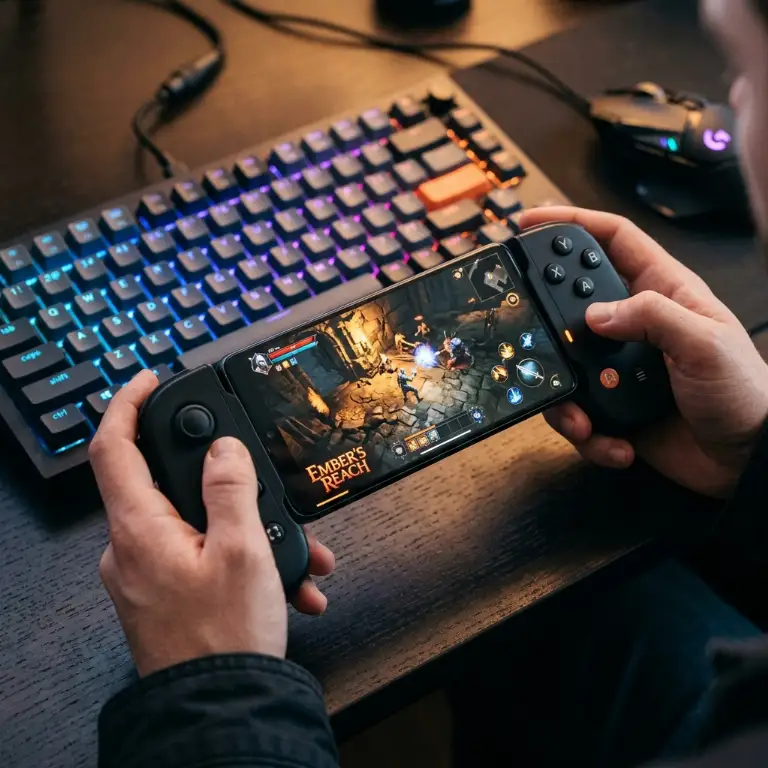
Yet a massive pain point remains: touchscreen controls. Playing a twitch shooter or fast-paced action game while your thumbs block half the display is a recipe for missed shots and cramping fingers.
To unlock your device's full potential, playing mobile games with a controller is an absolute necessity.
So which accessory should you buy to turn your phone into a true handheld console? I tested the market's leading options.
Whether you want the best smartphone controller or a budget-conscious alternative, here is my candid, no-nonsense breakdown.
Backbone One: The Undisputed Market Benchmark
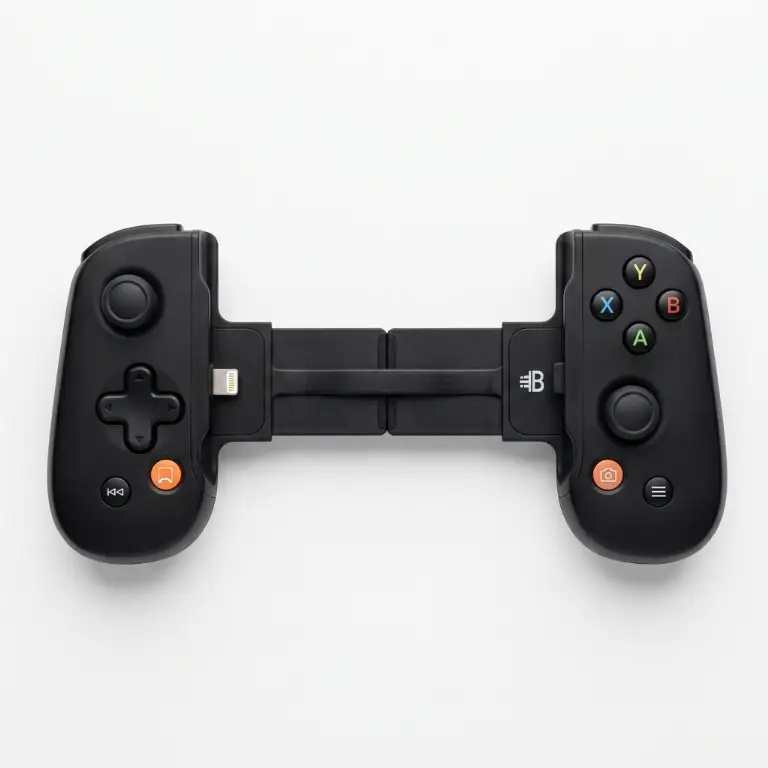
Backbone One
- Direct physical USB-C or Lightning connection with zero latency
- Built-in 3.5mm headphone jack for zero-delay wired audio
- Superb Switch-inspired ergonomic grip and premium analog triggers
If you spend any time on social media or gaming forums, you have definitely seen the Backbone One. Put simply, it has cemented itself as the definitive gold standard for mobile gaming controllers.
Its design takes direct inspiration from the Nintendo Switch: it telescopes outward to cradle your phone in the middle, instantly turning it into a dedicated handheld console.
Direct Hardware Connection for Zero Input Lag and Clean Audio
The crowning achievement of the Backbone One is its direct physical link. Say goodbye to Bluetooth pairing headaches and frustrating audio/input latency during rhythm games or competitive shooters.
Instead, your phone connects directly via the integrated USB-C or Lightning male port.
The outcome? Absolutely zero perceptible input lag. Every single button press registers instantly on screen, which is paramount for high-stakes competitive matches.
Another stroke of genius: the inclusion of a dedicated 3.5mm audio jack on the bottom edge. Plugging in your favorite wired headset without dongle gymnastics delivers pure, lag-free audio immersion.
Flawless Ergonomics, Premium Price Tag
In hand, the Backbone One's ergonomics are top tier. The contouring feels natural, and the analog triggers provide nuanced travel for feathering the throttle in racing sims.
As a bonus, pass-through charging allows you to plug in a power cable while playing, ensuring your battery never dies mid-clutch.
However, its price tag around $100-$120 remains steep, and while the Backbone companion app offers a sleek console-like game launcher, it aggressively nudges you toward an optional premium subscription.
Razer Kishi V2: The Tactile Micro-Switch Alternative
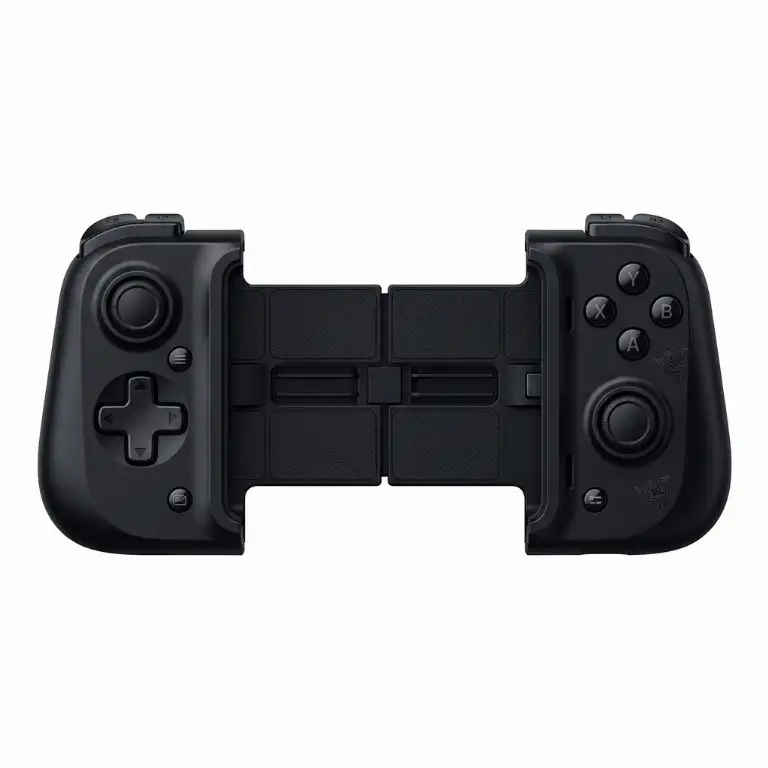
Razer Kishi V2
- Ultra-responsive mechanical micro-switch buttons with satisfying clicks
- Rigid extendable bridge fitting nearly all modern smartphones
- Direct USB-C hardware connection for surgical in-game responsiveness
Gaming peripheral titan Razer was never going to let Backbone claim the crown unchallenged. The Razer Kishi V2 is their direct answer, packing serious hardware credentials.
It shares the same telescoping backbone design to clamp your smartphone, but injects signature Razer PC gaming DNA.
Mouse-Click Tactility in a Gamepad
The Kishi V2's standout feature lies in its face buttons. Razer swapped out conventional squishy membrane switches for mechanical micro-switches.
Every press on the A/B/X/Y buttons or D-pad delivers a crisp, short, tactile click reminiscent of a high-end gaming mouse.
Responsiveness is surgical, making it a dream for fighting games and precision platformers where pixel-perfect execution is non-negotiable.
Its telescoping bridge is noticeably more rigid than the Backbone's, providing exceptional stability in hand.
A Few Multimedia Compromises
On the downside, the Kishi V2 omits a 3.5mm headphone jack, leaving you tethered to wireless earbuds (with wireless audio delay) or phone speakers.
Furthermore, the grip contours are somewhat flatter than the Backbone, which can lead to hand fatigue during marathon sessions exceeding two hours.
Xbox Wireless Controller + Phone Clip: The Smart Budget Route
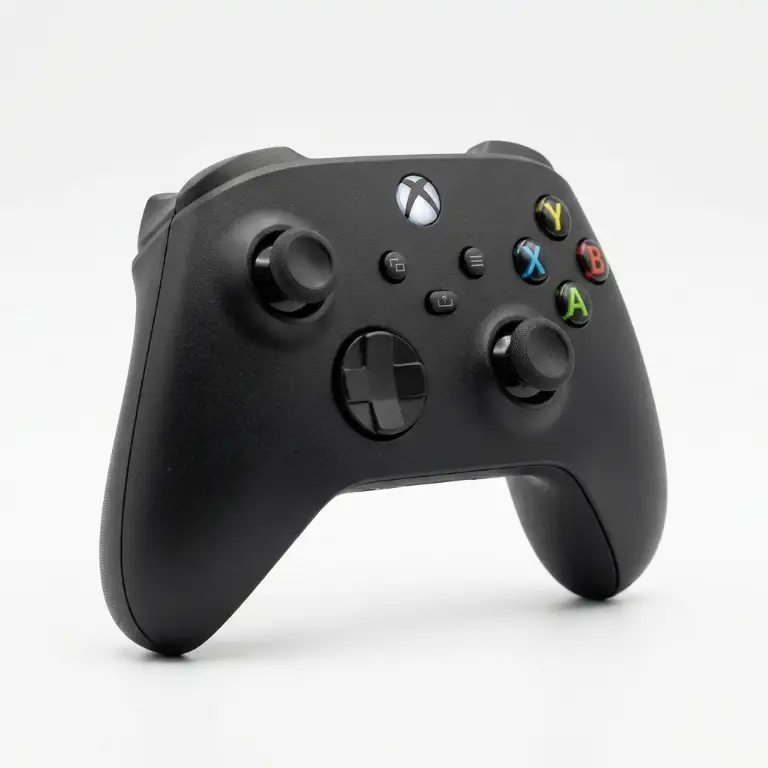
Xbox Controller + Clip
- Repurpose your existing home console gamepad
- Sturdy, adjustable phone mounting clip under $15
- Unmatched full-size ergonomic comfort of genuine Xbox hardware
If you already own an Xbox or PC gamepad, you might not want to drop another hundred dollars on a dedicated mobile accessory.
The ideal budget workaround is a dedicated controller phone mount. For less than $15, this sturdy plastic bracket snaps directly onto your Xbox Series X|S controller and locks your phone securely above it.
Unrivaled Full-Size Console Ergonomics
In terms of raw hand comfort, nothing beats an authentic Xbox controller. It represents decades of ergonomic refinement by Microsoft.
Full-sized thumbsticks, wide textured triggers, and generous face buttons fall naturally beneath your fingers.
Pairing over Bluetooth is seamless on both Android and iOS. If you are gaming at a desk, you can easily prop your phone up and use the gamepad wirelessly from a distance.
Top-Heavy Weight Distribution
The primary drawback of this setup is its weight balance. Suspending a smartphone directly above the controller introduces a forward-tilting leverage effect.
Even with dual-axis adjustable clips, extended handheld sessions will tire your wrists faster than clamp-style gamepads.
It is also bulky: you cannot casually slide this rig into a jacket pocket for a quick commute gaming session.
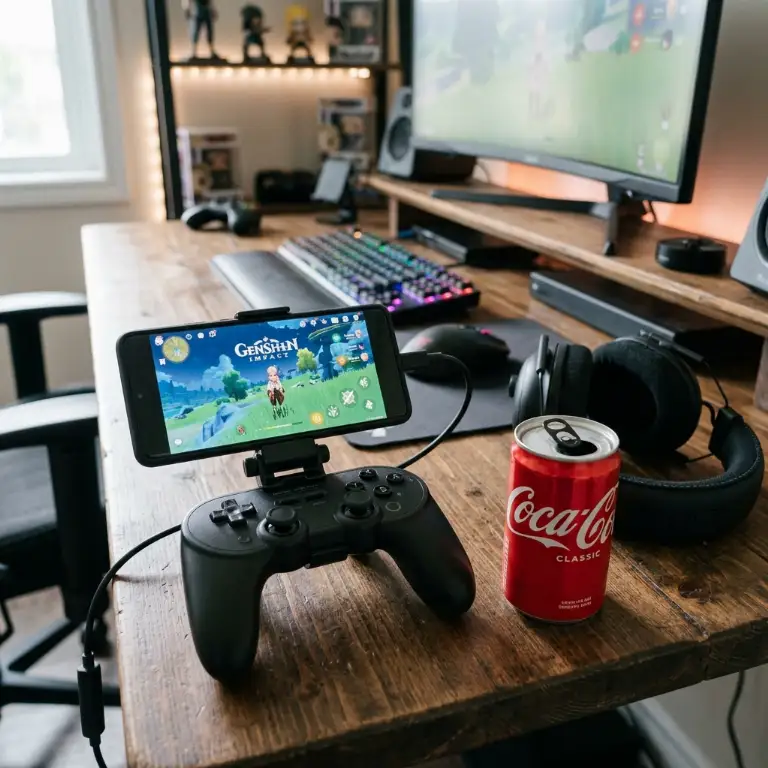
How to Choose the Right Smartphone Controller in 2026
To pick your ideal setup, consider these three core factors:
- Connectivity (Bluetooth vs. Direct Physical Connection): Bluetooth offers universal compatibility across multiple devices, but introduces unavoidable wireless latency. For twitch competitive games, a direct USB-C or Lightning hardware connection is essential.
- Phone Case Compatibility: Telescoping clamp controllers (Backbone, Razer) often require removing thick protective cases to seat properly onto the male port, which can become annoying if you play frequently.
- Pass-Through Charging: Prioritize controllers equipped with pass-through charging ports. This ensures you can juice up your battery during marathon sessions without tearing down your setup.
Looking for the ideal hardware pairing for your new controller? Check out our comprehensive guide to the best gaming smartphones.
Verdict: Which Mobile Controller Should You Buy?
If you demand the absolute best experience, frequently play with wired headphones, and budget is not an obstacle, grab the Backbone One. It remains the reigning champion.
If you crave crisp, tactile mouse-like clicks and lightning-fast micro-switch actuation, the Razer Kishi V2 is a top-tier alternative.
Finally, if you already have a console gamepad at home and want the most cost-effective path forward, an Xbox controller clip gets you into the game brilliantly for under fifteen bucks.
Good Game, and see you out there,
Grimtag
💡 Pro Mobile Gaming Setup Tips:
To get the most out of your Android controller or Backbone gamepad, explore our curated guide to the best gaming smartphones as well as our comparison of the best budget gaming phones tailored to your wallet.

SEO consultant for over 20 years and digital entrepreneur, Charles 'Grimtag' Ronchain is the founder of Pro-Gamer.gg, Retrocharting.com, and Gamescharting.com. A competitive gamer, streamer, and retro game collector, he has worked in the video game industry for over 15 years, notably as a consultant for leading game price comparison platforms. Passionate about real-time performance data and gaming technology, he analyzes competitive esports, gaming hardware benchmarks, and creator workflows on Pro-Gamer.gg with an authentic player perspective.