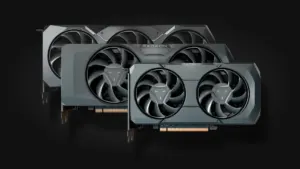
How to Build a Budget Gaming PC in 2026: Step-by-Step Component Guide

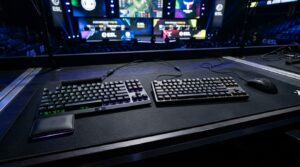
Building your own desktop rig remains the smartest way to maximize every dollar you spend. With carefully curated, balanced components, you get a competitive battlestation ready to pair with a responsive mechanical gaming keyboard, capable of driving your favorite esports titles (like Valorant, Fortnite, or Apex Legends) past 144 FPS at 1080p without draining your bank account.
Here is how to assemble the ideal entry-level gaming PC build in 2026: rock-solid components, exceptional price-to-performance, and zero compromises on future upgrade paths.
Core Components for a Balanced Budget Gaming PC
To steer clear of nasty hardware bottlenecks, every component was selected and vetted against strict benchmarking standards, drawing inspiration from industry testing labs like Tom's Hardware.
Processor (CPU): AMD Ryzen 5 7600
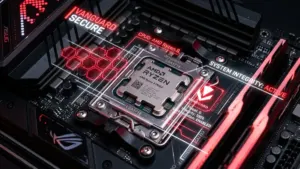
When it comes to CPUs, AMD's AM5 platform is the undisputed champion. The AMD Ryzen 5 7600 (~$190) punches well above its weight class with 6 cores and 12 threads boosting up to 5.1 GHz. In competitive esports titles where single-core IPC reigns supreme, it crushes the competition in this price tier. Best of all: AM5 offers long-term socket support, ensuring hassle-free CPU upgrades down the road.
Budget Pro-Tip: The included Wraith Stealth box cooler saves you $30 right off the bat, but it tends to get noisy under heavy loads. Consider swapping it later for a $20 Thermalright Assassin X for whisper-quiet thermal performance.
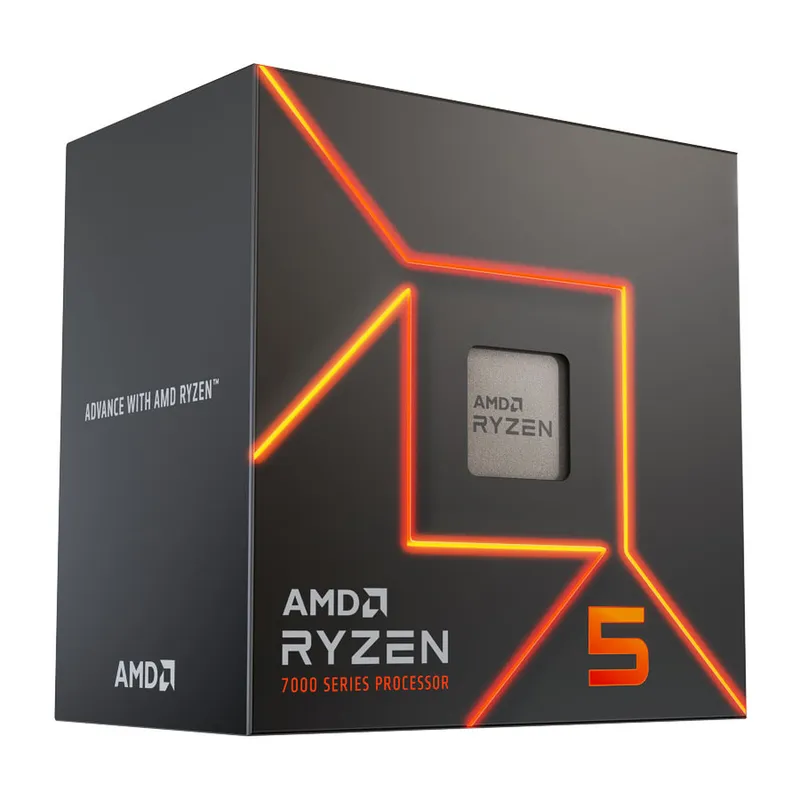
Buy the Ryzen 5 7600 on Amazon (~$190)
Graphics Card (GPU): XFX Radeon RX 6600 Speedster SWFT 210
The XFX Radeon RX 6600 (~$210) thoroughly dominates budget 1080p gaming. Unlike underpowered options like the RTX 3050, it packs 8GB of GDDR6 VRAM essential for modern texture packs, giving you the fluid frame rates needed to track targets with the precision of the best ultra-lightweight gaming mice.
Expert Advice: As this generation approaches end-of-life, brand-new retail inventory can fluctuate. Keep an eye on certified refurbished or used listings to score an even steeper bargain.
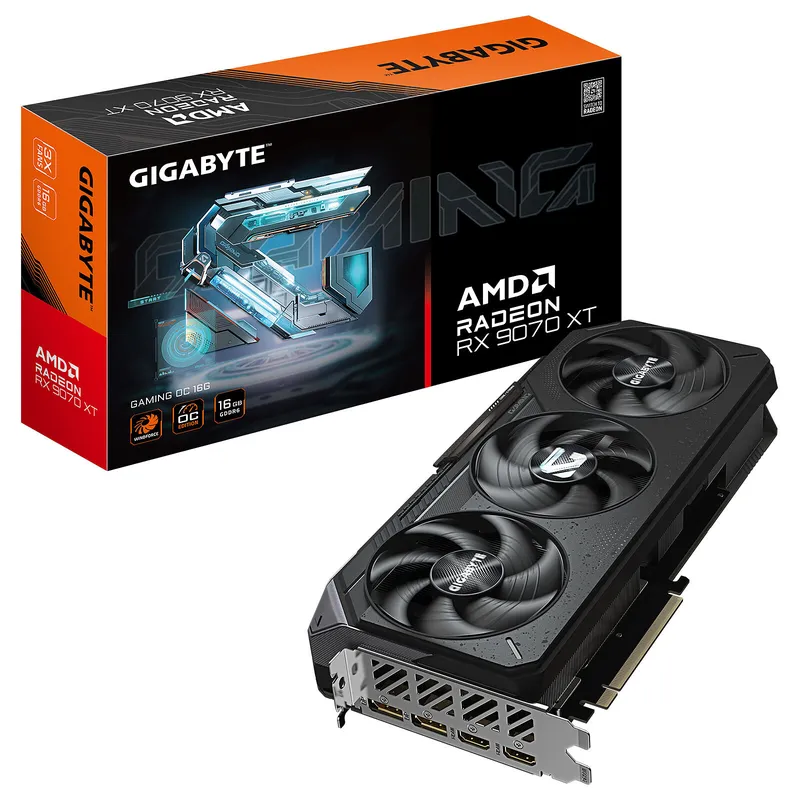
Buy the Radeon RX 6600 on Amazon (~$210)
Motherboard: MSI PRO B650M-P
To host our Ryzen CPU reliably, the MSI PRO B650M-P (~$125) steps up with solid VRM power delivery. It steers you clear of ultra-budget A620 motherboards, which frequently throttle CPU boost clocks when thermals rise, while preserving full EXPO memory overclocking flexibility.
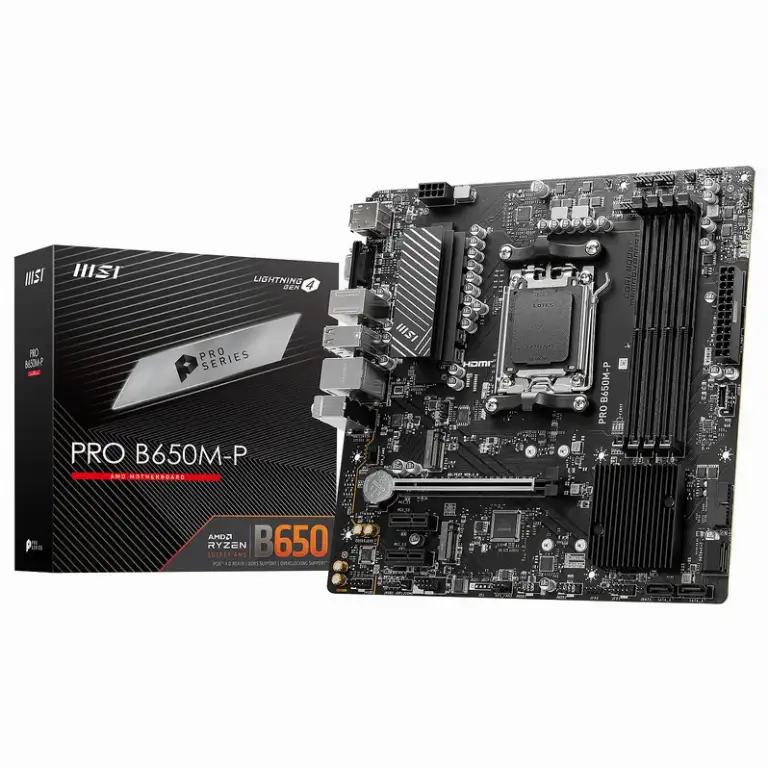
Buy the MSI PRO B650M-P on Amazon (~$125)
Memory (RAM): Corsair Vengeance DDR5 16GB (2x8GB) 5200MHz
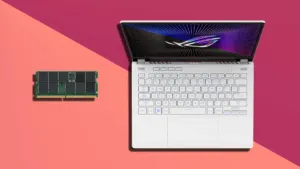
The Corsair Vengeance DDR5 16GB kit (~$70) ensures snappy system responsiveness. Running dual-channel memory is mandatory to double overall memory bandwidth compared to a single stick, eliminating annoying micro-stutters during hectic gunfights.
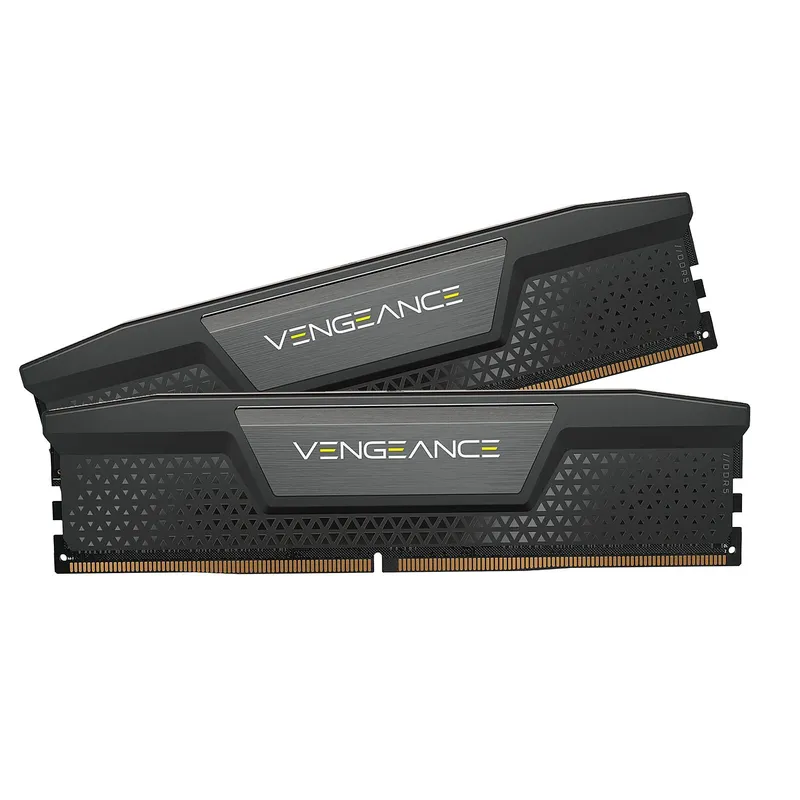
Buy Corsair DDR5 RAM on Amazon (~$70)
Solid State Drive (SSD): Crucial P3 Plus 1TB M.2 NVMe
For primary storage, the Crucial P3 Plus 1TB NVMe (~$65) harnesses the PCIe 4.0 protocol to deliver transfer speeds up to 5,000 MB/s. That means booting Windows in under ten seconds and cutting in-game loading screens down to virtually nothing.
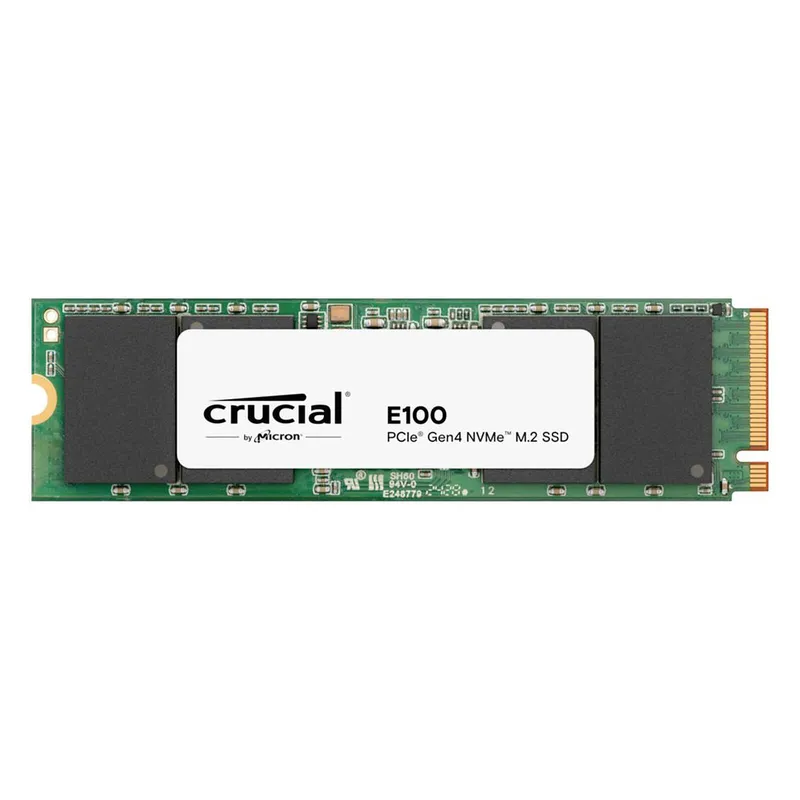
Buy the Crucial P3 SSD on Amazon (~$65)
Power Supply (PSU): MSI MAG A650BN (650W 80+ Bronze)
Never cheap out on your power supply. The MSI MAG A650BN (~$60) delivers a true 650 Watts with 80+ Bronze efficiency, packing all crucial circuit protections (OVP, OCP, SCP) to safeguard your precious components against power surges and shorts.
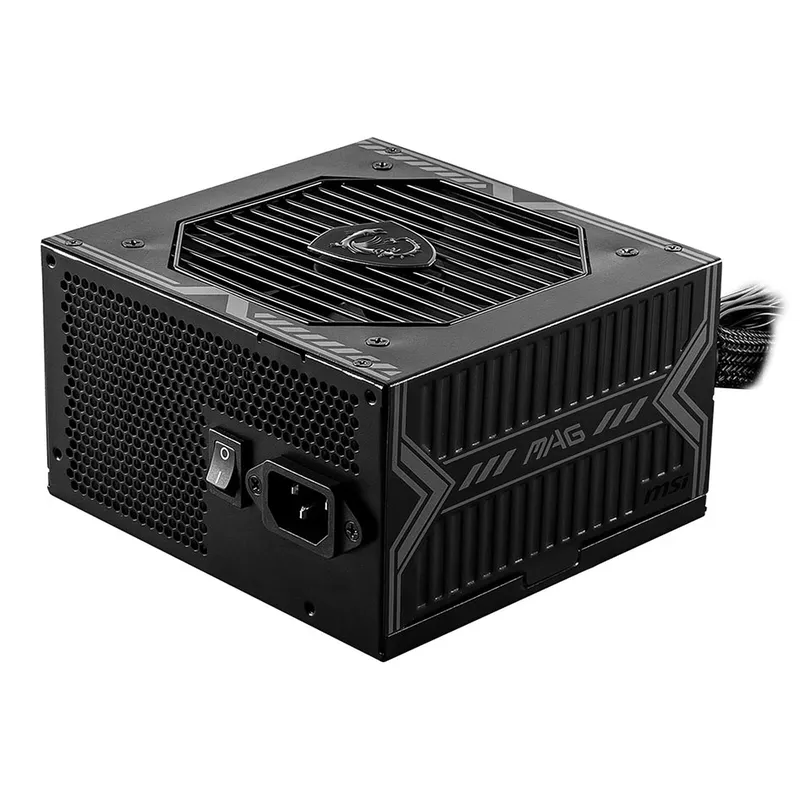
Buy the MSI Power Supply on Amazon (~$60)
Case: Aerocool Cylon SG
The Aerocool Cylon SG (~$50) delivers solid airflow for this price category, making it a sleek centerpiece for a well-designed gaming desk setup, complete with a clean RGB front accent to round out the aesthetic of your new build.
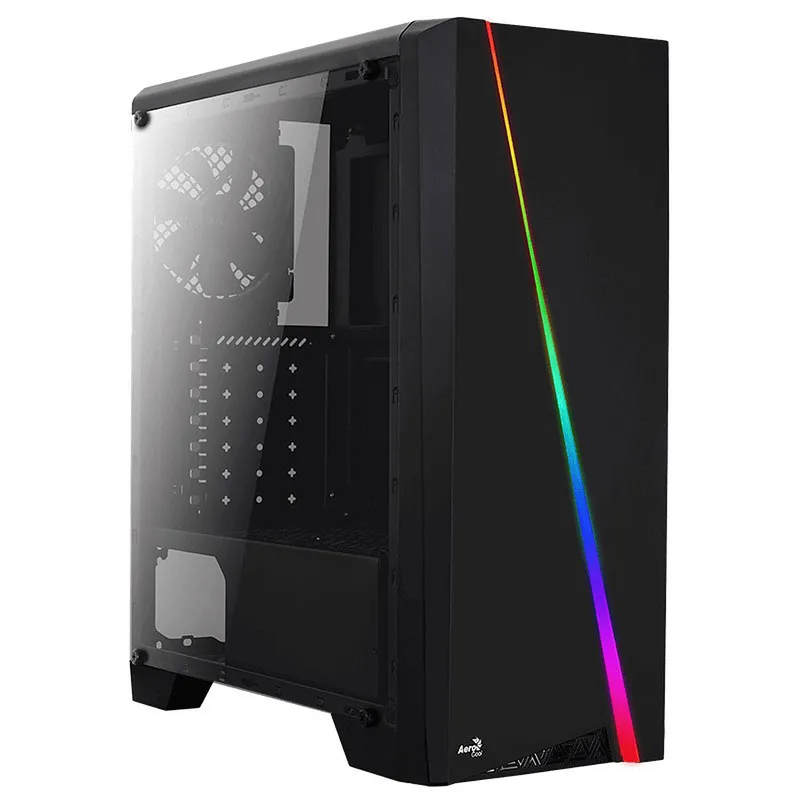
Buy the Aerocool Case on Amazon (~$50)
Which Peripherals Should You Pair with Your Build?
Never underestimate the importance of your gaming peripherals to drive this rig and capitalize on every single frame per second.

SEO consultant for over 20 years and digital entrepreneur, Charles 'Grimtag' Ronchain is the founder of Pro-Gamer.gg, Retrocharting.com, and Gamescharting.com. A competitive gamer, streamer, and retro game collector, he has worked in the video game industry for over 15 years, notably as a consultant for leading game price comparison platforms. Passionate about real-time performance data and gaming technology, he analyzes competitive esports, gaming hardware benchmarks, and creator workflows on Pro-Gamer.gg with an authentic player perspective.