How to Build an Ergonomic Gaming Desk Setup in 2026: Tips and Best Gear
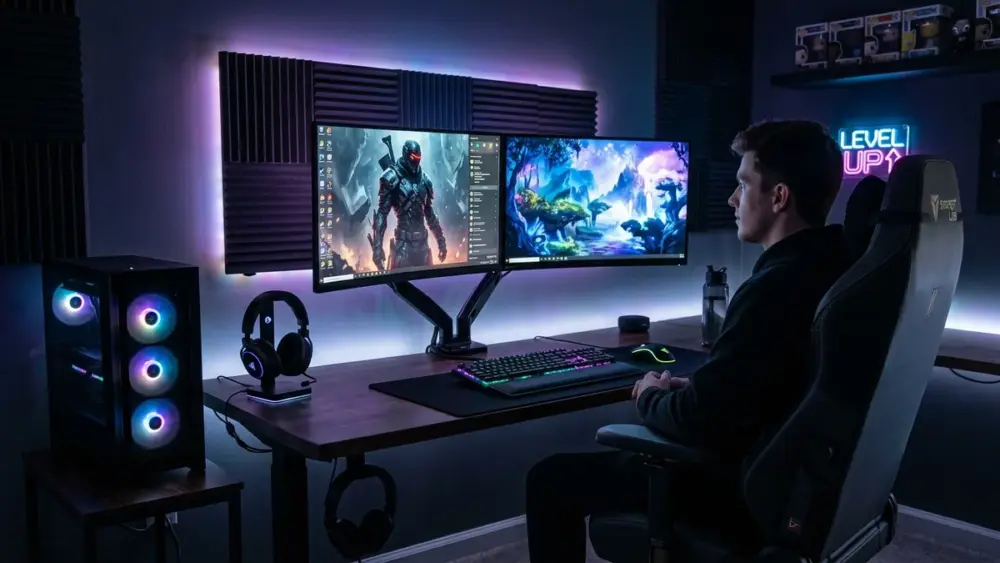
Tired of dealing with a wrecked back after a sweaty best-of-five in Valorant or a grueling day of remote work? That is your body telling you your setup needs a serious ergonomic upgrade. Grinding hours in front of a monitor without proper posture support is a guaranteed path to lower back aches, neck stiffness, and eye strain that will destroy your reaction times. For any serious player, designing a battle station tailored to your body is an absolute essential, whether you game on a gaming laptop or a custom desktop rig.
To back up our recommendations, we draw on postural ergonomics research from the renowned Mayo Clinic on minimizing joint strain and muscle fatigue during long work and gaming sessions.
The Cornerstones of an Ergonomic Gaming Desk
Flexispot E7 Electric Standing Desk: Alternate to Survive
The Flexispot E7 (around $400) stands tall as the undisputed benchmark for height-adjustable desks. Alternating between sitting and standing throughout marathon sessions keeps your blood circulating, takes crushing pressure off your spinal discs, and stops full-body fatigue in its tracks. The E7 sets itself apart with whisper-quiet dual motors, a handy touch control panel with programmable height presets, and rock-solid stability even at its full 48-inch (120 cm) extension.
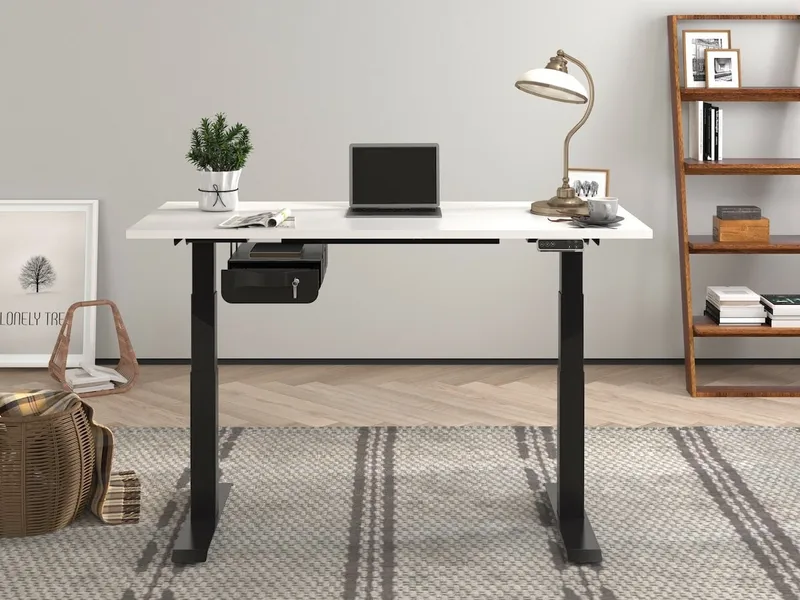
Buy the Flexispot E7 on Amazon (~$400)
Vasagle L-Shaped Corner Desk: Space Meets Industrial Style
If your gaming space is tight or you run a dual-monitor rig, the Vasagle L-Shaped Corner Desk (around $120) is an incredible value. Its L-shaped layout makes the most of unused corner space while cleanly separating your primary gaming station on one wing from your workstation or streaming gear on the other. Its industrial aesthetic, blending a black steel frame with rustic wood-grain finishes, fits naturally into almost any gaming den.
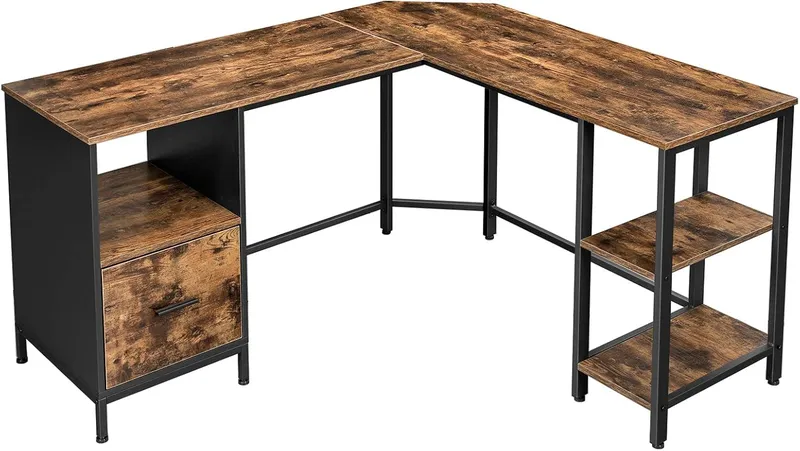
Buy the Vasagle Corner Desk on Amazon (~$120)
The Custom IKEA Classic: Karlby Countertop and Alex Drawers
It is the legendary battlestation combo seen across Reddit and Instagram: an IKEA Karlby oak veneer countertop (around $150) resting atop two Alex drawer units (around $90 each). The build delivers a rich, warm wood aesthetic alongside massive storage capacity, easily supporting an imposing mid-tower alongside a budget gaming PC build.
Pro-Gamer Pro Tip: If you choose the longer tabletop option (74 inches / 186 cm or 98 inches / 246 cm), you must install a center support leg (like the $5 IKEA Adils leg) to keep the top from sagging under the cumulative weight of heavy displays and PC hardware.
Optimizing Your Gaming Layout
Your desk layout has a direct impact on your comfort, endurance, and competitive performance. Pay attention to every detail when assembling your ultimate setup: your back, neck, and joints will thank you over the long haul.

SEO consultant for over 20 years and digital entrepreneur, Charles 'Grimtag' Ronchain is the founder of Pro-Gamer.gg, Retrocharting.com, and Gamescharting.com. A competitive gamer, streamer, and retro game collector, he has worked in the video game industry for over 15 years, notably as a consultant for leading game price comparison platforms. Passionate about real-time performance data and gaming technology, he analyzes competitive esports, gaming hardware benchmarks, and creator workflows on Pro-Gamer.gg with an authentic player perspective.