Dual PC Streaming Setup: Is It Still Worth the Investment in 2026?
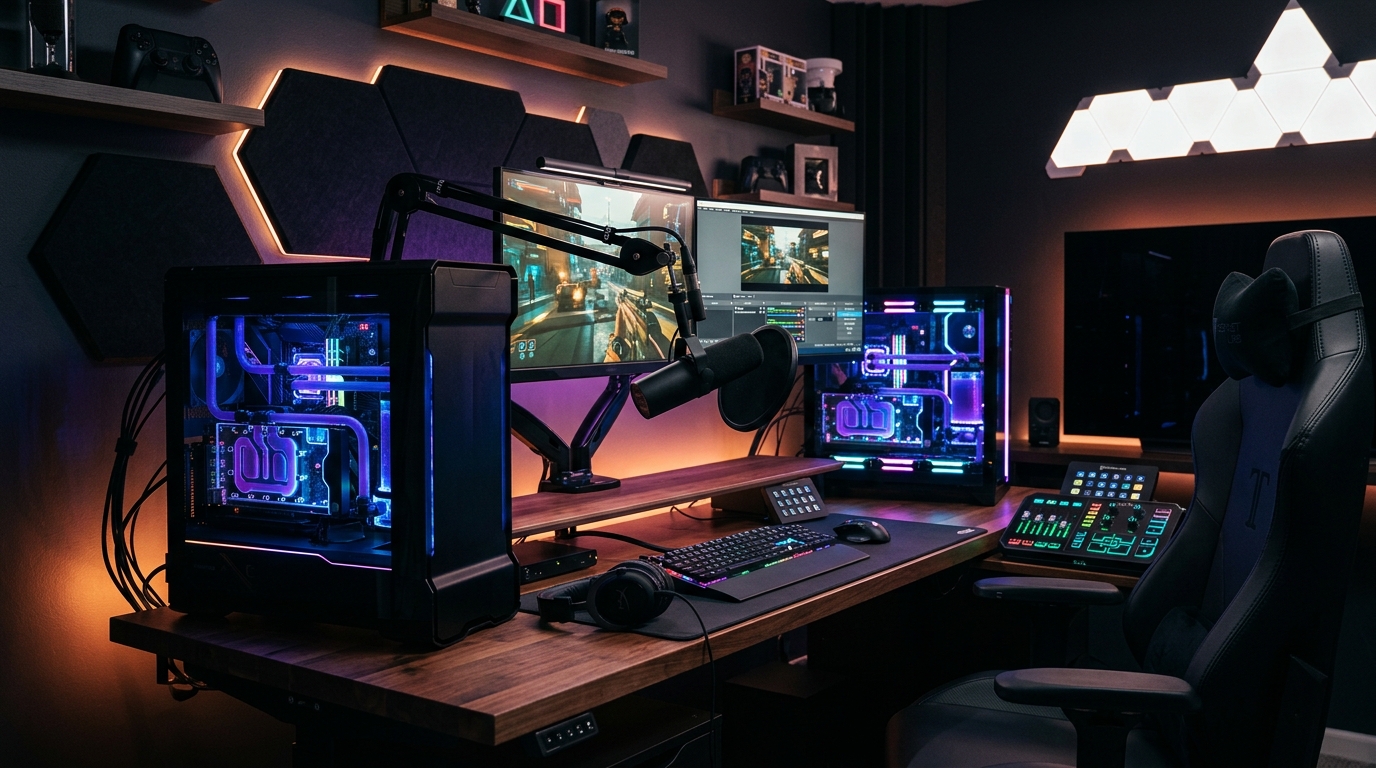
During the early days of Twitch streaming, a dual PC setup (one rig dedicated to running the game and a second tasked with encoding and broadcasting the stream) was the holy grail for any serious content creator. But with the rapid evolution of modern multi-core processors and GPU encoding technology, is this complex and expensive setup still worth the investment in 2026?
How a Dual PC Streaming Setup Works in Theory
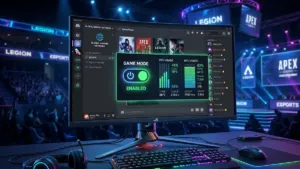
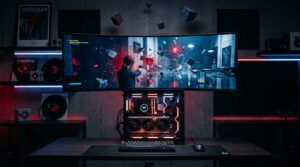
The core concept is straightforward: your primary gaming rig runs your game at peak graphical fidelity. Its video output is sent via HDMI to a dedicated capture card installed in a secondary streaming PC, which handles compressing the video and broadcasting it to Twitch or YouTube using its own processor and hardware encoder.
This workload separation prevents any frame rate drops in-game and ensures a silky-smooth, stutter-free live stream. However, it requires double the financial investment and introduces serious technical complexity, especially when it comes to routing and syncing multi-channel audio without latency.
The Single-PC Revolution: Dedicated Hardware Encoding
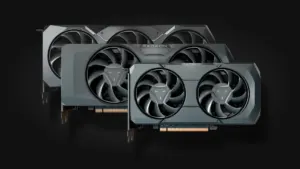
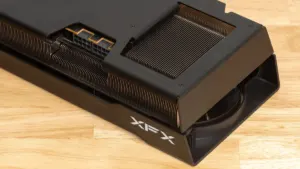
The arrival of dedicated hardware encoders like NVIDIA NVENC on modern GeForce RTX graphics cards completely shifted the landscape. These onboard silicon chips compress your live video feed in real time without eating into your CPU resources, virtually eliminating any measurable hit to gaming performance.
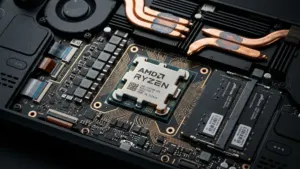
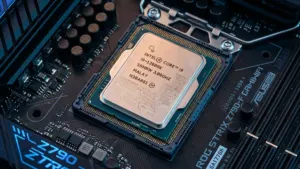
On top of that, contemporary CPUs pack massive core and thread counts, allowing them to breeze through demanding AAA titles and background streaming software simultaneously without breaking a sweat. For the vast majority of beginner and intermediate creators, a single, well-configured PC is more than enough.
When Does a Dedicated Second PC Actually Make Sense?
A dual PC setup remains a rational choice for top-tier esports broadcasters and high-production studio streams. It acts as an absolute hardware fail-safe: if the gaming PC crashes or blue-screens in the middle of an intense tournament match, the stream remains live on the secondary PC, letting the broadcaster inform viewers without abruptly cutting the feed.
Outside of that specific fail-safe scenario, dropping $1,500 to $2,000 on a secondary machine and capture card yields diminishing returns compared to investing in studio-grade audio or proper key lighting. To level up your audio quality on either a single or dual-PC setup, check out our guide to upgrading from USB to XLR microphones and our round-up of the best streaming microphones for gaming.
The Verdict: Which Setup Should You Build for Your Channel?
If you are launching your channel or looking to scale your setup smartly, stick to a powerful single-PC configuration equipped with a modern graphics card and a robust multi-core CPU. It is dramatically easier to configure, consumes far less power, and delivers the best return on investment for your money.
What about you? Are you rocking a single powerhouse rig under your desk, or did you take the plunge with a dual-PC command center and an analog mixer? Let us know in the comments below if the upgrade made a noticeable difference for your stream!

SEO consultant for over 20 years and digital entrepreneur, Charles 'Grimtag' Ronchain is the founder of Pro-Gamer.gg, Retrocharting.com, and Gamescharting.com. A competitive gamer, streamer, and retro game collector, he has worked in the video game industry for over 15 years, notably as a consultant for leading game price comparison platforms. Passionate about real-time performance data and gaming technology, he analyzes competitive esports, gaming hardware benchmarks, and creator workflows on Pro-Gamer.gg with an authentic player perspective.