360Hz+ Displays, Dry Eyes, and Eye Strain: The Pro Gamer Vision Protection Guide
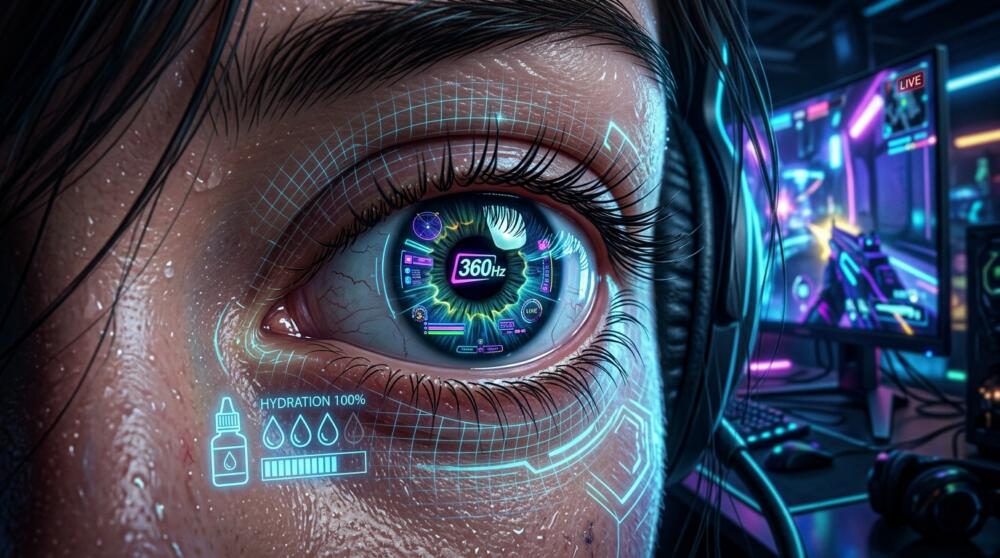
To track incoming projectiles in Overwatch 2, click pixels on heads in CS2, or read movement paths in Valorant, competitive players now rely on bleeding-edge refresh rates pushed by 360Hz, 480Hz, and 540Hz panels.
While motion clarity and input latency reductions are unmatched, an esports athlete's visual system faces unprecedented mechanical strain.
Staring down a high-refresh display for 6 to 12 hours a day without safeguards triggers silent, progressive ophthalmic damage.
Here is a medical breakdown of long-term vision risks alongside a complete technical guide to safeguard your eyes.
1. Reduced Blink Rate and Severe Dry Eye Disease
Under normal conditions, a human naturally blinks 15 to 20 times per minute.
This involuntary reflex distributes the tear film (a protective hydration layer composed of water, lipids, and mucin) across the cornea for protection and oxygenation.
Clinical research published via the American Academy of Ophthalmology (PubMed) reveals that during intense gaming sessions requiring peak visual focus, blink rates plummet to just 3 to 4 blinks per minute.
Even worse, over 60% of these blinks are incomplete: the eyelids do not make full contact.
The tear film evaporates rapidly, leaving the corneal surface exposed directly to dry air.
Over time, this chronic condition (Dry Eye Disease) triggers meibomian gland dysfunction (MGD), leading to microscopic corneal abrasions and permanent photophobia (extreme light sensitivity).
👁️ Ophthalmic Protocol & Display Settings
⏱️ The 20-20-20 Rule
Every 20 minutes, look at an object 20 feet (6 meters) away for 20 seconds to relax the ciliary muscle.
💧 Hyaluronic Acid Eye Drops
Use preservative-free single-dose vials (e.g., Systane, Refresh, or Vismed) to rehydrate the cornea before and after scrims.
💡 Bias Lighting
Mount a 6500K LED strip behind the monitor to soften dark-room contrast ratios.
⚙️ OSD Settings & Flicker-Free
Turn on native hardware low-blue-light modes and avoid aggressive BFI/DyAc settings if prone to migraines.
Source: pro-gamer.gg, Gaming Vision & Ophthalmic Health
2. Accommodative Asthenopia: The Ciliary Muscle Spasm
Staring at a display fixed at a constant distance (16 to 24 inches / 40 to 60 cm) demands non-stop contraction of the intraocular ciliary muscle to keep the crystalline lens curved.
After hours of intense scrimming, this muscle suffers an accommodative spasm (accommodative asthenopia).
According to clinical studies in the Journal of Clinical Medicine (NCBI), accommodative overload leads to temporary pseudomyopia: when players look up from their monitor, distance vision remains blurry for several minutes.
This condition is accompanied by supraorbital headaches (throbbing pain directly above the eyebrows), heightened glare sensitivity, and compromised visual tracking speed.
The Best Vision Protection Gear for Gamers
To actively shield your eyes from excessive light exposure and alleviate ciliary muscle strain, here are 3 recommended gear solutions:
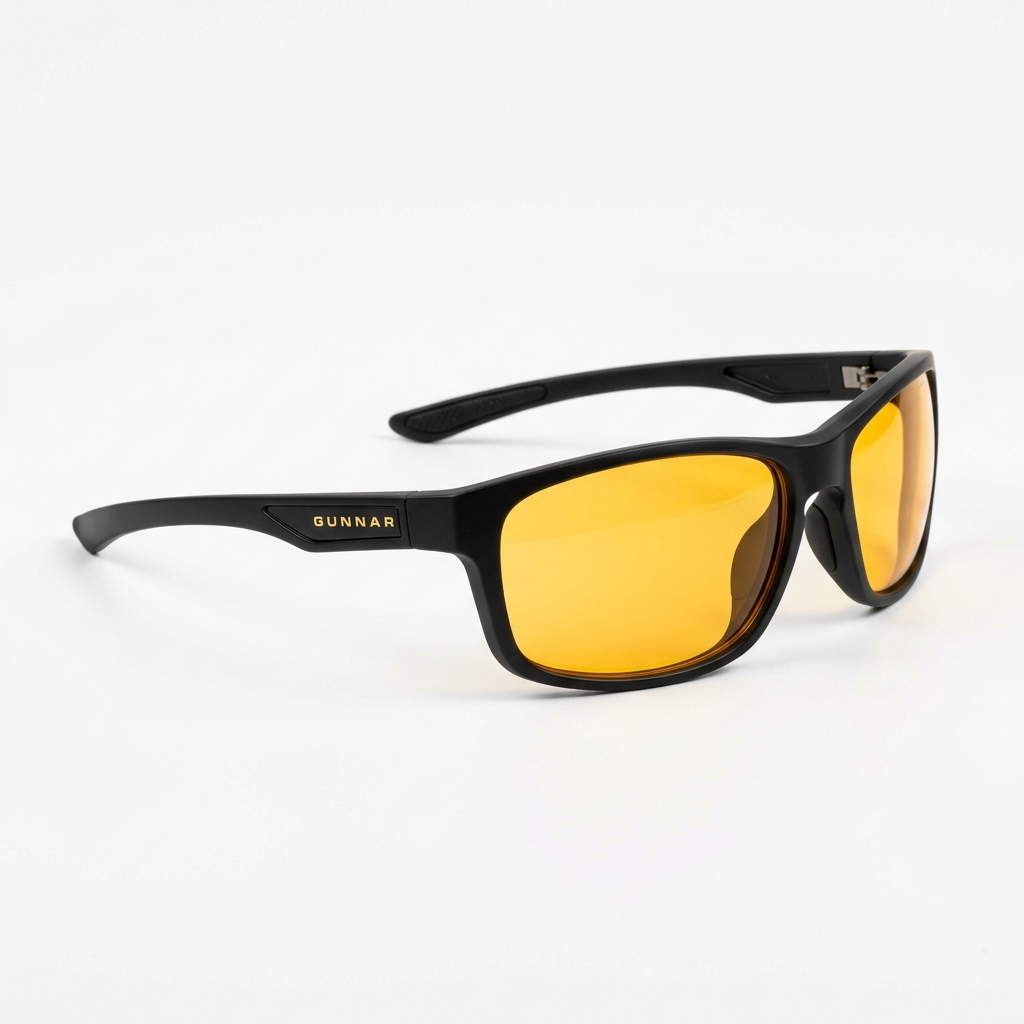
Gunnar Optiks Enigma Amber
- 65% HEV blue light filtration
- Targeted focal power to relieve ciliary muscle fatigue
- Headset-compatible ergonomic temples
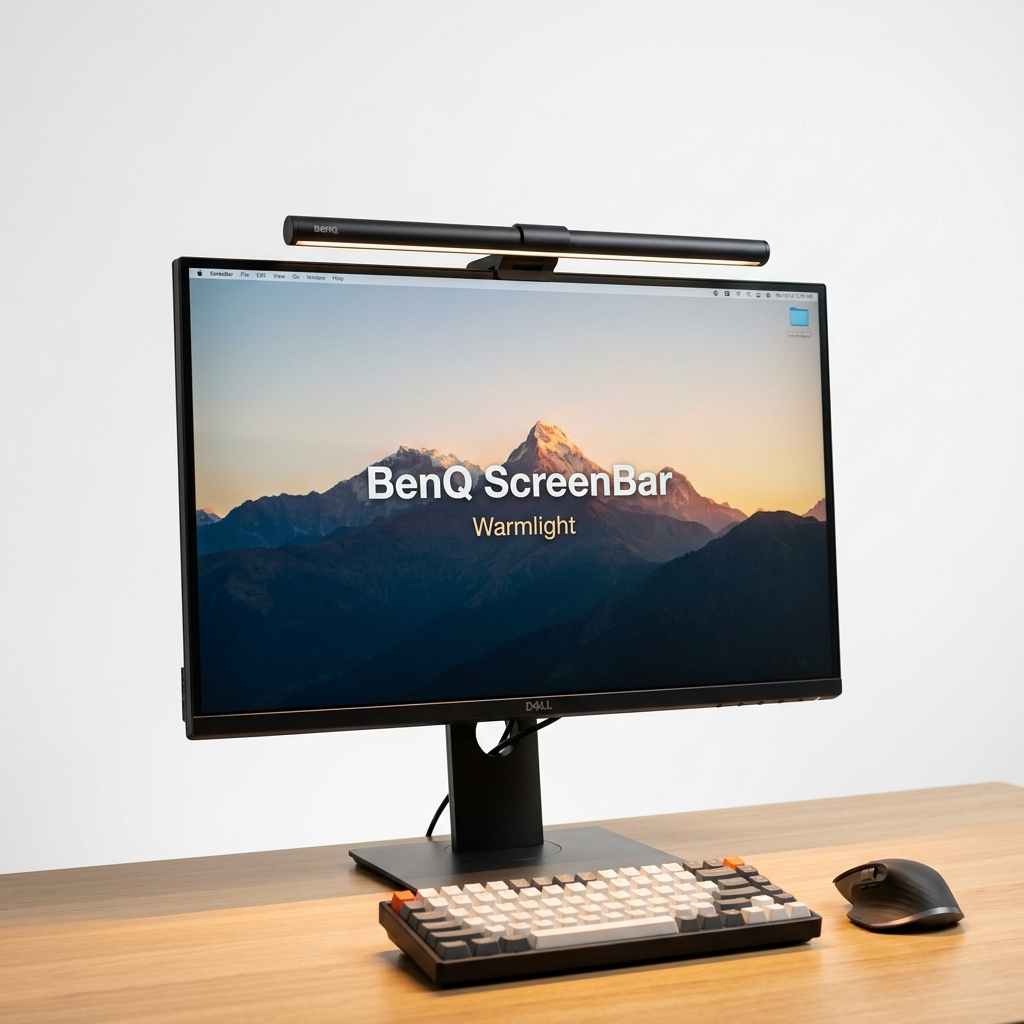
Quntis ScreenBar LED Monitor Light
- Asymmetric optical design zero-glare bias light
- Smart auto-dimming ambient light sensor
- Adjustable color temperature (3000K-6500K)
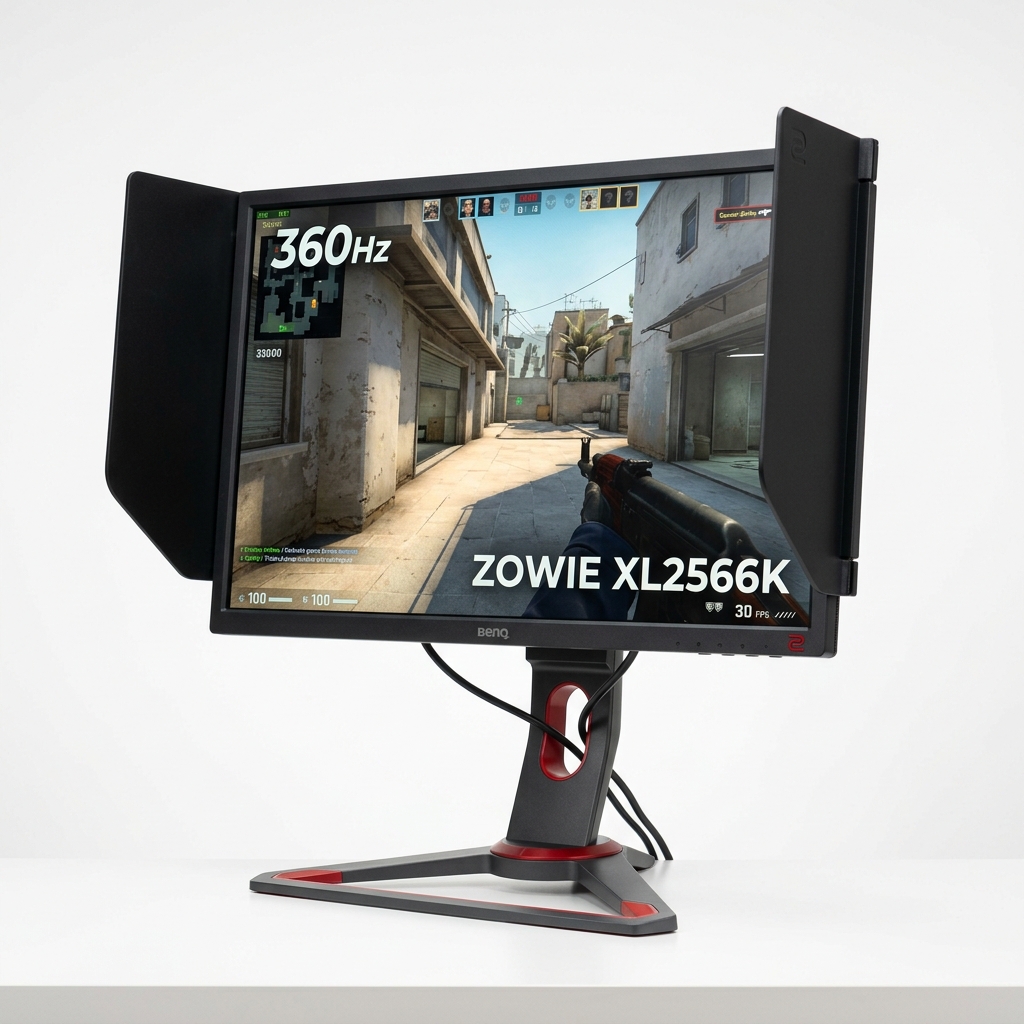
BenQ ZOWIE XL2566K 360Hz
- Ultra-fast 360Hz panel with DyAc+ motion clarity
- Certified Flicker-Free anti-stutter tech
- Customizable hardware low-blue-light OSD filter
3. Warning Symptoms You Should Never Ignore
If you experience any of the following symptoms during competitive play, your visual system is overheating:
- A gritty, sand-like sensation or burning under your eyelids toward the end of the day.
- Noticeable bloodshot eyes (conjunctival hyperemia) halfway through your scrim session.
- Intermittent blurred vision and sluggish focus acquisition when tracking HUD elements.
- Dull, throbbing headaches localized behind the eye sockets or across the brow.
4. Technical Guide: Optimizing Monitor Hardware to Protect Your Eyes
A. Monitor OSD Calibration
Never play on blinding out-of-the-box factory defaults.
Calibrate panel brightness against your ambient room lighting: in a dim setup, 100% brightness sears retinal tissue.
Enable your monitor's native low-blue-light mode via the OSD, or shift color temperature to a warmer profile (6500K).
Be cautious with backlight strobing and black frame insertion tech (such as DyAc, ELMB, or ULMB): while they dramatically sharpen motion clarity, their rapid backlight strobing can induce intense ocular migraines in light-sensitive gamers.
B. The Critical Role of Ambient Bias Lighting
NEVER game in a pitch-black room.
The extreme contrast between a high-luminance 360Hz display and a pitch-black room forces pupils into a perpetual cycle of rapid dilation and contraction, triggering severe strain in the pupillary sphincter.
Mount bias lighting (a 6500K balanced LED strip behind the monitor) to bounce soft, indirect illumination against the back wall.
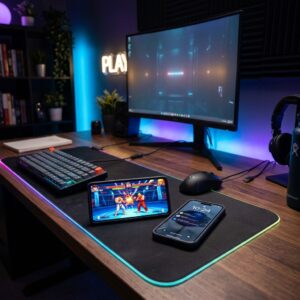
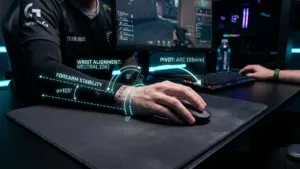
Just as you protect your wrists against carpal tunnel syndrome and tendonitis and shield your body from the health hazards of prolonged sitting, safeguarding your vision preserves the longevity of your reaction times.
Protect your eyes: possessing 20/20 vision at 20 is great, but keeping your eyes healthy for a lifetime of competition is priceless.

SEO consultant for over 20 years and digital entrepreneur, Charles 'Grimtag' Ronchain is the founder of Pro-Gamer.gg, Retrocharting.com, and Gamescharting.com. A competitive gamer, streamer, and retro game collector, he has worked in the video game industry for over 15 years, notably as a consultant for leading game price comparison platforms. Passionate about real-time performance data and gaming technology, he analyzes competitive esports, gaming hardware benchmarks, and creator workflows on Pro-Gamer.gg with an authentic player perspective.