0.03ms vs. 33.33ms at 30 FPS: Why GTA 6 Worries OLED TV Owners and the 3 Settings You Must Enable
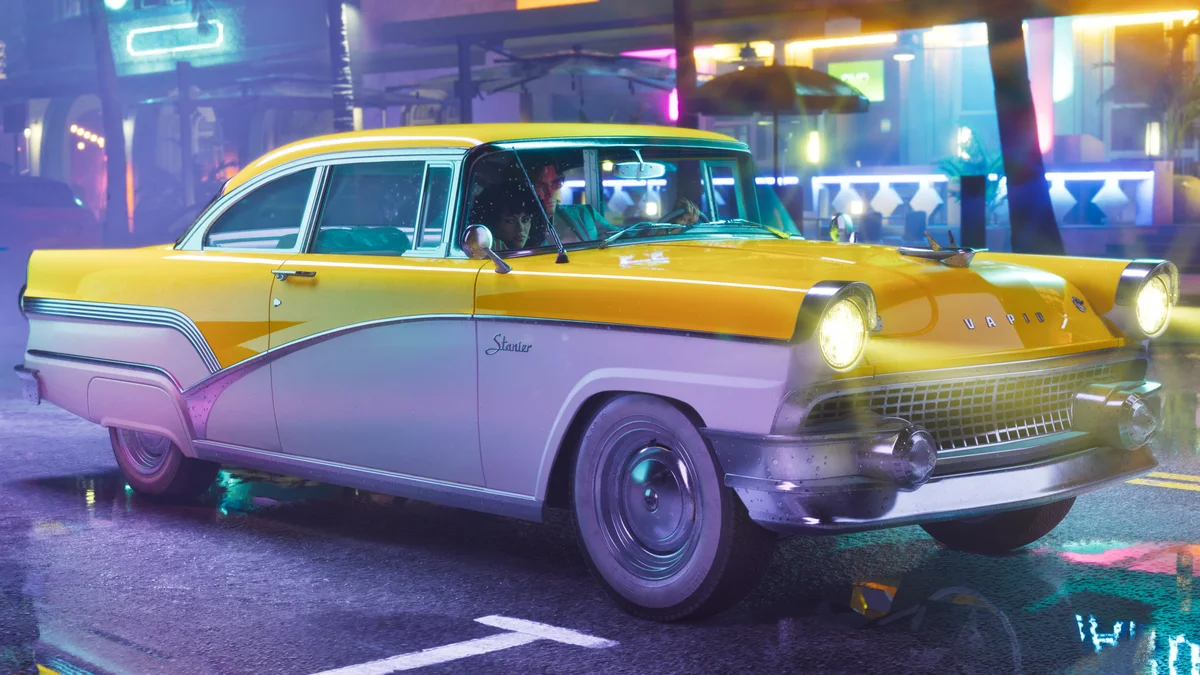
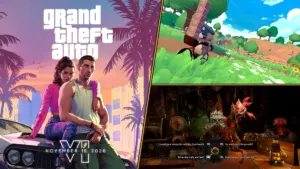
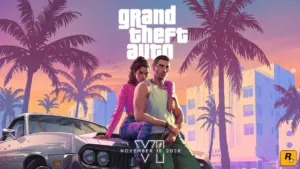
With less than forty-eight hours remaining before Grand Theft Auto VI launches worldwide on November 19, 2026 for PlayStation 5 and Xbox Series X|S, a heated technical debate has taken over display and gaming communities on Reddit: how will Rockstar Games' 30 frames per second console target look on modern WOLED and QD-OLED televisions? Because Rockstar prioritized dense urban simulation, Leonida traffic AI, and ray-traced global illumination over a 60 FPS performance toggle on base hardware, one LG G5 owner even dusted off a PlayStation 3 copy of GTA V this week just to test how their eyes react to 30 FPS on a cutting-edge self-emissive panel.
Across threads filled with LG C5, C6, and G5, Samsung S95D and S95F, and Sony Bravia 8 owners, the observation is nearly unanimous: a locked 30 FPS feed looks noticeably choppier on a 2026 flagship display than it did back in September 2013. When GTA V originally debuted thirteen years ago, barely 4,500 OLED TVs were sold worldwide across the entire year according to DisplaySearch market figures, meaning almost every console player experienced Los Santos on LCD or plasma screens.
The Optical Paradox of 30 FPS on OLED: 0.03ms Response Time vs. 33.33ms Sample-and-Hold
The reason a 30 FPS camera pan can feel jarring on a modern OLED television has nothing to do with console frame drops and everything to do with display physics. On a conventional LCD panel, liquid crystals require between 5 and 12 milliseconds (gray-to-gray, or GtG) to twist from one shade to another. That physical transition creates a natural, built-in motion blur that softens frame-to-frame jumps at lower refresh rates.
By contrast, every self-emissive pixel on a WOLED or QD-OLED panel switches states in an astonishing 0.03 to 0.1 milliseconds. At 30 FPS, each rendered frame must remain on screen for 33.33 milliseconds under standard Sample-and-Hold display operation. On an OLED TV, the new frame snaps into place in less than 0.1 ms and then sits completely frozen on the panel for 99.7% of that 33.33 ms window.
While your eyes smoothly and continuously track a speeding sports car down Ocean Drive or a sweeping camera rotation, the image projected onto your retina stays static for over thirty-three milliseconds before jumping abruptly to the next position. That mismatch between continuous ocular tracking and a stationary, razor-sharp frame triggers perceptible stroboscopic judder (OLED stutter), even when the PS5 or Xbox Series X delivers a rock-solid frametime. The effect becomes even more pronounced under high-contrast HDR highlights, where the panel capabilities we examined in our GTA 6 12-bit Dolby Vision vs. PS5 HDR10 comparison make bright neon edges stand out sharply against dark night skies.
| Display Panel & Mode | Pixel Response (GtG) | Sample-and-Hold Duration | Game Mode Input Lag | Motion Behavior & Key Setting |
|---|---|---|---|---|
| 60Hz LCD Panel (30 FPS) | 5 to 12 ms | 33.33 ms (gradual pixel transition) | ~12 to 18 ms | Natural liquid-crystal smearing masks 30 FPS judder |
| 120Hz OLED / QD-OLED (30 FPS) | 0.03 to 0.1 ms | 33.33 ms (99.7% static, 4 cycles of 8.33 ms) | ~9 ms (ALLM enabled) | Pronounced stroboscopic stutter: keep RAGE 9 Motion Blur ON |
| 120Hz OLED / QD-OLED (40 FPS) | 0.03 to 0.1 ms | 25.0 ms (-25% hold time, 3 cycles of 8.33 ms) | ~7 to 8 ms (HDMI 2.1) | Noticeably smoother persistence via 120Hz container + VRR |
Check Availability 120Hz Gaming OLED TVs Availability on Amazon→

The 3 Essential OLED TV Settings (and One Trap to Avoid) Before Launching GTA 6
1. Leave RAGE 9's Per-Object Motion Blur Enabled
Players accustomed to 120Hz or 240Hz PC monitors often develop the muscle memory of disabling motion blur the second they boot a new game. On a 0.03ms OLED television running at 30 FPS, turning motion blur off is the single worst mistake you can make. Rockstar's RAGE 9 engine utilizes high-precision, per-object and per-pixel directional kinetic blur engineered to mimic a 180-degree cinema shutter angle. Keeping it active bridges the visual gap between frames separated by 33.33 ms without smearing fine textures on your character model.
2. Force the HDMI 2.1 Container to 120Hz + VRR + ALLM on PS5, PS5 Pro, and Xbox Series X
Even when playing a 30 FPS title, verify that your console video output is set to 120Hz Automatic alongside VRR (including "Apply to Unsupported Games" on PlayStation 5) and ALLM. On a native 120Hz panel where each refresh cycle lasts exactly 8.33 milliseconds, a 30 FPS stream locks onto an exact cadence of 4 refresh cycles per frame (4 × 8.33 ms = 33.33 ms), preventing uneven frame pacing. Furthermore, as revealed in our breakdown of GTA 6's PS5 Pro PSSR and 120Hz display metadata, any 120Hz Balanced mode targeting 40 FPS drops frame persistence to 3 cycles (25.0 ms), cutting Sample-and-Hold duration by a full 25%.
3. Avoid Cinema Motion Interpolation Outside Game Mode (TruMotion / MotionFlow)
When players first notice 30 FPS judder on an OLED screen, many are tempted to switch out of Game Optimizer mode and turn on standard television motion smoothing (such as LG TruMotion or Sony MotionFlow). Do not fall into this trap: cinema interpolation algorithms spike input lag from roughly 9 ms in Game Mode to 80 or even 100+ ms, making aiming and driving feel sluggish while introducing garish halo artifacts around the aiming reticle and minimap.
In practice, the human brain typically adapts within 10 to 15 minutes when transitioning from a 60 or 120 FPS shooter down to a properly paced 30 FPS open world. For players who remain highly sensitive to stroboscopic judder, only two low-latency tweaks are worth considering: enabling Samsung's dedicated Game Motion Plus on compatible QD-OLED sets (which stays inside Game Mode and adds only around 10 to 15 ms of latency), or slightly dialing back peak HDR luminance so ultra-bright neon edges do not burn as sharply into retinal persistence during fast camera sweeps.
My Test Bench
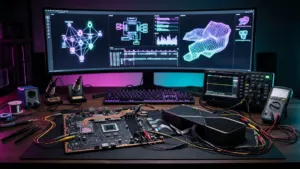
Having tested dozens of WOLED and QD-OLED panels with an oscilloscope and colorimeter, I can tell you the Reddit anxiety around GTA 6 at 30 FPS is rooted in real optics rather than frame-rate snobbery. When a pixel flips in 0.03 ms and stays frozen for 33.33 ms, your eyes notice every static step during a fast pan. My checklist for November 19 is straightforward: leave RAGE 9's per-object motion blur enabled, lock your console into its 120Hz HDMI 2.1 container with VRR active, and give your visual cortex fifteen minutes to settle into Vice City's rhythm before touching any TV smoothing menus.

Grand Theft Auto 6 (GTA 6)
Explore official trailers, technical specs and all latest coverage for Grand Theft Auto 6 (GTA 6).
PC hardware enthusiast and competitive gamer, Arthur 'Heimdall' splits his time between France and the UK working in enterprise B2B software solutions. A business school graduate passionate about component benchmarking, he has been building, modding, and tuning PCs since childhood, optimizing every thermal degree and millisecond of display latency. An avid gamer across Assassin's Creed and sandbox titles, he forged his alliance with Grimtag and Chaya during late-night World of Warcraft raids before joining Pro-Gamer.