Washed-Out Blacks and Hazy Contrast in Zelda: Ocarina of Time on Switch 2: Why Nintendo's ACES HDR Trips Up Your TV (And the Exact Fix)
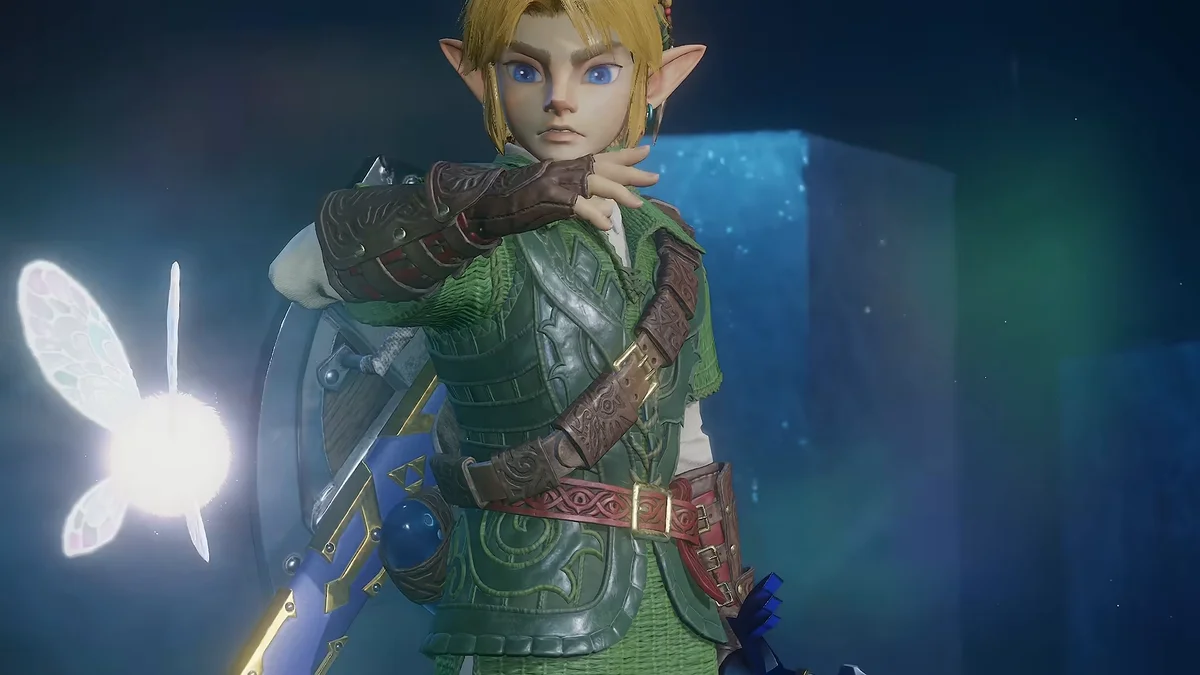
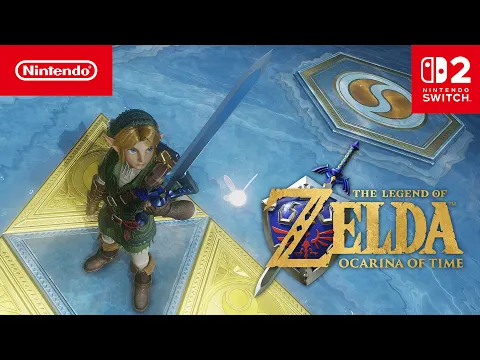
Booting up the The Legend of Zelda: Ocarina of Time remake on an OLED or Mini-LED television through the Nintendo Switch 2 has left many players puzzled by a glaring visual contradiction: instead of pitch-black dungeon shadows and crisp specular highlights around Navi, the picture frequently exhibits a milky haze, elevated gray blacks, and clipped highlights. Rather than a panel defect, this behavior stems directly from how Nintendo packages its HDR10 container and how the console's factory calibration defaults interact with modern displays.
An SDR-to-HDR ACES Approximation Rather Than a Native HDR Pipeline
Graphics programmer and High Dynamic Range specialist Filippo Tarpini (known in the modding and rendering community as Filoppi, creator of the open-source Luma HDR framework on GitHub) pinpointed the technical root of the issue. By analyzing the color pipeline across Nintendo's internal lineup, Tarpini demonstrated that The Legend of Zelda: Ocarina of Time, much like the Switch 2 Editions of Breath of the Wild and Tears of the Kingdom, relies on a late-stage SDR ACES approximation (Academy Color Encoding System) rather than a true end-to-end HDR rendering pipeline.
In practice, even though the remake runs on the modern ModuleSystem engine (codenamed "Owl") inherited from Tears of the Kingdom, its internal lighting and color grading are first resolved within a Standard Dynamic Range (SDR) space. At the very end of the rendering chain, a filmic S-curve (the ACES approximation) stretches luminance values upward to populate the HDR10 signal sent to your television.
As further noted by former Dolby Vision for Games lead Alexander Mejia, this shortcut behaves like a dynamic contrast filter rather than genuine wide-dynamic-range mastering. While bright elements appear punchier on paper, the signal lacks true extra highlight detail, full DCI-P3 color volume expansion, and accurate near-black gradation. Worse yet, stretching the SDR curve lifts the black floor across dark scenes, turning the Inside of the Deku Tree, the Bottom of the Well, and the ruined Market Square,where Nintendo already toned down the terrifying ReDead encounters on Switch 2,into a washed-out gray mist. The same SDR-first tone-mapping limitation also affects other first-party showcases like Mario Kart World and Donkey Kong Bananza, whereas Metroid Prime 4: Beyond stands out as a notable exception with far cleaner black levels and native highlight control.
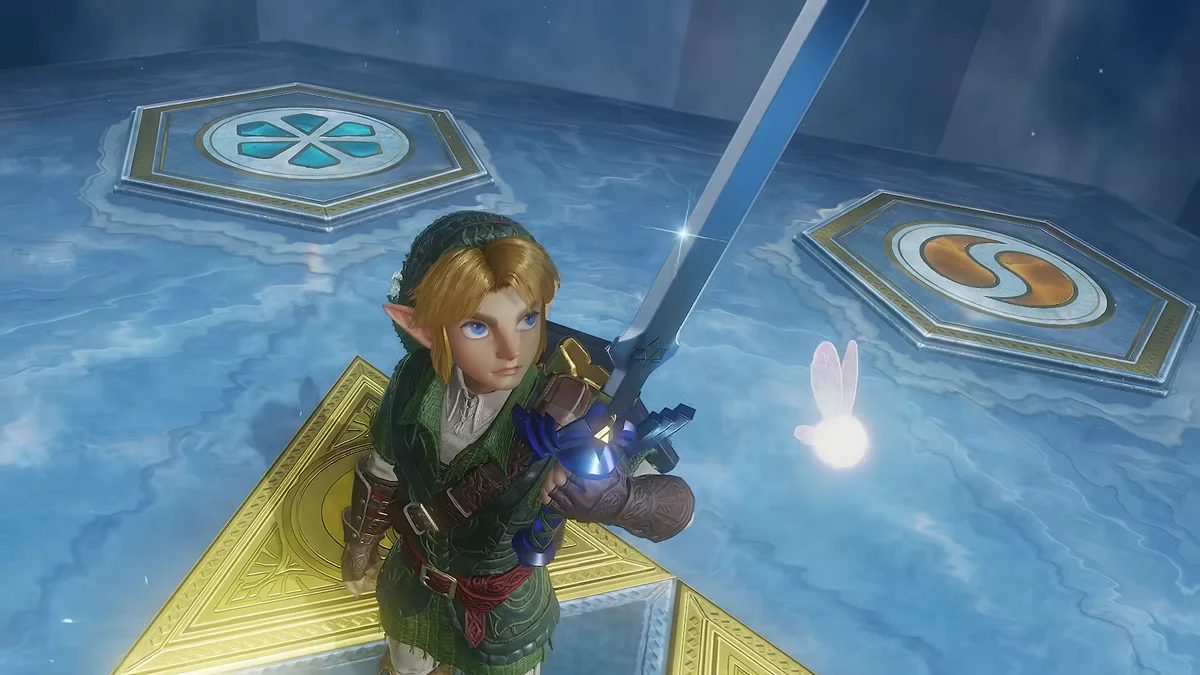
Why the Switch 2 System Calibration Trips Up Non-HGiG TVs
Beyond the game engine's ACES curve, display specialist Vincent Teoh (HDTVTest) identified a second compounding problem inside the system-level HDR calibration tool on the Nintendo Switch 2. Two factory quirks combine to skew the image right out of the box:
- The Dynamic Tone Mapping (DTM) Trap: During the two-sun calibration pattern in the Switch 2 display menu, if your television leaves Dynamic Tone Mapping active instead of switching to HGiG (HDR Gaming Interest Group), the TV actively remaps the console's test signal in real time. Both suns either clip at the wrong threshold or vanish together, completely throwing off the console's peak luminance ceiling.
- The Hidden "Paper White" Slider Set Too High by Default: On the second screen of the Switch 2 HDR adjustment tool, pressing the Y button reveals a secondary slider that controls reference white luminance (Paper White). Out of the box, Nintendo sets this slider near 300 nits,roughly 100 nits above the ITU-R BT.2408 industry reference standard of 200 nits. That overly bright factory baseline overexposes mid-tones and flattens dark dungeon shadows on OLED panels.
Step-by-Step Settings to Fix Zelda: Ocarina of Time HDR on Switch 2
To eliminate the washed-out haze and restore proper shadow depth on your television, apply these exact calibration steps across your TV and Nintendo Switch 2 system settings:
| Calibration Step | Target Menu | Recommended Value | Visual Impact in Ocarina of Time |
|---|---|---|---|
| 1. Television (LG, Samsung, Sony) | HDR Tone Mapping (Game Mode) | Enable HGiG (or set Dynamic Tone Mapping to Off) | Prevents double tone-mapping from blowing out Navi's glow and spell effects. |
| 2. Two-Sun Pattern (Switch 2) | System Settings > Display > Adjust HDR | Stop as soon as the right-hand sun disappears | Matches peak specular clipping to your panel's true nit capability. |
| 3. Hidden Y-Button Slider (Switch 2) | Paper White (Reference Luminance) | Move all the way left, then tap 5 clicks right (~200 nits) | Brings mid-tones down to the ITU-R BT.2408 standard and clears up gray fog. |
| 4. System HDR Output (Pure SDR Fix) | System Settings > Display > HDR Output | Compatible Software Only or Off | Bypasses the ACES S-curve entirely to restore true 0-nit OLED black levels. |
If you play in a dim room on an OLED display and still notice elevated black levels in the Shadow Temple or Forest Temple due to the game's internal ACES conversion, toggling the Switch 2 HDR output to Off remains the cleanest workaround. Running in native SDR restores the original gamma curve, delivering ink-black shadows and rich color saturation without artificial luminance stretching.
My Perspective
Going through Filippo Tarpini's color pipeline findings on my late-night shift finally explained why Chayane spent the past week complaining about a "milky gray fog" while creeping through the Bottom of the Well and the Shadow Temple on her Switch 2. When you hook a console up to an OLED panel capable of shutting off individual pixels at zero nits, watching a dark, atmospheric classic like Ocarina of Time lose its shadow depth to a late-stage SDR ACES curve is genuinely frustrating. Just as Heimdall always insists when calibrating our test benches, enabling HGiG and dialing that hidden Y-button Paper White slider down to five clicks from the left (~200 nits) already makes a night-and-day difference. Still, until Nintendo patches in a native HDR pipeline or a dedicated black-level floor slider, do not hesitate to flip HDR off in the system menu when exploring Hyrule's darkest dungeons.
Zelda Ocarina of Time
Explore official trailers, technical specs and all latest coverage for Zelda Ocarina of Time.

Originally from Lyon, France, gaming journalist Bastien "Orion" relocated nearly a decade ago to Quebec City's Saint-Roch district, right in the heart of eastern Canada's development studio hub. Before crossing the Atlantic, he honed his versatile reporting style across classic French gaming web portals and specialist television outlets in the 2000s and 2010s, notably with JeuxVideo.fr and JeuxNews. Equally passionate about AAA blockbusters, North American studio culture, retro preservation, and community modding projects, he anchors Pro-Gamer's transatlantic desk and real-time coverage of US and Japanese industry announcements.