GTA 6 Game Share Guide: No Disc in the Box and a $79.99 Price Tag, How to Share One Copy on PS5 and Xbox Series X|S
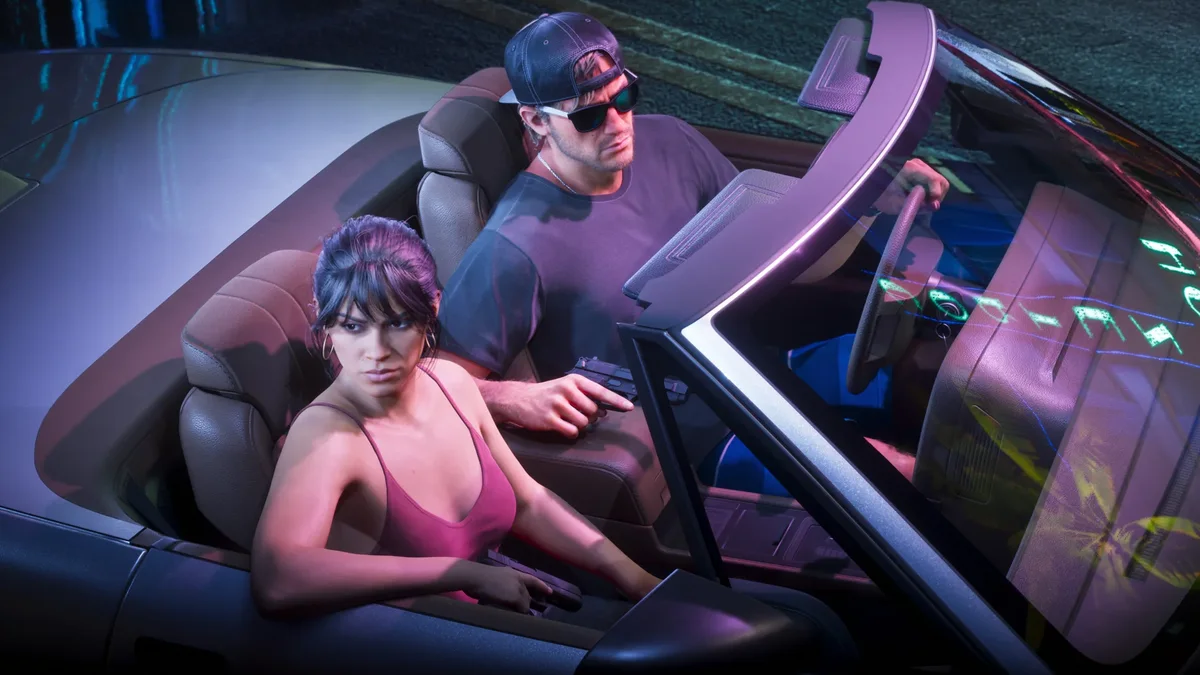
With the global launch of Grand Theft Auto VI locked in for midnight local time on November 19, 2026, sharing the game with a friend or family member works very differently than in past console generations. As revealed in the first full unboxing of GTA 6's PlayStation 5 and Xbox Series X|S retail cases, even the retail "Code-in-Box" editions sitting on store shelves contain no Ultra HD Blu-ray disc inside, shipping instead with a single-use digital redemption voucher alongside the folded A3 poster.
While the absence of a physical disc means you cannot hand a plastic case to a friend after finishing the story, it comes with a major silver lining: 100% of buyers own a digital license tied to their account. Using the built-in console sharing features on PlayStation 5 and Xbox Series X|S, two players on two separate consoles can download all 210 GB of Rockstar Games' open-world blockbuster and explore Leonida at the exact same time from a single $79.99 purchase ($40 per player).
Why the Physical "Code-in-Box" Edition Also Supports Two-Player Game Sharing
With traditional physical games, console owners must keep the Blu-ray disc inserted in the optical drive to pass the ownership check, preventing simultaneous play across two machines and leaving out disc-free hardware like the PS5 Digital Edition and Xbox Series S. For Grand Theft Auto VI, Sony's official PlayStation Support documentation for the GTA VI Code-in-Box release confirms that redeeming the retail voucher grants the exact same digital entitlement as ordering directly from the PlayStation Store or Microsoft Store.
Once the buyer (whom we will call Player A) redeems the code or purchases the digital edition on their profile, that license can be shared with a trusted friend or family member's console (Player B) within the same console family, whether you mix a PS5 Pro with a standard PS5 or an Xbox Series X with an Xbox Series S.
PS5 and PS5 Pro Step-by-Step: Enabling "Console Sharing and Offline Play" for GTA 6
On Sony's hardware, account sharing relies on the official Console Sharing and Offline Play setting on PlayStation Network. For two players to boot GTA 6 simultaneously on two PlayStation 5 consoles, the guest's machine (Player B) must be designated as the shared console for the buyer's account (Player A):
- On Player B's PS5 or PS5 Pro, add a new user and sign in using Player A's PlayStation Network account (the account that purchased GTA 6 or redeemed the retail code).
- From the PS5 home screen, open Settings (the gear icon in the top-right corner) and select Users and Accounts.
- Scroll down to Other, select Console Sharing and Offline Play, and choose Enable.
- While still signed into Player A's profile on Player B's console, open the Game Library (under Your Collection) and start downloading the 209.8 GB Grand Theft Auto VI file.
- Once the download has started, Player B can switch back to their own personal PSN profile. They will be able to launch GTA 6 at midnight on November 19 with their own save files and earn all 55 PS5 Trophies on their own account.
- Meanwhile, Player A signs into their own PS5 using their purchasing account and can play at the exact same time, provided their console stays connected to the internet.

Xbox Series X|S Step-by-Step: Setting Up "My Home Xbox"
On Microsoft's consoles, the exact same dual-console setup is handled through the official My Home Xbox feature. Just like on PS5, Player A designates Player B's Xbox Series X or Series S as their Home console:
- Turn on Player B's Xbox Series X|S and sign in with Player A's Xbox profile (the account that owns GTA 6).
- Press the Xbox button on the controller to open the guide, then navigate to Profile & system > Settings > General > Personalization.
- Select My home Xbox, then check the box labeled Make this my home Xbox.
- Open My games & apps > Full library > Owned games and queue the Grand Theft Auto VI installation.
- Player B then signs back into their own Xbox profile to play with independent saves and 1,000 Gamerscore achievements, while Player A plays simultaneously on their own Xbox Series X|S while connected to the Xbox network.
Four Technical Limitations to Know Before Splitting GTA 6
Before splitting the cost of Grand Theft Auto VI with a friend, make sure both players understand four platform restrictions enforced by Sony, Microsoft, and Rockstar Games:
- Always-Online Requirement for the Buyer (Player A): While the console set as the primary shared machine (Player B's console) can play GTA 6 completely offline, Player A's personal console must maintain an active internet connection so PSN or the Xbox network can verify the digital license in real time.
- Non-Transferable GTA+ and Pre-Order Perks: According to PlayStation's official offer terms, the complimentary one-month GTA+ membership included with digital purchases made on or before November 19, 2026 (redeemable through March 31, 2027) is strictly non-transferable and can only be claimed once on the purchasing account.
- Five Annual Switches on Xbox and Family Age Filters on PS5: Microsoft restricts accounts to 5 Home Xbox switches per rolling year. On PS5, if a child or family member account attempts to redeem a retail Code-in-Box voucher, the Family Manager must temporarily set Age Filtering for Online Content to Don't restrict under Account Management so the Mature-rated code is accepted.
- Cloud Gaming on Xbox One Cannot Be Shared: As explained in our complete guide to playing GTA 6 on Xbox One via Xbox Cloud Gaming, the Stream Your Own Game feature requires signing in directly with the profile that holds both the digital game entitlement and the active Game Pass subscription. Home Xbox sharing only applies to local SSD installations on Xbox Series X|S.


Grand Theft Auto 6 (GTA 6)
Explore official trailers, technical specs and all latest coverage for Grand Theft Auto 6 (GTA 6).

SEO consultant for over 20 years and digital entrepreneur, Charles "Grimtag" is the founder of Pro-Gamer.gg, Retrocharting.com, and Gamescharting.com. A competitive gamer, streamer, and retro game collector, he has worked in the video game industry for over 15 years, notably as a consultant for leading game price comparison platforms. Passionate about real-time performance data and gaming technology, he analyzes competitive esports, gaming hardware benchmarks, and creator workflows on Pro-Gamer.gg with an authentic player perspective.