
Up to 432 GB Written Daily at Idle: How an AMD Radeon Adrenalin Driver Bug Hammers Your SSD (and How to Stop It)
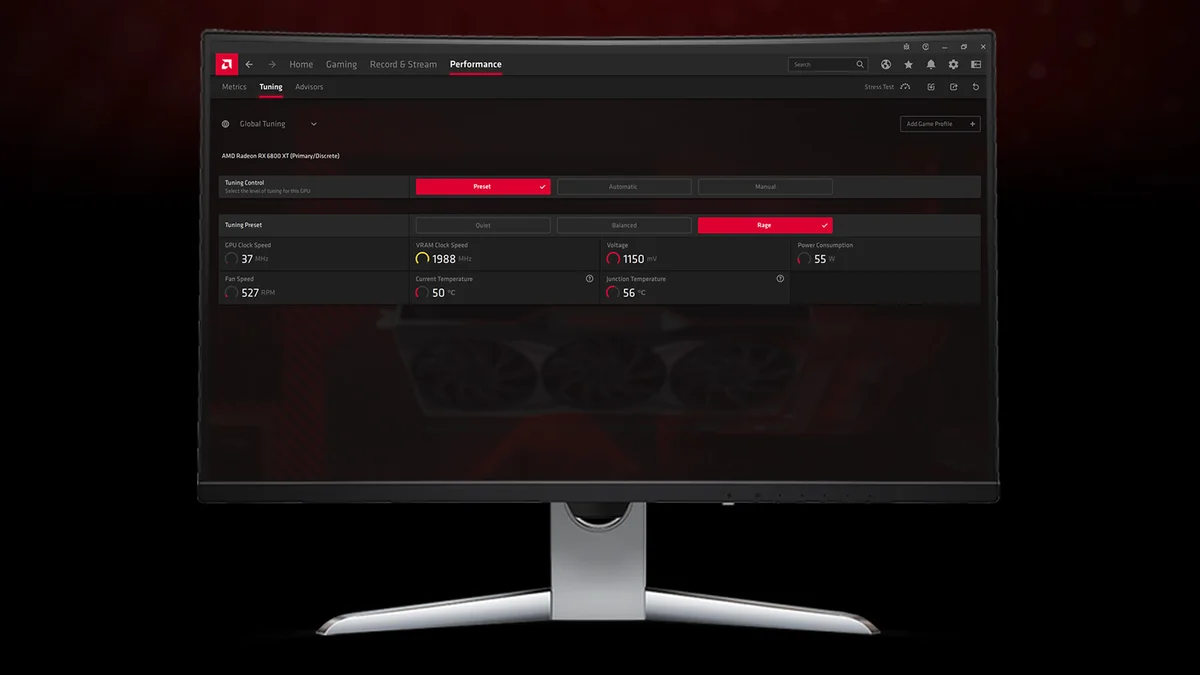
Is your gaming PC sitting completely idle on the Windows desktop while your storage activity light refuses to stop blinking? A growing number of Radeon graphics card owners have uncovered an abnormal background behavior inside AMD Software: Adrenalin Edition. Even when the system is doing nothing at all, a background driver service continuously writes data to the primary boot SSD, generating dozens or even hundreds of gigabytes of pointless host writes every single day.
Following a wave of detailed community reports across its official support forums and Reddit, AMD has officially confirmed that the behavior is a genuine software bug and that an internal fix is already in the pipeline.
The Culprit Identified: AMD External Events Utility (atieclxx.exe)
At the center of the issue is the AMD External Events Utility Windows service, which runs in the background on Windows 10 and Windows 11 through the executable process atieclxx.exe (listed in Windows Task Manager and Resource Monitor as AMD External Events Client Module, working alongside atiesrxx.exe). Under normal circumstances, this module handles display-related events such as monitor hot-plug detection, idle clock state transitions, Adrenalin hotkeys, and AMD FreeSync synchronization.
As highlighted in a widely shared PSA by Reddit user u/darklinkpower on the r/pcmasterrace subreddit, the process can get trapped in an endless disk-writing loop on affected PCs. Simple desktop interactions such as moving the mouse cursor, resizing an application window, or leaving the PC completely idle trigger continuous file modifications and diagnostic log dumps inside system folders (frequently tied to C:WindowsSystem32AMDEEUDumps).
Affected Radeon owners have recorded sustained background write speeds ranging between 0.3 MB/s and 1.5 MB/s on most impacted rigs, with severe cases reaching a constant 5 MB/s at idle.
Up to 432 GB per Day and 13 TB per Month: What It Means for Your SSD's TBW Endurance
When left unchecked on a desktop PC that stays powered on all day, those seemingly small write speeds add up fast. A sustained 5 MB/s write stream translates to 18 GB per hour, or roughly 432 GB of host writes per day and nearly 13 TB per month. Even at a more modest 1 MB/s average, the runaway service still generates 86.4 GB of unnecessary writes every 24 hours (around 2.6 TB per month).
| Observed Write Rate (atieclxx.exe) | Hourly Volume | 24-Hour Projection | 30-Day Projection |
|---|---|---|---|
| Moderate (0.5 MB/s) | 1.8 GB | 43.2 GB | 1.29 TB |
| Sustained (1.5 MB/s) | 5.4 GB | 129.6 GB | 3.88 TB |
| Severe (5.0 MB/s) | 18.0 GB | 432.0 GB | 12.96 TB |
Does this mean your NVMe SSD is about to fail overnight? In practice, the figures reported by Windows Resource Monitor reflect host write requests rather than the exact amount of data immediately committed to physical TLC or QLC NAND flash cells. Operating system caching along with your SSD controller's DRAM and SLC buffers coalesce many of these small requests before flushing them to NAND. Still, at a time of ongoing upward pressure on NVMe SSD and NAND flash pricing, no PC builder wants a graphics driver chewing through their drive's rated TBW (Terabytes Written) endurance or preventing the SSD from entering low-power idle states.
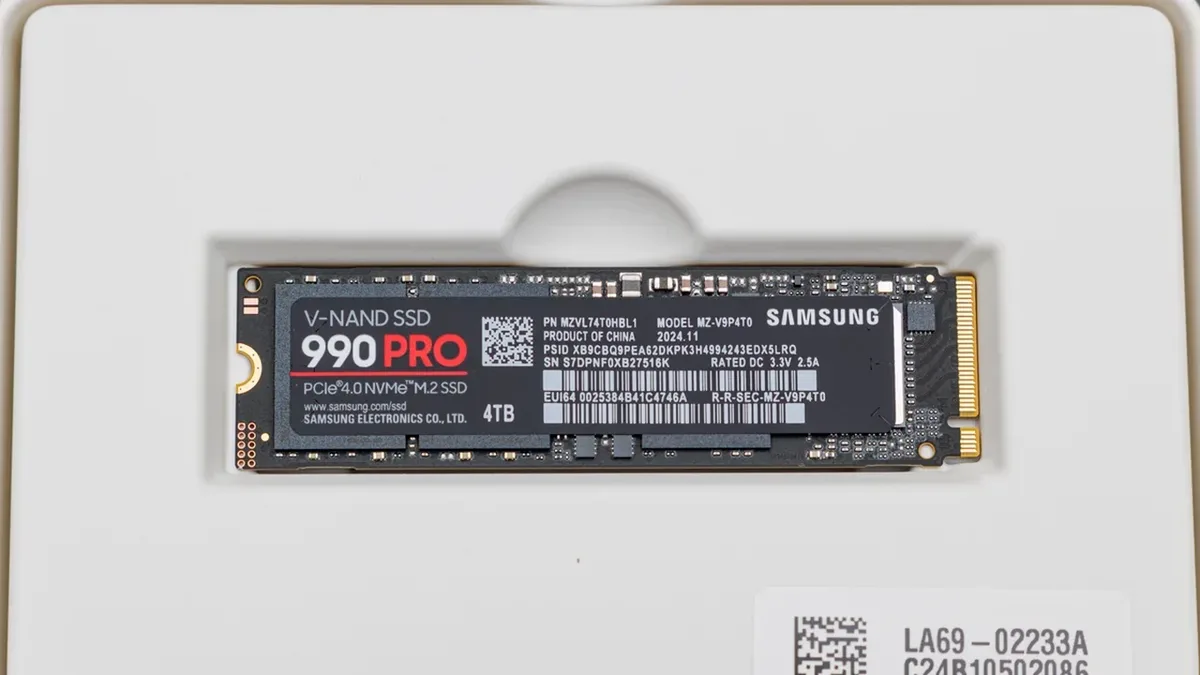
Samsung 990 PRO 2TB PCIe 4.0 NVMe M.2
- 2TB V-NAND TLC
- 1,200 TBW Rated Endurance
- Dedicated DRAM Cache
- 7,450 MB/s Read
- 6,900 MB/s Write
AMD Officially Acknowledges the Bug: When Will the Fix Arrive?
The issue has persisted across several recent Adrenalin 26.x releases and does not hit every Radeon GPU configuration equally. On AMD's official community forums, following the release of Adrenalin 26.10.1, official representative AMD Matt confirmed that the driver team had reproduced and logged the issue: "Yes. We're looking into it with the aim to resolve it in a future driver release."
More recently on Reddit, another AMD representative, AMD Vik, noted that an internal fix had likely already been committed to the codebase, though it narrowly missed the submission cutoff for the late-October driver branch. As a result, while the recent Adrenalin 26.10.2 driver hiding AMD Fluid Motion Frames 3 resolved several game crashes and driver timeouts across Radeon RX 7000 and RX 9000 GPUs, the official AMD Software: Adrenalin Edition 26.10.2 release notes do not yet include the SSD write fix. Users can expect the patch to land in an upcoming November Adrenalin release.
How to Check Your PC in 10 Seconds and Stop the Writes Now
Because not every Radeon system triggers the bug, you should first verify whether your machine is actually affected before changing any system settings:
- Press Win + R on your keyboard, type
resmon, and hit Enter to launch Windows Resource Monitor. - Click the Disk tab, expand the Processes with Disk Activity section, and click the Write (B/sec) column header to sort processes from highest to lowest write activity.
- Leave your PC idle for 30 seconds: if
atieclxx.exestays pinned near the top continuously writing hundreds of thousands or millions of bytes per second, your system is affected by the bug.
If your SSD is being hammered at idle, two temporary workarounds can immediately halt the background writes while you wait for AMD's official patch:
- Method 1 (Disable the AMD External Events Utility Service): Press
Win + R, typeservices.msc, and hit Enter. Scroll down to AMD External Events Utility, right-click it, and select Properties. Click Stop and change the Startup type to Disabled. Disk writes fromatieclxx.exewill drop to zero immediately. Keep in mind that disabling this service can occasionally affect AMD FreeSync behavior or Adrenalin hotkeys on certain monitor setups. - Method 2 (Temporarily Disable Resizable BAR): Several affected users discovered that the runaway write loop is tied to an interaction with Resizable BAR (Smart Access Memory). Turning off Resizable BAR in your motherboard BIOS stops the disk writes while keeping the service active, though doing so will reduce gaming performance on modern GPUs.
My Take on the Spec Sheet
There is no need to blindly disable AMD External Events Utility unless you have first checked resmon. Across the Radeon test rigs I have monitored on Adrenalin 26.10.2, the bug only triggers on specific hardware and display combinations. However, if Resource Monitor shows atieclxx.exe chewing through 2 MB/s to 5 MB/s while you are simply browsing the web, stopping the service via services.msc is a clean two-click fix until the next WHQL driver drops, and you can easily set it back to Automatic once AMD rolls out the patched driver. We have not yet had a physical unit on our desk,if the manufacturer's team would like to send over a review sample so we can put it through our full real-world testing protocol, our lab doors are wide open.

PC hardware enthusiast and competitive gamer, Arthur 'Heimdall' splits his time between France and the UK working in enterprise B2B software solutions. A business school graduate passionate about component benchmarking, he has been building, modding, and tuning PCs since childhood, optimizing every thermal degree and millisecond of display latency. An avid gamer across Assassin's Creed and sandbox titles, he forged his alliance with Grimtag and Chaya during late-night World of Warcraft raids before joining Pro-Gamer.