Monster Hunter Outlanders Launch Codes (October 2026): How to Unlock CDKey Redemption and Claim 24,000 Free Zenny and 200 Rutacoins
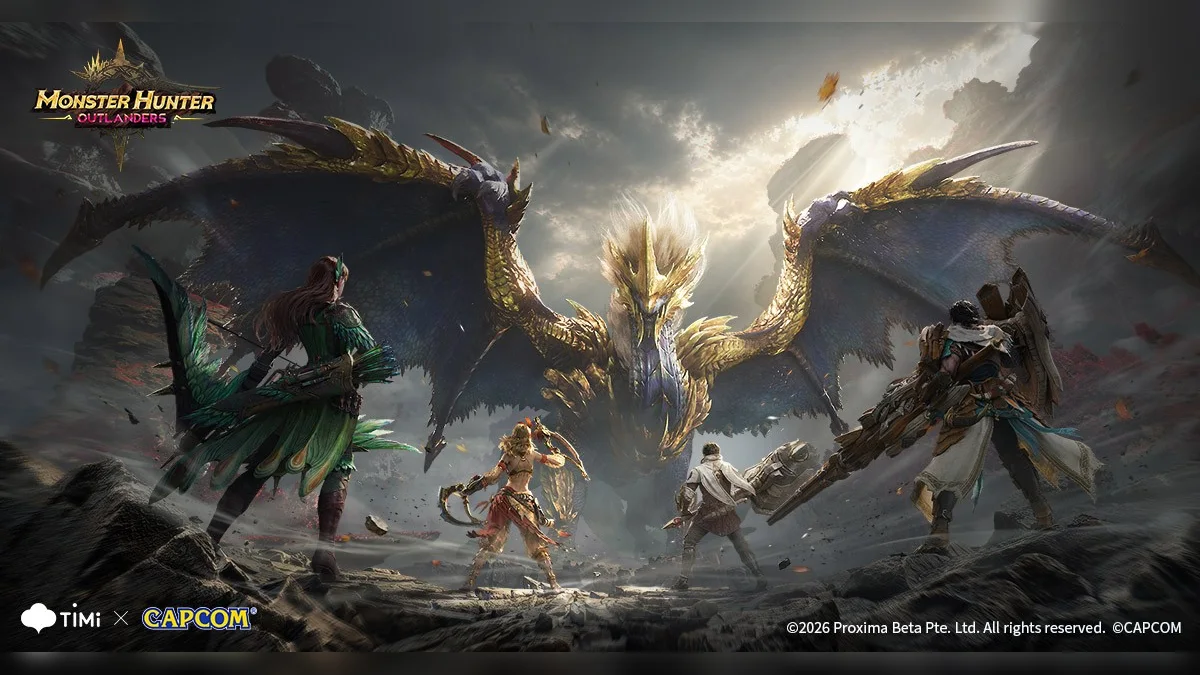
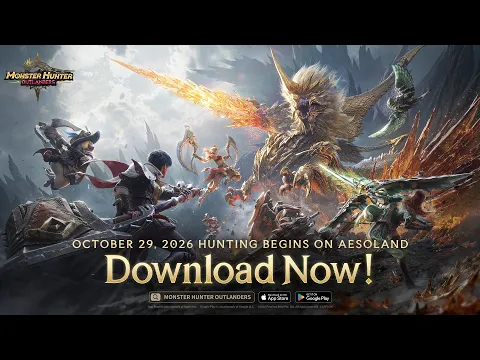
Following its worldwide rollout on iOS and Android from TiMi Studio Group and Capcom, Monster Hunter Outlanders brings open-world monster hunting to the island of Aesoland with a free-to-play structure blending survival crafting and character recruitment. To celebrate the opening of the servers this October 2026, the developers have distributed three launch promo codes granting up to 24,000 Zenny, 200 Rutacoins, and a full bundle of hunting consumables at no cost.
Unlike most mobile RPGs where the code input box sits right inside the title screen settings, the in-game feature known as CDKey Redemption is tucked deep inside a secondary menu and requires clearing several early quests before it even appears. Here is the complete list of active launch codes alongside a step-by-step walkthrough to unlock the redemption tab and claim your rewards.
All Active Monster Hunter Outlanders Launch Codes (October 2026)
Three redeemable codes are live for the launch window. Two of them work across all global servers (North America, Europe, and Asia), while the third is restricted to select regional servers.
| Redeem Code | Free Rewards Included | Status & Server Availability |
|---|---|---|
| mho1029 | Rutacoin x200, Zenny x20,000 | Active (Global servers, main launch celebration code) |
| mhogohunt | Zenny x2,000, Mega Potion x3, Antidote x3, Energy Drink x3, Verdant Dew x5 | Active (Global servers, starter survival & upgrade pack) |
| famitsumho2026 | Zenny x2,000, Energy Drink x3, Mega Potion x3, Antidote x3 | Active (Region-locked to select Asian servers) |
The standout code every player should claim immediately is mho1029. Named after the October 29 global release date, it delivers 200 Rutacoins (the premium currency used for adventurer and buddy pulls) alongside 20,000 Zenny, giving you enough gold to forge and upgrade your early gear without grinding low-tier quests repeatedly.
Prerequisites: How to Unlock the Event Center and CDKey Redemption
If you go looking for the code input screen as soon as you wash ashore on Aesoland, you will not find it anywhere in the settings menu. The Event Center menu, which houses the CDKey Redemption tab, remains locked until you clear the opening tutorial sequence and reach Adventure Rank 5.
Expect to spend roughly twenty to thirty minutes progressing through the mandatory introductory objectives before the icon unlocks:
- Slay the Great Jagras: This opening hunt teaches the fundamentals of dodging, part-breaking, and character skill rotations.
- Track and defeat the Kulu-Ya-Ku: The second major quest introduces stamina management and synchronized attacks with your buddy companion.
- Craft your first piece of armor at the smithy: Use the monster materials gathered from your first two hunts to forge an initial armor piece.
- Speak with Icarus at the main base camp: Once your armor is equipped and you finish reporting to Icarus, you will hit Adventure Rank 5 and unlock the golden gift-box Event Center icon at the top of the HUD.
To breeze through these opening hunts much faster, remember that Monster Hunter Outlanders features full native Bluetooth controller support at launch on both iOS and Android, making it far easier to sidestep Kulu-Ya-Ku rock slams than relying purely on virtual touch buttons.
Step-by-Step Guide: How to Redeem Codes in Monster Hunter Outlanders
Once you have unlocked the Event Center at Adventure Rank 5, the code redemption screen is still buried at the bottom of a secondary tab. Follow these exact steps whether you are playing on a touchscreen, a paired controller (PlayStation DualSense, Xbox Wireless Controller, Nintendo Switch Pro / Switch 2 controller), or an Android emulator on PC:
- Open the Event Center menu: From the main exploration HUD, tap the golden gift-box icon near the top of the screen (or hold the radial menu shortcut via Options / Menu on PS5 and Xbox controllers, + on Switch 2 controllers, or F1 / Esc on a PC keyboard to select Event Center).
- Switch to the second vertical tab on the far left: On the leftmost navigation bar, move down to the second icon (shaped like an announcement board with a star, directly beneath the scroll icon) using the D-Pad Down button, left analog stick, or touchscreen.
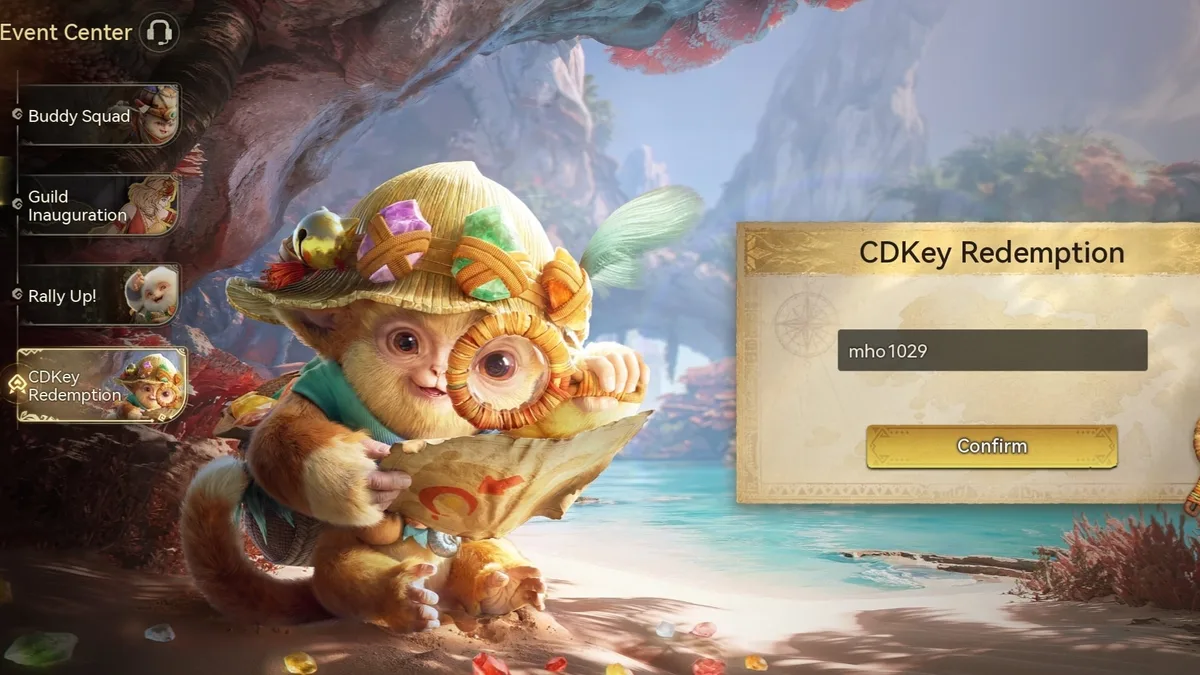
- Scroll to the bottom and select CDKey Redemption: Scroll past the top sub-events (Buddy Squad, Guild Inauguration, and Rally Up!) until you reach the bottom tab labeled CDKey Redemption, featuring a Rutaco buddy holding a magnifying glass (confirm with Cross on DualSense, A on Xbox, B on Switch, or Left Click on mouse).
- Enter the active code in lowercase: Tap the dark input box in the center of the parchment and type or paste one of the active codes (such as mho1029 or mhogohunt) without any leading or trailing spaces.
- Hit the Confirm button: Press the golden Confirm button underneath the text field. A pop-up banner reading Exchange successful will confirm that the code has been accepted.
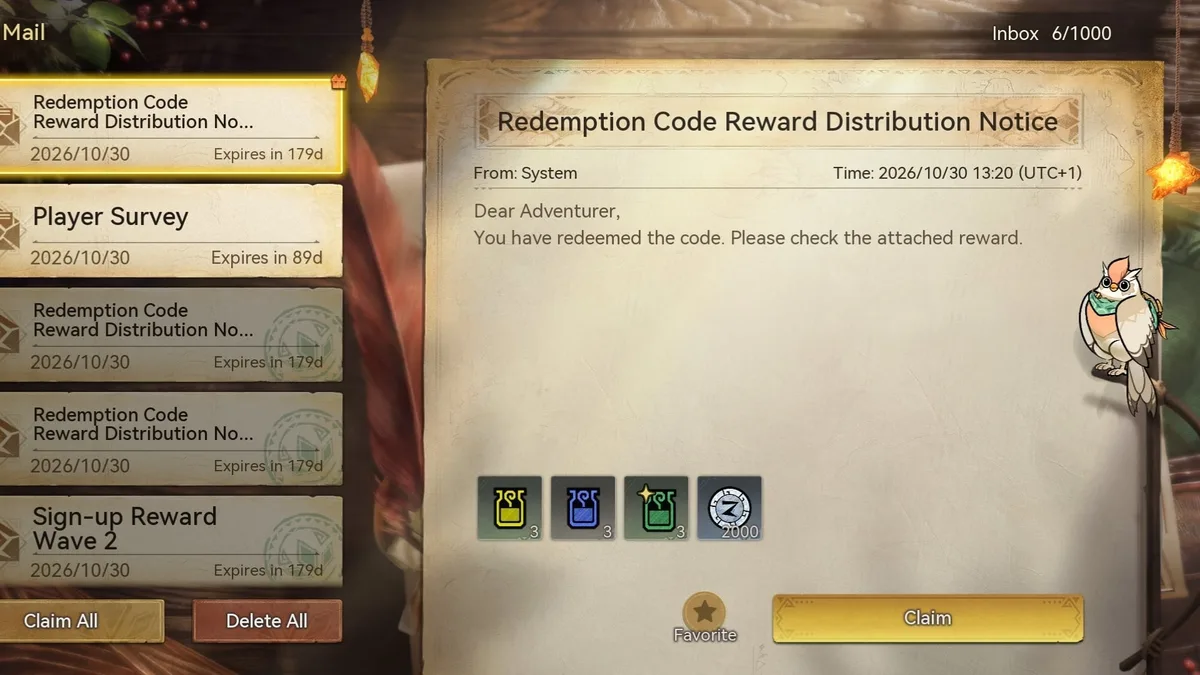
- Claim your items from the in-game Mailbox: Close the Event Center, open the Mail menu (the envelope icon on the main interface), and look for system messages titled Redemption Code Reward Distribution Notice. Tap Claim on each message or hit Claim All in the bottom-left corner to transfer the Rutacoins, Zenny, and consumables into your inventory.
Optimization Tips & Troubleshooting: Common Code Errors and Best Ways to Spend Rutacoins
If a code fails to go through or your items do not show up right away in your pouch, keep these four practical tips in mind:
- Watch out for mobile auto-capitalization and trailing spaces: Both iOS and Android keyboards frequently capitalize the first letter automatically (turning
mho1029intoMho1029) or add a hidden space after pasting from a browser. Double-check that the entire string is lowercase with no extra characters. - Regional restrictions on the third code: If famitsumho2026 triggers an invalid or region error while mho1029 and mhogohunt redeem cleanly, your account is on a Western server where that Japanese promotional code is locked out. Fortunately, it does not contain any Rutacoins, so you are only missing out on basic consumables and 2,000 Zenny.
- Always use Claim All in the Mailbox: While system reward letters stay in your inbox for 179 days before expiring, hitting Claim All right after redeeming all three codes ensures you do not accidentally leave currencies sitting unclaimed.
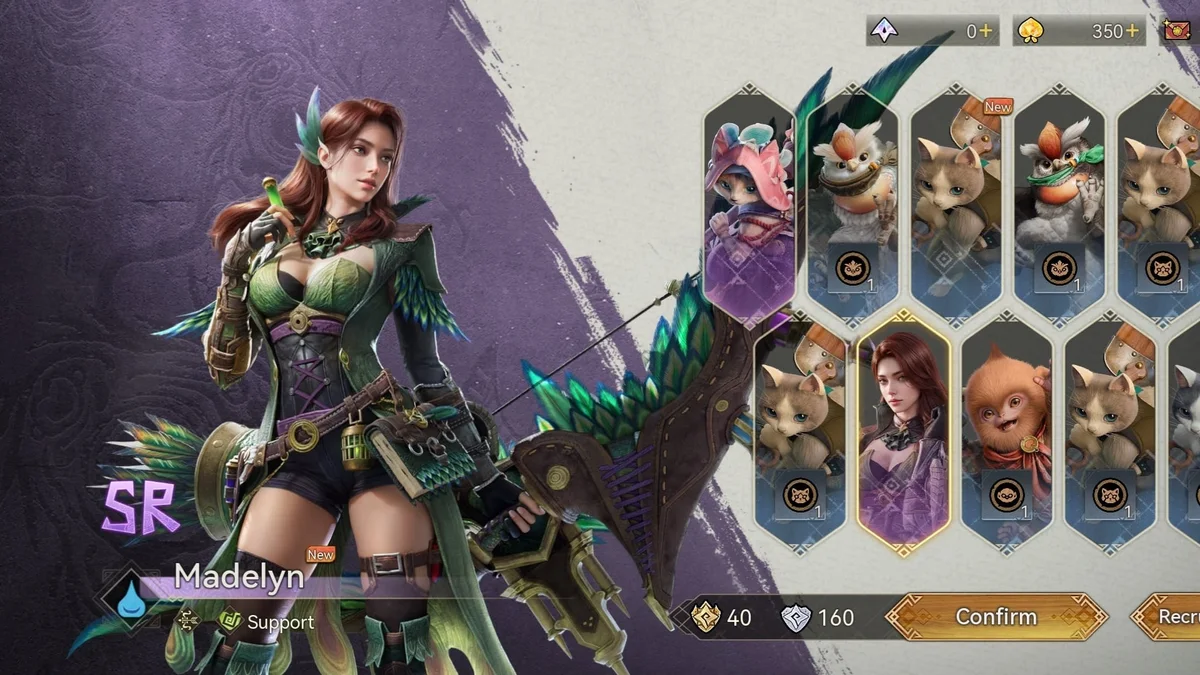
- Smart ways to spend your free Rutacoins and Verdant Dew: Save the 200 Rutacoins from mho1029 toward a ten-pull (Recruit 10x) on the adventurer and buddy banners rather than spending them on single pulls. Expanding your roster early with specialized hunters like the SR support archer Madelyn or the SSR hammer bruiser Rhodes makes elemental matchups much smoother. Meanwhile, invest the 5 Verdant Dew from mhogohunt into ascending your primary damage dealer first instead of spreading upgrades thin across your bench.
If exploring Aesoland on mobile leaves you craving full-scale console and PC hunts without gacha banners or stamina gates, Capcom's flagship entry Monster Hunter Wilds remains the premier destination for deep weapon mastery and massive ecosystem battles.
My Perspective
Burying the code redemption screen at the very bottom of a secondary vertical tab,and locking that menu behind thirty minutes of mandatory tutorial hunts,is a textbook free-to-play mobile move designed to slow down day-one account rerolling. When you first boot up Monster Hunter Outlanders, it is all too easy to waste ten minutes digging through the settings gear before realizing that everything lives inside the golden Event Center icon at Adventure Rank 5.
As for the rewards themselves, pocketing 200 Rutacoins and 24,000 Zenny across these three launch codes gives you a welcome early cushion to craft your starter gear and round out a 10x recruitment pull without opening your wallet, even if pulling for hunters like Madelyn or Rhodes quickly reminds you that this is still a gacha RPG at heart. If you actually want to enjoy hunting across Aesoland without fighting touchscreen virtual buttons, pair a DualSense, Xbox controller, or mobile grip right away,the dodge timing and weapon combos feel worlds better with physical sticks.
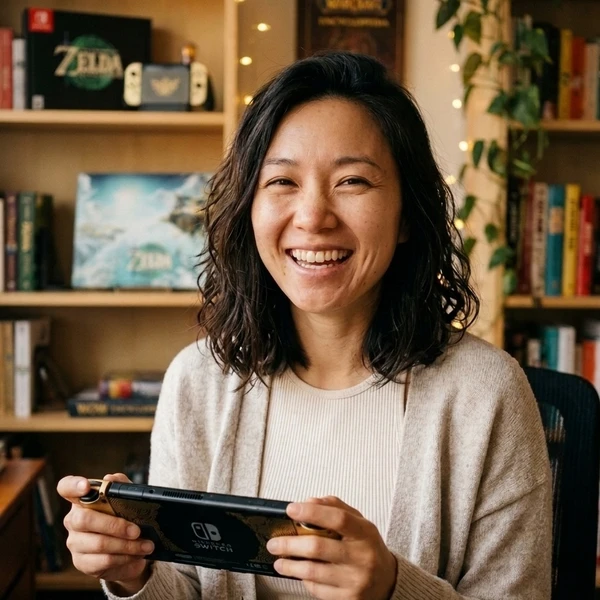
Based on the outskirts of New York City, Chaya 'Chayane' spent five years studying software engineering in Montreal before returning to her home state. A Full-Stack developer and Deep Learning AI architecture researcher, she explores neural networks and algorithmic optimization while engineering data pipelines for Retrocharting and Gamescharting alongside Grimtag. A gamer for over 20 years and an avid collector of Nintendo history and The Legend of Zelda, she explored World of Warcraft's Azeroth before bringing her deep technical background to video game analysis.