How Xbox's Disc-to-Digital Is Getting Much Easier: Batch-Claiming Physical Collections in Minutes
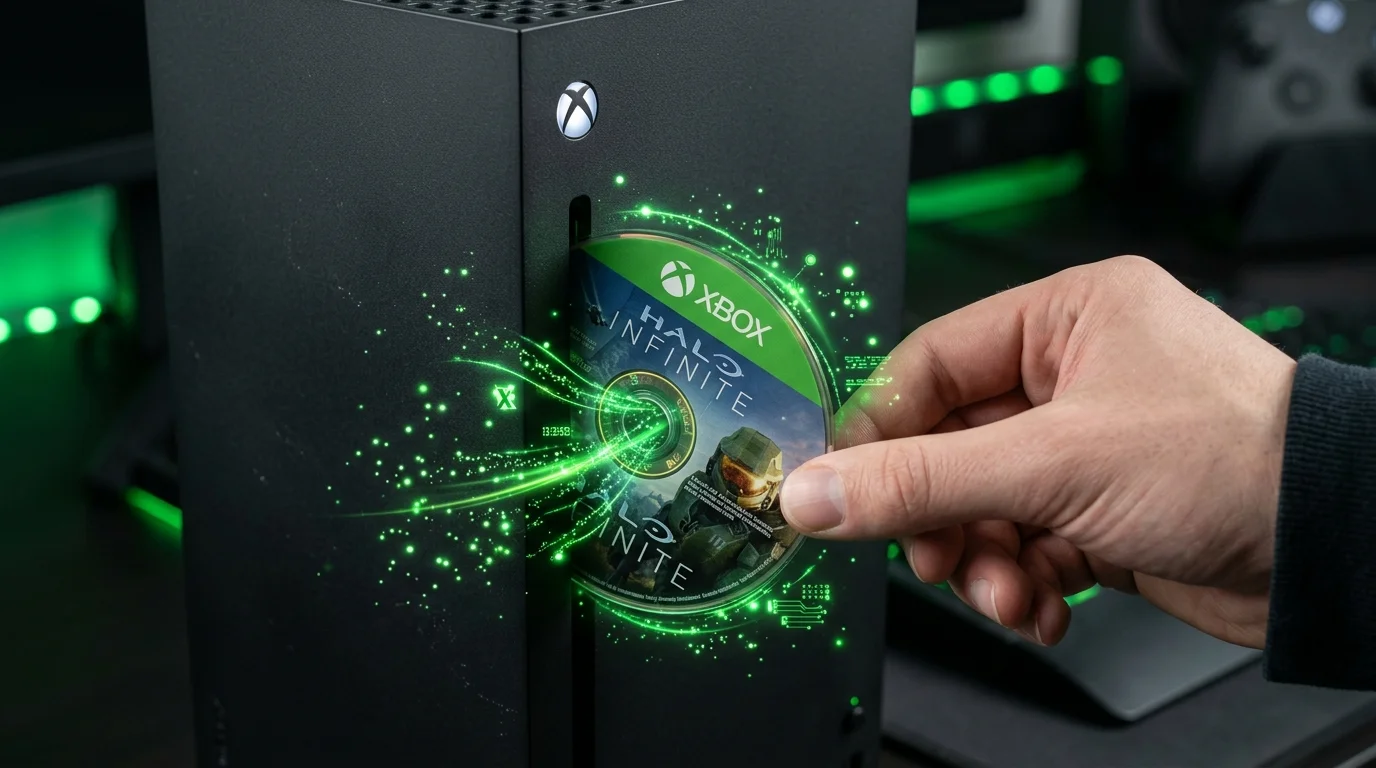
When Microsoft first introduced early testing for its Disc-to-Digital program in late August for Xbox Insiders, physical game owners welcomed the concept, yet the initial execution felt cumbersome. Inserting a disc frequently triggered automated installation queues and multi-gigabyte background downloads before players could claim their digital license. Over recent updates rolled out to the Alpha Skip-Ahead and Alpha rings, the process has matured dramatically: batch-converting an entire library of physical Xbox One and Xbox Series discs now takes only minutes.
Bypassing the Install Queue: How to Batch-Claim Discs in Seconds
The biggest quality-of-life leap centers on raw efficiency. Instead of forcing consoles to unpack and write game files onto internal storage, Xbox Insiders discovered a streamlined routine fully supported by the console's dashboard.
The streamlined workflow requires only seconds per case:
- Navigate to Settings > Devices & connections > Disc and uncheck « Play disc automatically ».
- Insert your first physical disc into the console's optical drive.
- Without launching the game or waiting for installation data, press the Menu button on the controller over the newly appeared Home tile.
- Select « Get digital license » directly from the context menu.
- Eject the disc once on-screen entitlement confirmation pops up, then insert the next game.
By eliminating the requirement to write data onto the internal SSD, this routine allows players to process a stack of twenty to thirty physical games in under fifteen minutes. The digital entitlement attaches permanently to your Microsoft account profile.
Play Anywhere and Cloud Streaming: The Real Game-Changer
While the feature was originally highlighted as a safety net for all-digital hardware like the Xbox Series S and digital-only Series X models, the day-to-day perks extend far beyond disc-less living room consoles.
Once your physical disc is converted into an account-level entitlement, titles supporting Xbox Play Anywhere instantly unlock on PC at zero additional expense. You can purchase a cheap pre-owned physical console disc, claim the license on your home hardware, and immediately play natively on your gaming laptop or desktop rig. For supported catalog entries, Xbox Cloud Gaming streaming also unlocks without requiring local storage.
Securing Physical Ownership and the Pre-Owned Market
To win publisher support across major third-party studios, Microsoft designed the physical disc to retain its function as a secure, transferable physical token rather than turning into obsolete plastic.
If you lend or sell your physical disc, the recipient can insert the disc on their own console and claim the digital entitlement to their account. Doing so automatically revokes digital playback on the previous account unless the physical disc is re-inserted. This mechanism prevents unauthorized duplication while keeping the physical pre-owned market viable and healthy.
As the industry marches toward disc-less portable hardware and future platforms like Xbox Project Helix slated for late 2027, this streamlined Disc-to-Digital workflow gives collectors exactly what they needed: a painless bridge into digital gaming without rebuying their favorite adventures.

SEO consultant for over 20 years and digital entrepreneur, Charles 'Grimtag' Ronchain is the founder of Pro-Gamer.gg, Retrocharting.com, and Gamescharting.com. A competitive gamer, streamer, and retro game collector, he has worked in the video game industry for over 15 years, notably as a consultant for leading game price comparison platforms. Passionate about real-time performance data and gaming technology, he analyzes competitive esports, gaming hardware benchmarks, and creator workflows on Pro-Gamer.gg with an authentic player perspective.