Steam Deck: Valve Finally Automates Proton for Non-Steam Windows Games
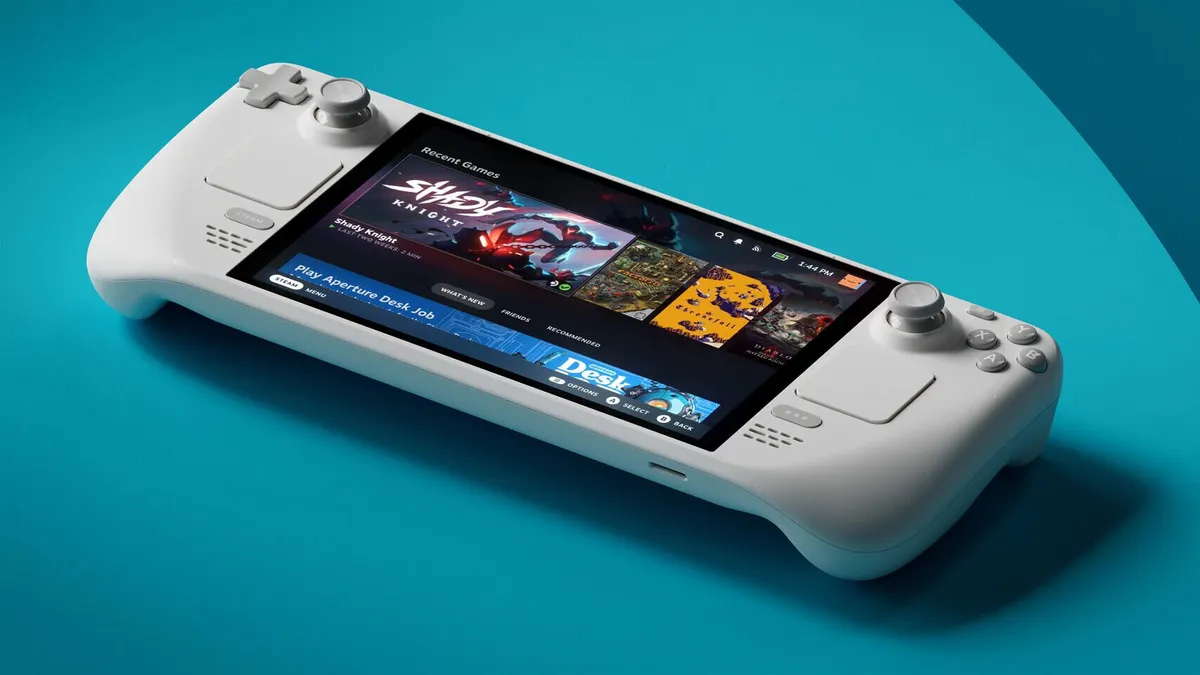
Installing external games on the Steam Deck or desktop Linux has always come with a minor friction point. Anyone adding a standalone Windows executable (.exe) from GOG, the Epic Games Store, or an emulator knows the routine by heart: open shortcut properties, navigate to compatibility, and manually check the box to force a Steam Play tool.
Forget that extra click, and the system would attempt to execute the Windows binary natively as an ELF executable, resulting in a silent failure. Valve has now eliminated that manual hurdle in the latest Steam Client Beta update, deployed on October 8, 2026.
Seamless Proton Automation for Steam Deck and Linux Users
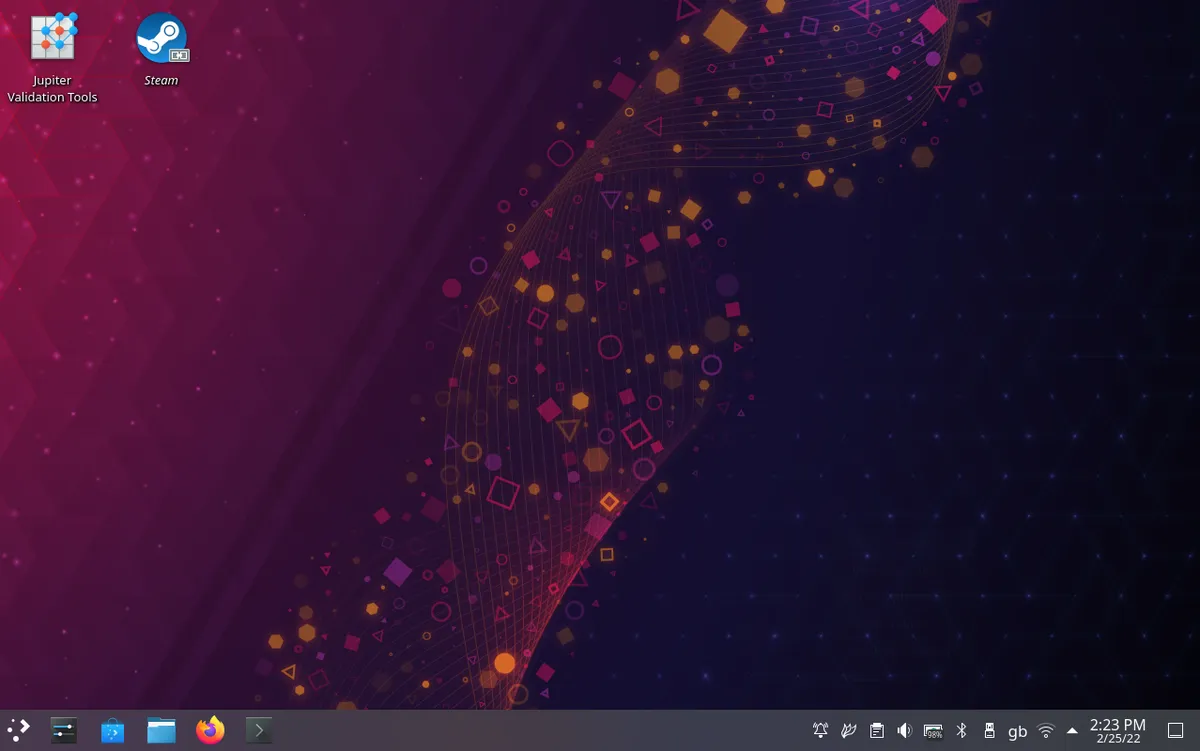
Under the new update, the Steam client on Linux and SteamOS automatically detects Windows binaries added as non-Steam games. As soon as you add a .exe shortcut to your library, Steam configures the Proton compatibility layer by default.
This automated handoff removes the need for manual configuration. Players can immediately launch external titles without having to dig through submenus to assign Proton 9 or Proton Experimental.
Target Fixes for External Launchers and Valve Hardware
Alongside the automatic Proton toggle, Valve's release notes address several long-standing issues surrounding external executables and hardware accessories:
- Target binary updates: fixed a bug where non-Steam games failed to launch if their executable path was modified using the "Browse" button.
- Process termination: resolved an issue where the "Stop" button in the Steam interface failed to close game processes launched via external utilities.
- Big Picture mode: added a dedicated toggle allowing users to disable the system screensaver while actively playing games.
- UI and hardware: fixed incorrect library playtime calculations, resolved a controller swapping glitch on Linux, and patched the Steam Controller firmware when stuck searching in BLE mode.
This quality-of-life update reflects Valve's sustained push to streamline Linux gaming for everyday players. While the company continues refining its core x86 platform, it recently clarified its technical boundaries by confirming that Valve has zero official support for Steam on ARM hardware.
My opinion
Automatic Proton assignment sounds like a small convenience on paper, but for anyone who regularly sideloads games or uses launchers like Heroic on the Steam Deck, it removes an unnecessary point of failure.
I cannot count how many times players assumed a game was broken simply because they forgot to toggle compatibility mode manually. By smoothing over these desktop Linux quirks, Valve keeps narrowing the gap between PC flexibility and console simplicity.
The feature is currently available in the Steam Client Beta channel and will roll out to all SteamOS and Linux users in the next stable public release.

SEO consultant for over 20 years and digital entrepreneur, Charles 'Grimtag' Ronchain is the founder of Pro-Gamer.gg, Retrocharting.com, and Gamescharting.com. A competitive gamer, streamer, and retro game collector, he has worked in the video game industry for over 15 years, notably as a consultant for leading game price comparison platforms. Passionate about real-time performance data and gaming technology, he analyzes competitive esports, gaming hardware benchmarks, and creator workflows on Pro-Gamer.gg with an authentic player perspective.