How to Pre-Load GTA 6's 210 GB Right Now Without Pre-Ordering: The Complete Guide for Physical Disc Buyers
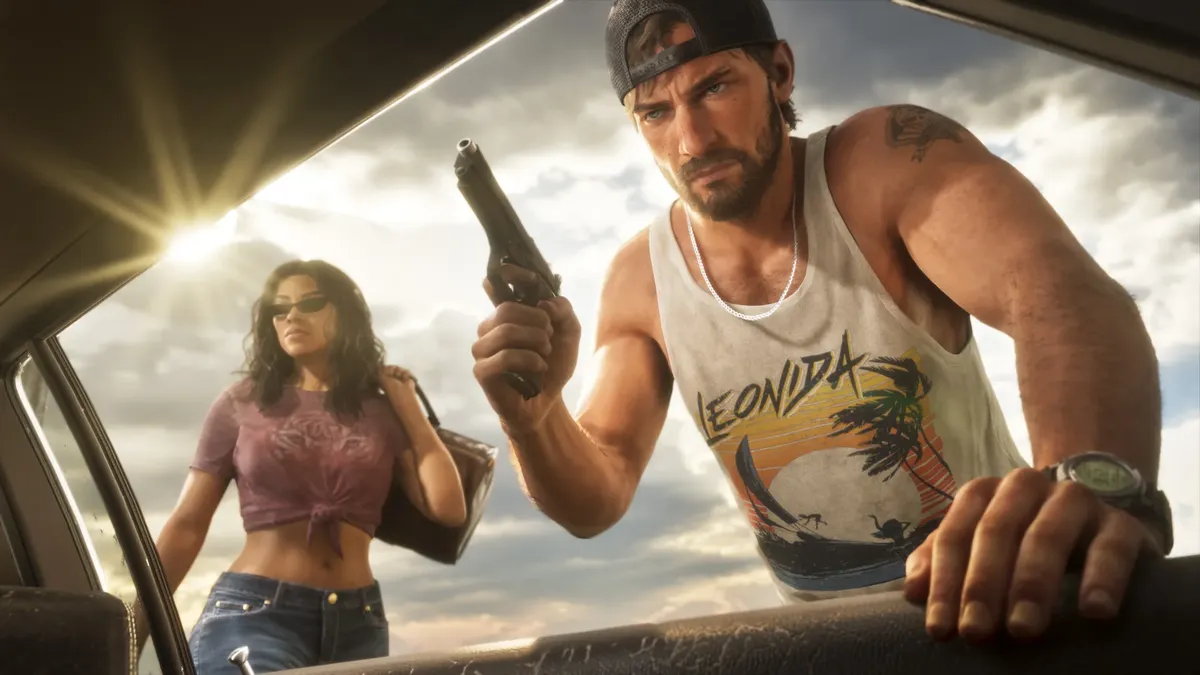
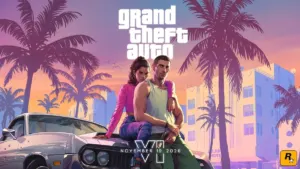
Have you ordered a physical retail copy or decided to wait until launch day to grab your digital license for Grand Theft Auto VI, only to worry that a massive 210+ GB download will ruin your opening night? With GTA 6's PS5 preload weighing in at 209.8 GB and the Xbox Series X|S build requiring a 209.86 GB download (expanding to 225.34 GB installed), global CDN servers are bracing for historic congestion on November 19, 2026. Fortunately, there is an official built-in feature within the Xbox mobile ecosystem that lets you download the entire game onto your console right now without pre-ordering or paying a single cent upfront on the digital store.
The Official Xbox Mobile App Trick: Downloading GTA 6 Without Buying It First
On both PlayStation and Xbox, browsing the digital storefront directly on your television locks the download button behind a paywall until a digital pre-order is tied to your account. However, Microsoft engineered its console ecosystem by separating two distinct processes: downloading encrypted game packages onto your SSD, and verifying the ownership license (whether via a physical Blu-ray disc or a digital entitlement) at the exact moment you launch the executable.
Thanks to the free Xbox mobile app on iOS and Android, any player can remotely instruct their Xbox Series X or Series S to download Grand Theft Auto VI ahead of time without owning the game on the Microsoft Store. Here is the exact step-by-step walkthrough:
- Step 1: Prepare your Xbox Series X|S console. Turn on your console and navigate to Settings > Devices & connections > Remote features, then check the box to Enable remote features. Make sure your power mode is set to Sleep (so your system can download files while turned off) and clear at least 230 GB of free space on your internal SSD or Seagate / WD storage expansion card.
- Step 2: Look up the game in the Xbox mobile app. Open the Xbox app on your smartphone, sign in with the Microsoft account linked to your console, and tap the search icon (the magnifying glass in the bottom navigation bar). Type Grand Theft Auto VI and filter by Games.
- Step 3: Select the standard edition and push the install. Tap the standalone Grand Theft Auto VI listing (avoid specific bundle pages where the button may appear grayed out). Tap the green "Download to Console" button, select your target Xbox Series X|S, and confirm.
- Step 4: From the 300 MB placeholder to the full 209.86 GB preload. When first triggered, the remote queue immediately installs an initial ~300 MB placeholder file onto your drive. As soon as the preload window opens across your region, your console automatically pulls the full 209.86 GB data package (which unpacks to 225.34 GB on disk) through My games & apps > Manage > Updates.
Quick Comparison: Pre-Loading GTA 6 by Platform
| Platform | Download Size | Recommended SSD Space | Pre-Load Without Digital Pre-Order | How to Pre-Load Before November 19 |
|---|---|---|---|---|
| Xbox Series X|S | 209.86 GB (225.34 GB installed) | 230 GB minimum | Yes (100% official) | Open the Xbox mobile app (iOS / Android), search Grand Theft Auto VI, and tap "Download to Console" |
| PS5 / PS5 Pro | 209.8 GB (32 PlayGo chunks) | 230 GB minimum | No via PS App (Requires PSN entitlement) | PlayStation Store pre-order or Console Sharing download via a friend's pre-ordered PSN account |
Why This Workaround Is a Lifesaver for Physical Disc Buyers on November 19
The reason this remote install feature has become essential reading ahead of launch week is simple: it eliminates the biggest bottleneck facing physical media collectors and day-one code buyers. As confirmed when the first physical GTA 6 retail boxes arrived in stores with a mandatory 230 GB minimum storage requirement printed on the back cover, installing Rockstar's open world from scratch on launch day is a massive undertaking.
Without pre-loading the data ahead of time, coming home with your retail box on November 19 means waiting hours for over two hundred gigabytes to copy and download while tens of millions of players hammer the servers simultaneously. By using the Xbox mobile app workaround, the entire state of Leonida is already sitting on your SSD: the moment you insert your disc or redeem a retail code on launch day, the console simply verifies your license in seconds and boots straight into the title screen.
One important reminder: pre-loading the files without a pre-order does not let you play GTA 6 for free or access the game early. Every file downloaded to your SSD remains heavily encrypted. Until you insert a valid retail disc or purchase a digital license on your account when the launch timer expires, clicking the game tile will simply prompt you to verify ownership in the store.
What About PS5 and PS5 Pro? PlayGo Limits and the Console Sharing Workaround
On Sony's hardware, PlayStation Network permissions are noticeably stricter. Unlike the Xbox app, the PlayStation App does not allow users to push a remote download to a PS5 or PS5 Pro unless a verified pre-order license is already attached to their PSN account. Triggering Sony's 32 PlayGo archives totaling 209.8 GB normally requires a paid digital pre-order on the PlayStation Store.
There is, however, one reliable workaround for PS5 players waiting on a physical copy for November 19: if a trusted friend or family member has pre-ordered Grand Theft Auto VI digitally on the PlayStation Store, you can temporarily log into their account on your PS5 (or enable Console Sharing and Offline Play under Settings > Users and Accounts > Other). Start the 209.8 GB download onto your console's SSD from their Game Library, then switch back to your own profile. When your physical edition or code arrives on November 19, your PS5 will immediately recognize the pre-installed data without forcing you to download a single extra gigabyte.

My Take on the Spec Sheet
Every time a generational blockbuster launches, I watch thousands of players spend their entire first evening staring at a sluggish download bar while their friends are already exploring the map, simply because they bought a physical box or waited until launch day to grab a key. When a game crosses the 210 GB mark, using the Xbox mobile app to stage those files on your SSD days in advance is hands-down the smartest prep move you can make this week. Microsoft's decision to decouple raw file delivery from license verification on Xbox Series X|S is a massive quality-of-life win that Sony really ought to copy for the PlayStation App. If you have a retail copy coming on November 19, take two minutes on your phone today so your launch night in Vice City starts the second you sit down.

Grand Theft Auto 6 (GTA 6)
Explore official trailers, technical specs and all latest coverage for Grand Theft Auto 6 (GTA 6).

Born and based in Montreal's Mile End district, Maëlle "Kaelen" became close friends with Chaya during their university software engineering years, bonding over late-night coding labs, campus LANs, and World of Warcraft raids alongside Grimtag and Heimdall. A game systems balancing consultant and lifelong theorycrafter, she cut her teeth in the early 2010s writing boss walkthroughs, frame-data breakdowns, and competitive meta guides for specialized French-language MMORPG and esports portals, including Mondes Persistants, as well as North American strategy collections. On Pro-Gamer, she leads in-depth walkthroughs, build optimization, and tactical esports coverage.