GTA 6 PS5 Error CE-108255-1: Sony Confirms Technical Investigation and Refunds Faulty Copies
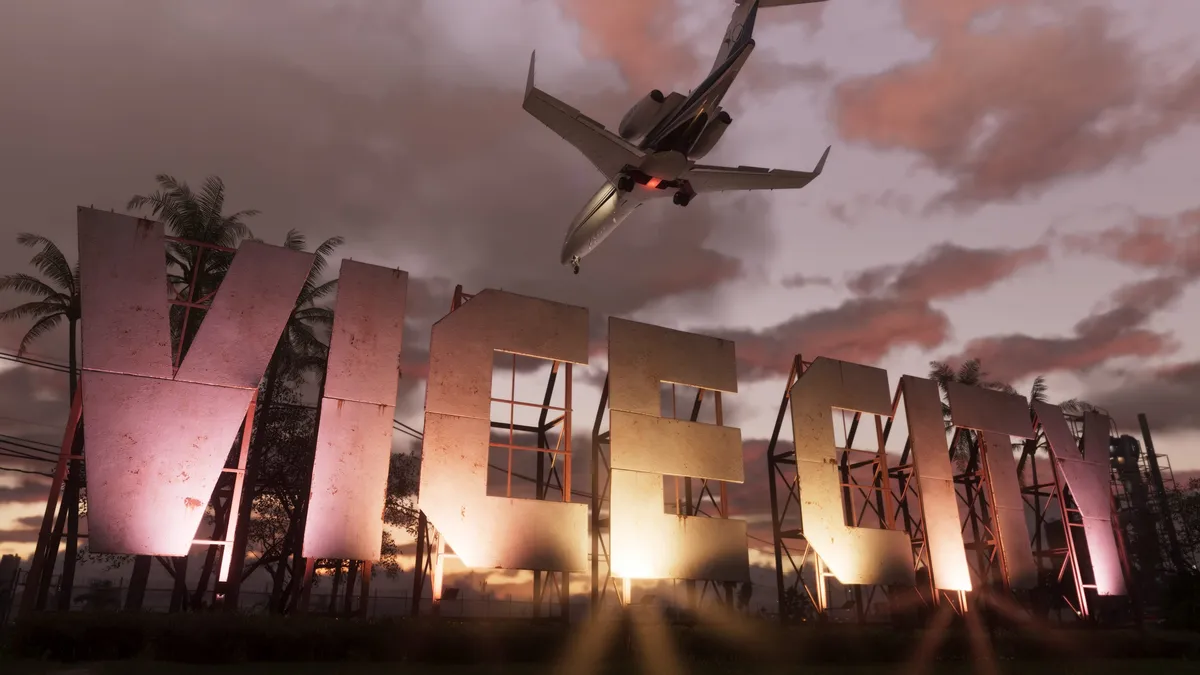
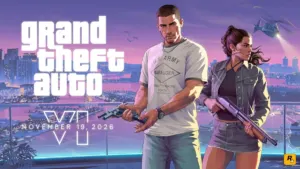
Ten days after the console launch of Grand Theft Auto VI, the saga surrounding PlayStation 5 crashes back to the home screen has reached a major turning point. In a written response sent on November 28, 2026 to an affected PS5 Pro owner, Sony India support confirmed that error code CE-108255-1 has been reported by multiple users, escalated to the PlayStation Network team in London, and placed under active technical investigation.
Escalation to PSN London and No Additional Fixes Yet
Up until now, players stuck during the opening prologue or repeatedly kicked to the dashboard in Vice City had struggled to get past automated troubleshooting loops. The affected player, who first documented repeated crashes on a brand-new PS5 Pro on Reddit (r/PS5HelpSupport) on November 21, shared the official email received from Sony India Customer Care on November 28 following their November 27 follow-up.
Unlike standard tier-one replies, the email confirms that the case was escalated to the PlayStation Network (PSN) team in London for formal review. Following that assessment, Sony explicitly acknowledged that error CE-108255-1 has been reported by multiple players and that its technical teams are continuing to investigate the issue and refine troubleshooting steps. Crucially, the message admits that no additional user-side troubleshooting steps are currently available to resolve the crash.
Sony Triggers Rare Refund Policy for Faulty Digital Content
Because the post-launch 01.002.002 update did not eliminate the crash loop for every console, Sony has fallen back on an unusually strict remedy. In the same email, support explained that a refund recommendation was issued under PlayStation's policy for faulty digital content. On the PlayStation Store, downloaded and launched titles are notoriously difficult to refund, so treating a refund as the final resolution underscores how stubborn this bug remains.
To keep the record straight, neither the PlayStation Blog, the official AskPlayStation account, nor Rockstar Games has issued a public global statement or committed to a release window for a dedicated fix. This remains a direct regional support response backed by PSN London's assessment, yet it firmly validates players whose reports were previously brushed off as isolated hardware defects, an angle we already examined in our earlier breakdown of GTA 6 CE-108255-1 crashes and PS5 liquid metal cooling.
Official Steps and Workarounds While Waiting for a Patch
Because CE-108255-1 is Sony's umbrella code for an application error, it can still be triggered by corrupted cache data, firmware hiccups, or heavy memory allocation spikes. Before requesting a refund or waiting on the next PS5 system update, you should walk through the checklist on the official PlayStation Support page for CE-108255-1 alongside proven community workarounds:
- Update PS5 firmware and GTA 6: Check Settings, System, System Software for the latest console firmware, then highlight GTA 6 on the home screen, press Options, and select Check for Update.
- Clear cache and rebuild the database in Safe Mode: Power off the PS5 completely rather than using Rest Mode, hold the power button for about seven seconds until you hear the second beep, connect your DualSense via USB, and run both Clear System Software Cache and Rebuild Database without losing saved data.
- Restore licenses or swap storage drives: Navigate to Settings, Users and Accounts, Other, Restore Licenses. If you use an expansion M.2 NVMe SSD, moving the game to the internal console SSD (or vice versa) has helped some players clear corrupted read paths.
- Temporarily lower display output: A subset of players trapped on the opening cutscene bypassed the crash by temporarily forcing 1080p output and toggling HDR off until the first autosave completed.
- Use Cloud Streaming or file an official ticket: Existing subscribers can bypass local crash loops by launching GTA 6 via PS Plus Premium Cloud Streaming on PS5. If the issue persists locally, log your console model and crash details with Rockstar Support and PlayStation Support so engineering teams can track it.
My Test Bench
From a hardware and systems standpoint, PSN London's involvement shifts the entire conversation. When a brand-new PS5 Pro crashes at the exact same point in the prologue with CE-108255-1, aging thermal interfaces or dry liquid metal on launch-year 2020 consoles can no longer explain the whole picture. What we are likely looking at is a low-level clash between PS5 system memory handling and Rockstar's exceptionally demanding GPU workload. Seeing Sony invoke its faulty digital content refund policy instead of recycling basic checklists tells me this is not a quick server-side hotfix, and affected players will probably need a coordinated PS5 firmware and title update to put it to rest.

Grand Theft Auto 6 (GTA 6)
Explore official trailers, technical specs and all latest coverage for Grand Theft Auto 6 (GTA 6).

PC hardware enthusiast and competitive gamer, Arthur 'Heimdall' splits his time between France and the UK working in enterprise B2B software solutions. A business school graduate passionate about component benchmarking, he has been building, modding, and tuning PCs since childhood, optimizing every thermal degree and millisecond of display latency. An avid gamer across Assassin's Creed and sandbox titles, he forged his alliance with Grimtag and Chaya during late-night World of Warcraft raids before joining Pro-Gamer.