GTA 6 PS5 Error CE-108255-1 Crashes: Why CPU/GPU Liquid Metal Cooling Fails and How to Fix Your Console
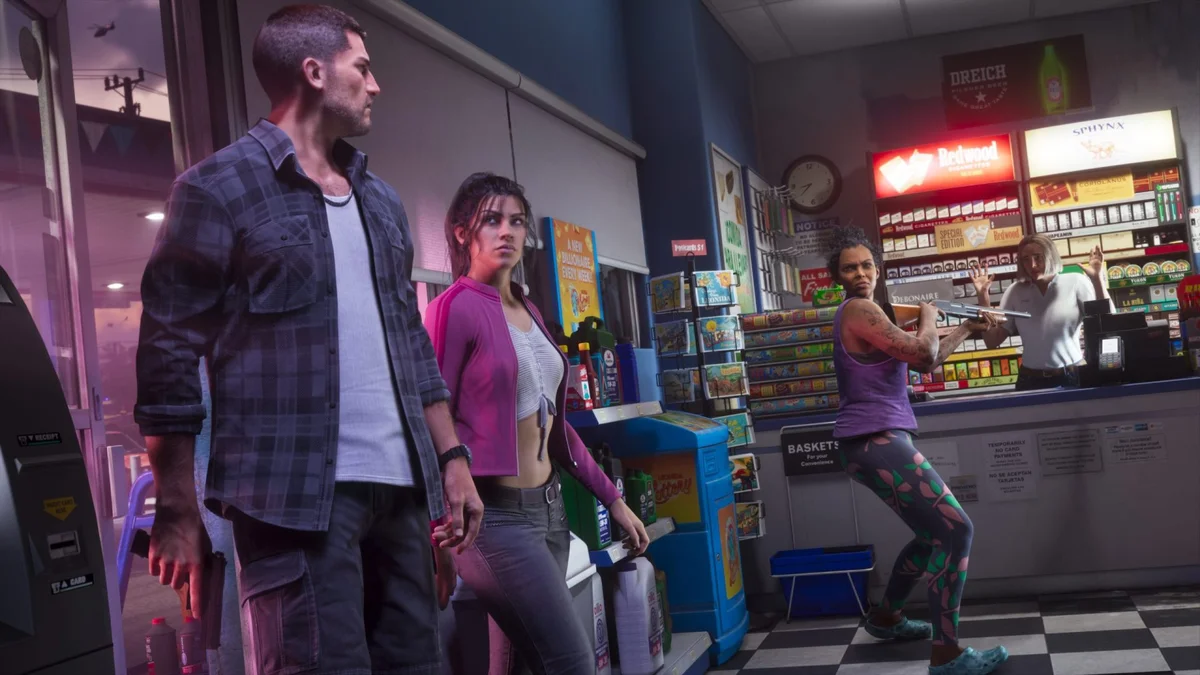
Since the launch of Grand Theft Auto VI, exploring the state of Leonida has turned into an unforgiving hardware stress test for current-generation consoles. While the community is already locked in heated debates over the mandatory 30 FPS cap across all platforms and the massive divide between critic scores and user ratings, a far more severe issue is sidelining a growing wave of PlayStation 5 owners. Within minutes of loading into Vice City, the screen freezes and dumps players back to the system dashboard with error code CE-108255-1. Worse still, for many owners of older PS5 models, standard fixes including database rebuilds and full 150 GB game reinstalls fail to stop the crashes.
Why Reinstalling GTA 6 Fails to Stop Error CE-108255-1
In Sony Interactive Entertainment's official support database, error code CE-108255-1 is a generic system alert stating that an error occurred in the game or application. Under normal circumstances, this flag triggers when a save file or compressed texture asset becomes corrupted in system memory. During the opening hours of launch day, several players ran into an isolated prologue crash during the therapist office cutscene, a purely software-driven shader cache bottleneck that clears up after a Safe Mode cache wipe.
However, the second wave of failures flooding technical forums such as r/PS5HelpSupport and r/consolerepair, and highlighted by hardware observer @ghost_motley on X, follows a completely different pattern. For these players, the CE-108255-1 crash strikes after 10 to 25 minutes of open-world driving, persists even after formatting the internal SSD, and eventually begins crashing other demanding PS5 titles. When a clean installation no longer stabilizes the application, the root cause shifts from game code to a localized thermal failure on the console's custom AMD Oberon APU.
The APU "Dry Spot" Effect: How Liquid Metal Migration Triggers Crashes
To dissipate the roughly 200W to 220W of heat generated by its high-clocked custom processor, Sony ditched traditional silicone thermal paste in 2020 in favor of a gallium-indium-tin liquid metal thermal interface applied directly to the bare silicon die. While liquid metal delivers superior thermal conductivity, independent console repair technicians have long documented its physical vulnerability: over thousands of heating and cooling cycles, gravity and thermal expansion can cause the liquid alloy to slowly pool toward one side of the chip, especially on early launch-window chassis (CFI-1000, CFI-1100, and CFI-1200 series) kept in a vertical orientation for years.
As the alloy shifts, it leaves a thin, uncooled patch on the silicon die known as a dry spot, where the remaining metallic film oxidizes. When running lighter cross-gen titles or games capped at lower power draws, the surrounding copper heatsink block still absorbs enough heat to keep the processor operational. Grand Theft Auto VI, however, maxes out all 8 Zen 2 CPU cores (for dense urban traffic, water physics, and NPC routines) alongside all 36 RDNA 2 GPU Compute Units (for mandatory ray-traced global illumination and reflections) simultaneously.
Under that sustained peak workload, the uncooled dry spot on the APU experiences an instantaneous temperature spike. Before the motherboard's global thermal sensor even registers a system-wide overheating warning (the triple beep shutdown alert), the compute units located directly beneath the localized hotspot throw a fatal calculation or GDDR6 memory addressing error. Orbis OS immediately terminates the process to protect the silicon, displaying the generic CE-108255-1 crash screen.

Why the PS5 Pro and Newer Slim Revisions Are Largely Immune
This thermal degradation pattern has been quietly building for years. Independent developer Alderon Games (creators of Path of Titans) previously reported a spike in sudden console shutdowns on older PlayStation 5 units during heavy engine workloads, warning that the issue was more widespread than initially assumed. While Sony has never issued a public recall regarding liquid metal displacement, its hardware engineering team silently redesigned the cooling contact plate on newer hardware revisions.
Teardowns of the PlayStation 5 Pro and the latest Slim production batches confirm that Sony added machined retention grooves directly onto the heatsink's contact surface. These textured ridges trap the liquid metal via surface tension and prevent it from pooling downward, even when the console stands vertically. Consequently, the overwhelming majority of hardware-induced CE-108255-1 crashes in GTA 6 are hitting launch-era 2020 through 2022 consoles that are now out of factory warranty.
Diagnostic Table: Software Bug vs. Liquid Metal Hardware Failure
Before opening your console or booking a repair service, use this diagnostic breakdown to determine whether your CE-108255-1 error is a software conflict or an APU thermal hotspot:
| GTA 6 Crash Symptom | Root Cause | Recommended Fix |
|---|---|---|
| Crashes at the exact same timestamp (e.g., prologue therapist cutscene or initial boot) | RAGE 9 shader cache corruption or Rockstar online handshake loop | Clear System Software Cache in Safe Mode and launch offline |
| Black screen flicker followed by CE-108255-1 when using a capture card, soundbar, or HDMI 2.1 monitor | HDCP encryption handshake drop or VRR refresh spike | Toggle off Enable HDCP in System > HDMI and disable VRR |
| World geometry stops loading in Vice City seconds before the application crashes | Thermal throttling on an expansion M.2 NVMe SSD | Move GTA 6 to the main soldered internal console storage |
| Crashes after 10-30 minutes of gameplay, loud fan ramp-up, visual artifacts, or crashes spreading to other PS5 games | APU liquid metal dry spot / oxidation or clogged PSU vents | Deep dust clean, horizontal placement, and professional liquid metal respread |
Step-by-Step Troubleshooting Guide for Error CE-108255-1 in GTA 6
Work through these steps in order to rule out software bottlenecks before addressing internal cooling:
- 1. Clear System Cache and Rebuild Database in Safe Mode: Power off your PS5 completely (do not use Rest Mode). Hold the power button on the console for 7 seconds until you hear the second beep. Connect your DualSense controller via USB, select "Clear Cache and Rebuild Database," run the system cache purge first, and then rebuild the database to re-index your 150 GB installation cleanly.
- 2. Disable HDCP and Restore Licenses: Navigate to Settings > Users and Accounts > Other > Restore Licenses to fix background entitlement checks. Next, go to Settings > System > HDMI and turn off "Enable HDCP", a setting you also need to adjust if you plan to follow our guide on how to set up your PS5 and PS5 Pro to stream GTA 6 on Twitch and YouTube without black screens.
- 3. Switch to Horizontal Placement and Clean the PSU Vents: Pop off the white exterior faceplates without tools. Use a vacuum attachment on the two triangular dust catchers, and carefully clear any dust mat blocking the honeycomb vents at the bottom of the internal power supply unit (PSU). Place the console horizontally on its stand to reduce gravitational pull on the thermal compound. Warning: Never shake or tap the console to redistribute the liquid metal, as suggested by reckless social media posts. Liquid metal is electrically conductive; if a droplet breaches the protective foam barrier around the APU, it will short-circuit the surrounding SMD capacitors and permanently brick the motherboard.
- 4. Respread and De-Oxidize the Liquid Metal (Out-of-Warranty 2020-2022 Units): If the crashes continue across every play session, the APU almost certainly has an oxidized dry spot. A reputable console repair shop (typically charging $60 to $90, or an experienced builder using a Torx T8 Security driver) can open the internal shield, gently scrub the dull gray oxidation layer off both the bare silicon die and the copper heatsink using a lint-free cotton swab dipped in 99% isopropyl alcohol (IPA), and evenly respread the existing alloy (adding a micro-drop of Thermal Grizzly Conductonaut if necessary). Restoring full surface contact across the die eliminates thermally induced CE-108255-1 crashes immediately.
My Test Bench
When I opened up my launch-day CFI-1015A PS5 after four years of vertical use to inspect the thermal interface, nearly a third of the Oberon die had developed a dull, oxidized dry patch where the gallium alloy had migrated toward the lower foam gasket. Less demanding games let the surrounding copper compensate between frame spikes, but Rockstar's RAGE 9 engine keeps both the Zen 2 cores and RDNA 2 compute units pinned at maximum thermal output. Sony's decision to machine retention grooves into the PS5 Pro heatsink proves their hardware engineers knew exactly how liquid metal behaves over a multi-year lifecycle. If your 2020 or 2021 console keeps throwing CE-108255-1 twenty minutes into Vice City, stop wasting bandwidth downloading 150 GB over and over: a 99% isopropyl alcohol clean and a proper liquid metal respread will bring your hardware right back to peak stability.

Grand Theft Auto 6 (GTA 6)
Explore official trailers, technical specs and all latest coverage for Grand Theft Auto 6 (GTA 6).

PC hardware enthusiast and competitive gamer, Arthur 'Heimdall' splits his time between France and the UK working in enterprise B2B software solutions. A business school graduate passionate about component benchmarking, he has been building, modding, and tuning PCs since childhood, optimizing every thermal degree and millisecond of display latency. An avid gamer across Assassin's Creed and sandbox titles, he forged his alliance with Grimtag and Chaya during late-night World of Warcraft raids before joining Pro-Gamer.