Xbox Status Reads Green While Consoles Drop Offline: How the Global Microsoft 365 and Azure Outage Hits Xbox Network
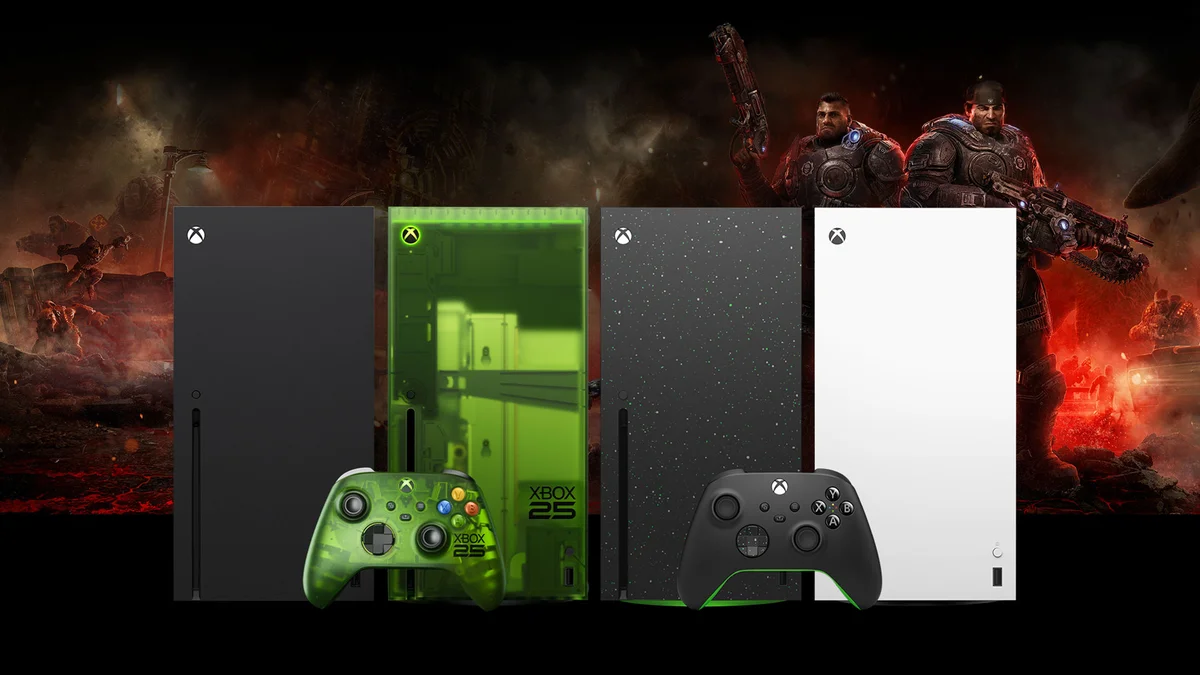
A massive global outage struck Microsoft's cloud infrastructure on Friday, November 13, crippling the Microsoft 365 productivity suite (including Outlook, Teams, Exchange Online, OneDrive, and SharePoint) before sending ripple effects across the Xbox Network and Xbox Cloud Gaming. While hundreds of thousands of incident reports surged on Downdetector across North America, Europe, and the Asia-Pacific region, players on Xbox Series X|S, Xbox One, and Windows 11 PCs have been hit by unexpected account sign-outs, digital license verification failures, and stalled cloud streaming queues.
A Cascading Backend Server Failure, Not a Cyberattack
Shortly after the disruptions began, Microsoft's official engineering channels, including @MSFT365Status and the Microsoft Service Health admin portal, attributed the widespread degradation to an "elevated load" spanning multiple geographic regions. Company executives and network engineers quickly confirmed that the incident was neither caused by malicious cyber activity nor triggered by an organic spike in user traffic.
Instead, the root cause stems from a cascading failure deep inside Microsoft's server fleet: a large batch of backend servers unexpectedly went offline after failing automated health checks. When those nodes dropped out of rotation simultaneously, the remaining operational infrastructure was instantly overwhelmed by redistributed traffic, saturating authentication gateways and regional load balancers.
To stabilize the environment, Microsoft halted all ongoing software deployments and configuration changes while attempting to restart affected nodes and reroute traffic. However, initial recovery efforts ran into a classic "thundering herd" bottleneck: as soon as restored servers came back online, the backlog of automated reconnection requests immediately overloaded them again, prolonging the recovery window for enterprise sectors and gamers alike.
Why Xbox Players Are Locked Out Despite Green Status Indicators
For console and PC players, the most frustrating aspect of the outage has been the lag in official gaming telemetry. Throughout the morning, the official Xbox Status dashboard continued to display green checkmarks across all categories, even as Xbox Network outage reports climbed on Downdetector and players flooded Reddit and X with error screenshots.
This discrepancy highlights how tightly modern Xbox services are woven into Microsoft's broader enterprise backbone. Even when dedicated multiplayer matchmaking servers remain healthy, the Xbox ecosystem relies on the exact same Microsoft Account / Entra ID identity layer and Azure routing fabric as Microsoft 365. As a result, players caught in affected regions are experiencing four primary issues:
- Account sign-outs and login loops: failure to authenticate Xbox profiles at console boot or inside the Windows 11 Xbox app, an unfortunate hiccup arriving right alongside Microsoft's 25 Years of Xbox bundle offering 25 free PC games with new Windows 11 devices.
- Digital game and Game Pass launch blocks: inability to validate online DRM license tokens when launching digital titles on consoles not designated as a "Home Xbox."
- Cloud save synchronization timeouts: failures when pulling or pushing cloud-stored save data across devices.
- Xbox Cloud Gaming queues and drops: extended waiting times and sudden session ejections when streaming games, alongside intermittent slowdowns on web features such as the interactive Xbox Playback 25th Anniversary recap.
Check Xbox Game Pass Ultimate deals on Allkeyshop→

How to Bypass Cloud Sync Loops on Xbox Series X|S During the Outage
If your Xbox Series X or Series S is stuck on the cloud data synchronization screen or refuses to boot a downloaded single-player title while Microsoft's backend servers recover, the fastest workaround is to sever the console's cloud handshake manually.
Navigate to Settings > General > Network settings > Go offline. Provided your console is already set as your "Home Xbox" (under Settings > General > Personalization > My home Xbox), switching to offline mode stops the operating system from polling congested authentication servers and allows your locally installed SSD games to launch immediately using local save files.
My Field Notes
From a network architecture standpoint, this Friday the 13th outage exposes the hidden Achilles' heel of Microsoft's unified cloud strategy. Sharing authentication gateways, identity tokens, and regional load balancers across Outlook, Teams, Azure, and the Xbox Network delivers massive operational efficiency on a normal day, but it creates a systemic blast radius whenever automated health checks misfire. The fact that an enterprise Microsoft 365 reconnection storm can lock a console owner out of launching a single-player game in their living room proves one thing: seamless local license fallback should be the default behavior of every modern console OS, not an offline toggle buried in network settings.

PC hardware enthusiast and competitive gamer, Arthur 'Heimdall' splits his time between France and the UK working in enterprise B2B software solutions. A business school graduate passionate about component benchmarking, he has been building, modding, and tuning PCs since childhood, optimizing every thermal degree and millisecond of display latency. An avid gamer across Assassin's Creed and sandbox titles, he forged his alliance with Grimtag and Chaya during late-night World of Warcraft raids before joining Pro-Gamer.