Broken Fan Blades After an nvlddmkm Crash: Why Gigabyte Still Honored This GPU Warranty Under "Repair Only"
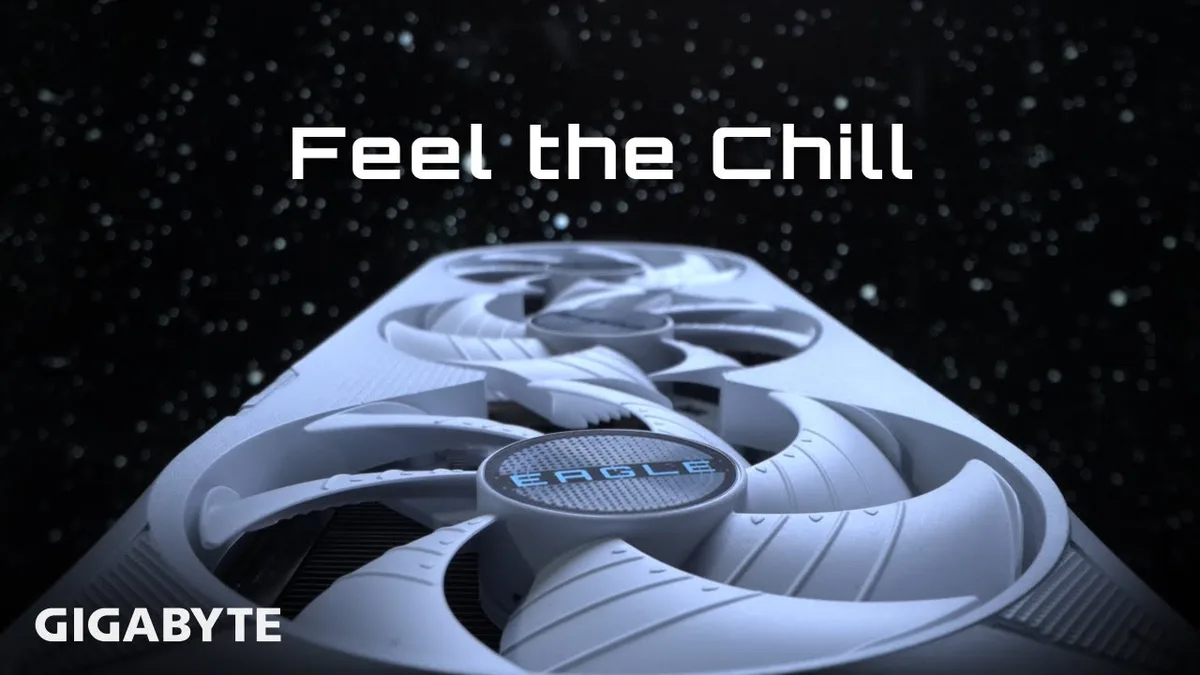
Catching your fingers in a spinning graphics card shroud is every PC builder's worst nightmare. Over on the r/gigabyte subreddit, user u/WholeFreedom3018 shared what happened when a troubleshooting session on a malfunctioning Gigabyte GPU went sideways.
While inspecting the rig under load, the owner's fingers accidentally struck the spinning cooler, snapping multiple fan blades clean off the hub. Under standard industry policies, any visible physical damage immediately voids free warranty coverage.
Windows Event ID 153, nvlddmkm Driver Crashes, and a Costly Slip
The ordeal started with a classic nightmare for Nvidia GPU owners: sudden black screens paired with fans ramping to maximum RPM. Checking the Windows Event Viewer revealed recurring Event ID 153 and Event ID 14 logs tied directly to the nvlddmkm display driver.
While reaching inside the case to check the card's behavior during operation, the owner accidentally broke the fan blades. Facing both the underlying core stability issue and a physically damaged cooler, the user still submitted an RMA ticket through Gigabyte's official warranty support hoping for a resolution.
From Replacement to "Repair Only": Inside Gigabyte's RMA Notice
Rather than issuing an automatic rejection for Customer Induced Damage (CID), Gigabyte's service center took a surprisingly measured approach. In an official email titled "NOTICE OF DAMAGE REPAIR," the manufacturer acknowledged the broken blades as "unintentional physical damages."
"Due to the physical damage the product will not qualify for replacement and the warranty status will be REPAIR only. GIGABYTE will try to repair the damage areas of the product, instead of voiding the warranty."
Gigabyte also laid out clear technical expectations regarding board-level servicing. The notice warns the owner that open PCB repair processes can leave minor cosmetic blemishes, including thermal discoloration, visible soldering work, and protective adhesive masking, before the card undergoes full quality control validation.
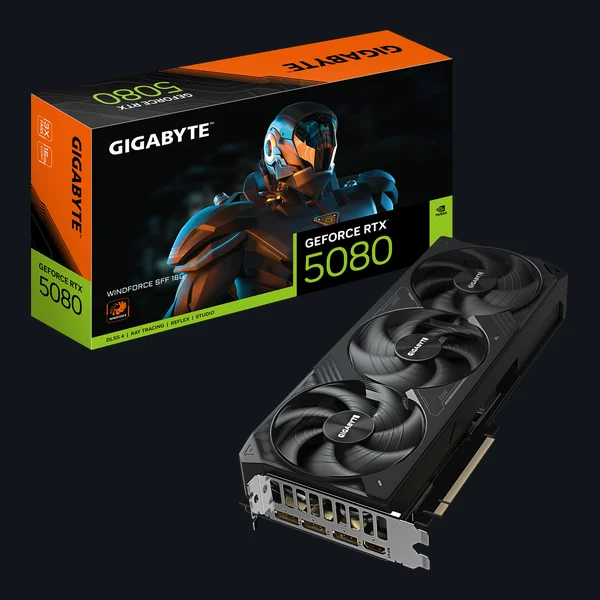
GIGABYTE GeForce RTX 5080 WINDFORCE OC SFF 16G
- Triple Hawk Fan WINDFORCE thermal design
- Server-grade conductive gel and composite copper heatpipes
- SFF-Ready 16GB GDDR7 architecture
A Rare Bright Spot Amid Ongoing RMA Scrutiny
This goodwill gesture stands out because Gigabyte's after-sales reputation has faced heavy scrutiny across hardware communities. Builders on Reddit were quick to contrast this outcome with past disputes, including a defective motherboard returned with faulty VRMs after a simple BIOS flash and an RTX 5070 Ti that failed eleven days after purchase.
With GPU prices refusing to drop amid the AI memory crunch and the wider 2026 GPU shortage, losing warranty protection over a snapped plastic blade can cost hundreds of dollars. Honoring the underlying repair rather than hiding behind a technicality is a welcome win for PC builders.
My Test Bench: The Customer Induced Damage Lottery vs. a $15 DIY Fan Swap
Having dealt with dozens of GPU and motherboard RMAs across Gigabyte, Asus, and MSI over the years, seeing a service center waive a mechanical damage rejection is genuinely rare. In most RMA depots, a chipped fan blade or a tiny scratch near a screw hole triggers an instant CID denial, even when the actual failure is a dead memory controller or unstable core silicon.
That said, two practical hardware rules apply here. First, whenever you hit nvlddmkm crashes with Event ID 14 or 153, always run Display Driver Uninstaller (DDU) in Safe Mode, revert any core or memory overclock to factory clocks, and verify your PCIe power cables before shipping a card out for weeks.
Check Availability GIGABYTE GeForce RTX Graphics Cards Availability on Amazon→
Second, if your GPU runs flawlessly and you only snap a fan blade while dusting your rig, skip the RMA wait entirely. Ordering an exact-match 4-pin PWM replacement fan for a WINDFORCE shroud costs around $15 and takes ten minutes to swap on your desk without risking board discoloration or weeks of downtime.

PC hardware enthusiast and competitive gamer, Arthur 'Heimdall' splits his time between France and the UK working in enterprise B2B software solutions. A business school graduate passionate about component benchmarking, he has been building, modding, and tuning PCs since childhood, optimizing every thermal degree and millisecond of display latency. An avid gamer across Assassin's Creed and sandbox titles, he forged his alliance with Grimtag and Chaya during late-night World of Warcraft raids before joining Pro-Gamer.