Xbox Cloud Gaming Drops Support for 2020 Samsung Smart TVs on November 3: Why It Happened and How to Keep Playing
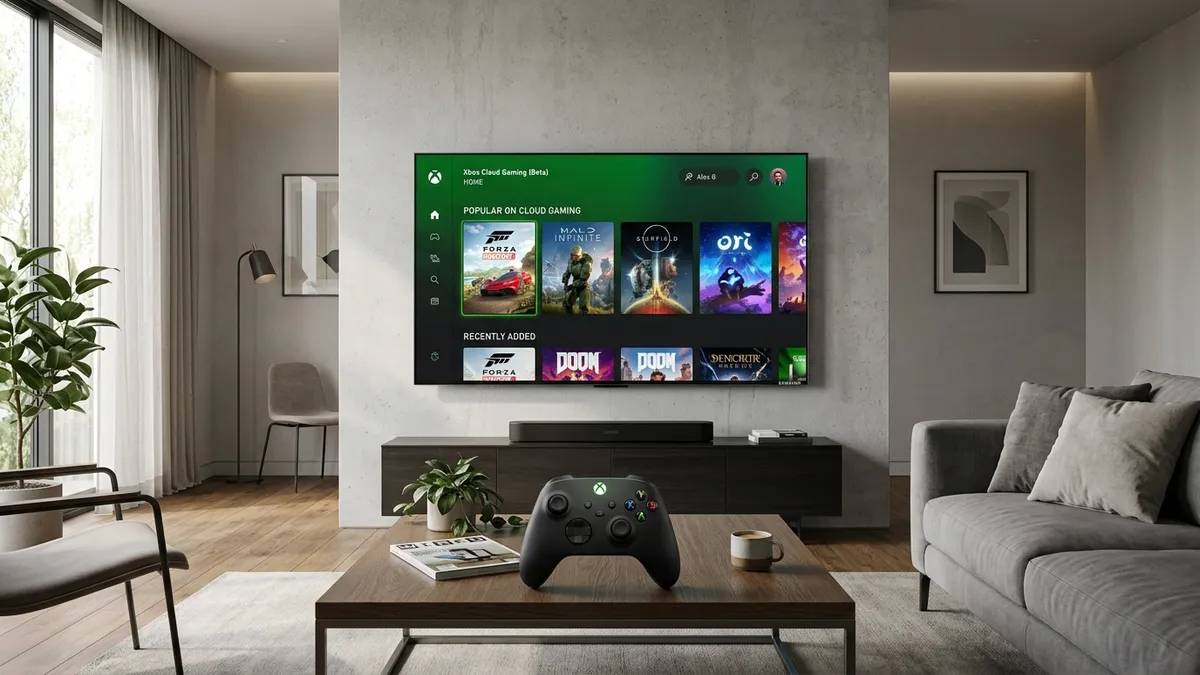
Cloud gaming without a dedicated console under the TV is facing its first major software hurdle. Microsoft has officially announced that Xbox Cloud Gaming will no longer be supported on 2020 Samsung Smart TVs starting November 3, 2026. After that date, the native application will cease to function and will be removed from Samsung's app hub on those models.
The Technical Bottleneck: Chromium 69 and Tizen OS 5.5
While pulling support from four-year-old 4K displays might frustrate owners, the decision stems from fundamental web infrastructure rather than commercial strategy. Microsoft is currently overhauling its Xbox Cloud Gaming web client, introducing newer Web Workers standards and modern video streaming pipelines that require at least Chromium 70 or above.
The core problem lies in the underlying architecture of Samsung's 2020 lineup. These television sets run on Tizen OS 5.5, where the integrated web engine remains permanently locked to Chromium 69. Because Samsung no longer delivers major operating system upgrades to its 2020 displays, Microsoft faced a choice between maintaining legacy branches for an aging browser engine or advancing its cloud platform. Redmond decided to move forward.
Which Samsung TVs Are Affected and What About Other Cloud Services?
The retirement applies to all Samsung Smart TV models manufactured in 2020, including popular series such as the Crystal UHD TU lineup, QLED models ranging from the Q60T to the Q95T, and The Frame 2020. Conversely, 2021 and newer televisions running Tizen OS 6.0 or later will retain full, uninterrupted access to Xbox Cloud Gaming.
Additionally, competing services like NVIDIA GeForce NOW remain operational on 2020 displays for the time being, as their web wrappers do not currently depend on these specific Chromium 70 APIs. Players looking forward to titles highlighted during the recent ID@Xbox Showcase stream can still enjoy cloud sessions from their couch through simple hardware workarounds.
How to Keep Playing Without Replacing Your TV
Losing native app access does not mean you have to discard a perfectly capable 4K display. The most straightforward and budget-friendly fix is plugging an external streaming stick into one of your TV's HDMI ports. Devices like the Amazon Fire TV Stick 4K or the Google TV Streamer carry the official Xbox app and receive regular software updates.
Check Fire TV Stick 4K Streaming Devices on Amazon→
By connecting an affordable HDMI stick, you instantly recover full access to the Xbox Cloud Gaming library, pair your Bluetooth gamepad effortlessly, and often get a snappier interface than what aging built-in TV processors can deliver.
My Take and Bench Review: The Inevitable Limits of Smart TV SoCs
On my test bench, this deprecation exposes the precise architectural trap of integrated smart platforms. The 2020 panel hardware remains superb for latency and contrast, but the low-power SoCs chosen to run Tizen 5.5 simply lack the memory bandwidth and thread concurrency to handle evolving cloud runtimes.
Counting on a television vendor to maintain modern streaming frameworks over five to ten years has always been a flawed strategy. Offloading client processing to an inexpensive external HDMI stick keeps your display relevant, bypasses Chromium 69 obsolescence entirely, and delivers superior packet buffering for minimal expense.

PC hardware enthusiast and competitive gamer, Arthur 'Heimdall' splits his time between France and the UK working in enterprise B2B software solutions. A business school graduate passionate about component benchmarking, he has been building, modding, and tuning PCs since childhood, optimizing every thermal degree and millisecond of display latency. An avid gamer across Assassin's Creed and sandbox titles, he forged his alliance with Grimtag and Chaya during late-night World of Warcraft raids before joining Pro-Gamer.