Best HDMI 2.1 & 4K VRR Capture Cards in 2026: Stream PS5, Xbox, and PC Without Lag
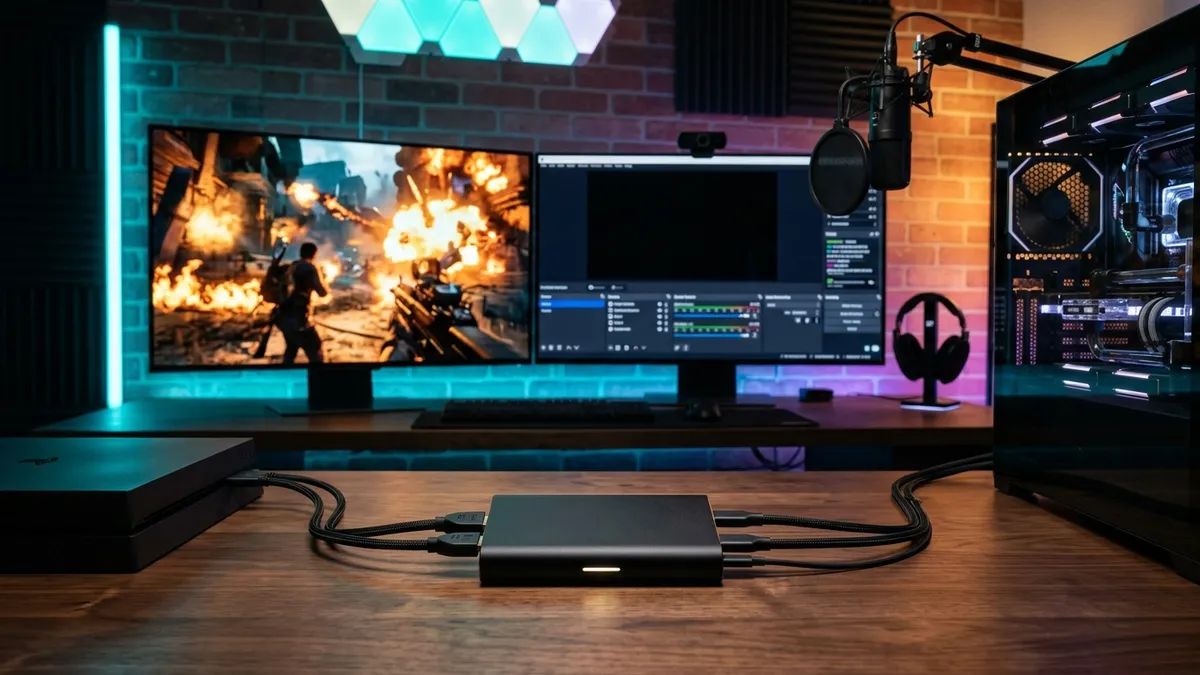
Hooking up a capture card to current-gen consoles used to be a frustrating compromise. Gamers spent top dollar on 4K 144Hz monitors with Variable Refresh Rate, only for older HDMI 2.0 capture devices to force consoles back down to a locked 60Hz.
In 2026, HDMI 2.1 capture cards have permanently solved this dilemma. Content creators can now play at native high refresh rates with adaptive sync active while broadcasting pristine footage to OBS Studio.
Why HDMI 2.1 and VRR Matter for Modern Streaming
The core leap between HDMI 2.0 and HDMI 2.1 lies in total bandwidth, jumping from 18 Gbps to a massive 48 Gbps. This headroom allows uncompressed 4K video to pass through at up to 144 frames per second without color subsampling.
The real breakthrough for competitive gameplay is VRR (Variable Refresh Rate). On PS5, Xbox Series X, and gaming rigs, VRR dynamically matches your display's refresh rate to the game's output, eliminating screen tearing and frame pacing stutters.
If you are planning to expand your broadcasting reach across multiple channels, check out our comprehensive guide on multistreaming to Twitch, YouTube, and Kick for free to maximize your audience.
Native HDMI 2.1 cards feature passthrough circuits that relay the raw display signal directly to your gaming monitor with zero latency while piping the capture feed over high-speed USB-C.
Elgato 4K X: The Undisputed 4K 144Hz Powerhouse
The Elgato 4K X stands as the most capable external capture card available for content creators. Powered by a 10Gbps USB 3.2 Gen 2 Type-C interface, it handles passthrough up to 4K144 with HDR10 and VRR effortlessly.
What truly sets it apart is its recording capability: it captures video in true 4K up to 144 frames per second, or 1440p at up to 240 frames per second for high-refresh esport titles.
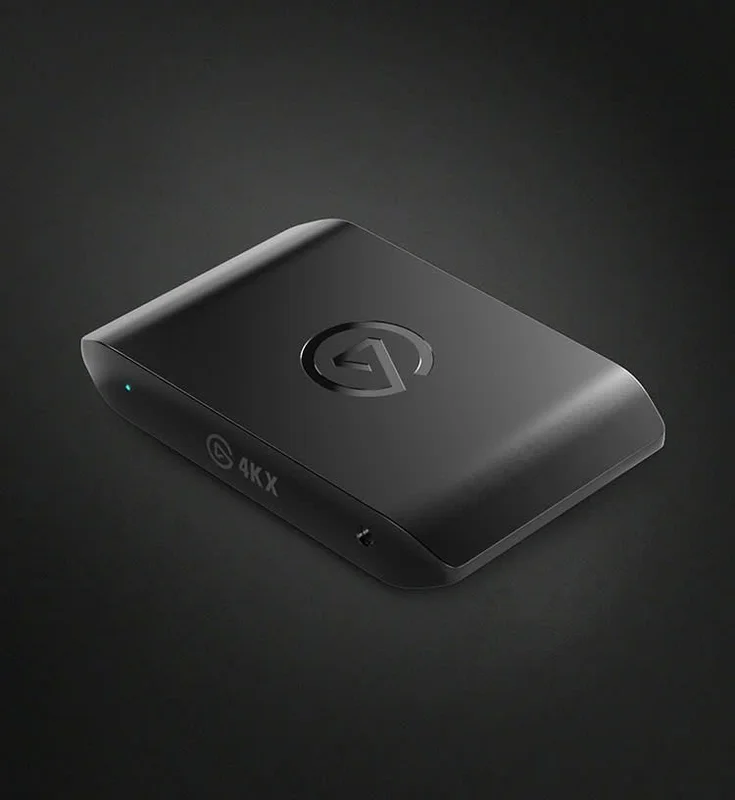
Elgato 4K X
- True HDMI 2.1 passthrough up to 4K144 with VRR & HDR10
- Uncompressed capture up to 4K144 or 1440p240
- Ultra-fast 10Gbps USB-C connection with sub-35ms latency
In OBS Studio, preview latency reliably clocks in below 35 milliseconds. The response feels so instantaneous that you can play reaction-heavy games right inside your software viewport if needed.
Keep in mind that you must connect it to a dedicated 10Gbps USB-C or USB 3.2 Gen 2 port on your motherboard to unlock its highest capture resolutions.
AVerMedia Live Gamer ULTRA 2.1: The Console Audio Champion
AVerMedia delivered a formidable rival with the Live Gamer ULTRA 2.1 (GC553G2). This external HDMI 2.1 capture device delivers rock-solid 4K144 VRR passthrough and features customizable RGB lighting.
For creators running desktop towers who prefer clean cable management, AVerMedia also offers the internal PCIe Gen 3 x4 variant known as the Live Gamer 4K 2.1 (GC575).
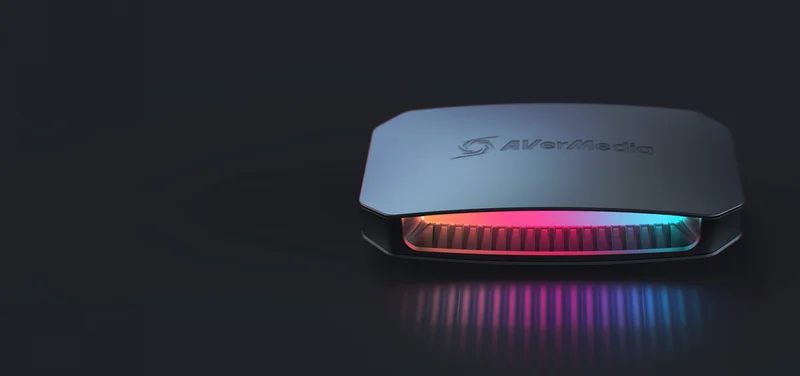
AVerMedia Live Gamer ULTRA 2.1
- HDMI 2.1 passthrough 4K144 VRR with 5.1/7.1 surround
- Dedicated 3.5mm Party Chat jack for console headsets
- Customizable RGB lighting with internal PCIe option (GC575)
The standout advantage of the GC553G2 is its front-panel audio routing. The built-in 3.5mm Party Chat jack captures teammate voices directly from your console controller without requiring extra splitters or adapters.
For video capture, it caps out at 4K60 (compared to the 4K144 capture on the Elgato 4K X), which is more than enough for Twitch and YouTube where 60 fps remains the streaming standard.
Elgato Game Capture Neo: The Smart Budget & Switch Choice
Not every creator needs 4K144 capture, especially if you are just starting out or primarily streaming consoles that output at 60 frames per second.
The Elgato Game Capture Neo delivers an accessible, compact solution priced under $120. It offers 4K60 HDR passthrough to your gaming screen while capturing clean 1080p60 into OBS Studio.
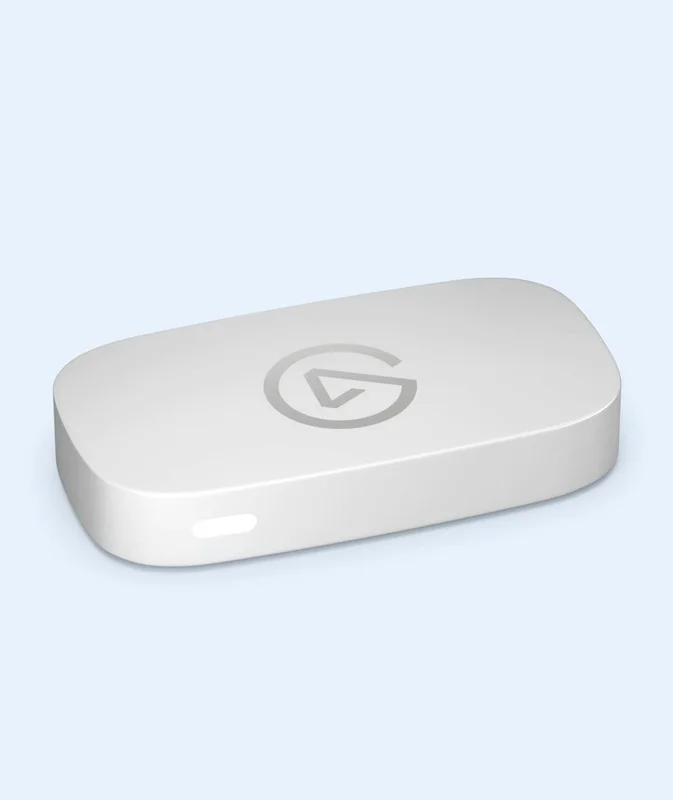
Elgato Game Capture Neo
- Zero-lag 4K60 HDR passthrough for smooth console play
- Clean 1080p60 capture ready for OBS Studio out of the box
- Universal plug-and-play setup for PC, Mac, and iPad
It works right out of the box with zero driver installation on PC, Mac, and even iPad over USB-C. It remains the ideal portable capture companion for Nintendo Switch and entry-level console streaming.
OBS Studio Setup: Essential Settings to Prevent Stream Lag
Plugging in high-end hardware is only half the battle. Inside OBS Studio, misconfiguring your Video Capture Device properties can trigger frame drops or desync issues.
For color format, choose NV12 when streaming standard SDR video to Twitch or YouTube. It delivers optimal GPU hardware compatibility and minimizes rendering overhead.
If you are capturing 10-bit HDR content for YouTube uploads, switch to P010 with the Rec. 2100 color space. Always make sure to set Buffering to Disable to eliminate preview delay.
To eliminate audio drift where gameplay sound slowly slips out of sync after hours of broadcasting, avoid default device routing. Set your Audio Output Mode to Desktop Audio (WaveOut) or configure a dedicated Custom Audio Device.
The Verdict: Which Capture Card Belongs on Your Desk?
If you game on a PS5 Pro, Xbox Series X, or dual-PC setup paired with a 4K 144Hz VRR monitor, the Elgato 4K X remains the gold standard with its 4K144 capture performance.
If hassle-free party chat capture from your controller is your top priority, the AVerMedia Live Gamer ULTRA 2.1 delivers the smartest console workflow on the market.
For budget-conscious creators, mobile streamers, and Nintendo Switch broadcasters, the Elgato Neo gets the job done cleanly without stretching your wallet.

SEO consultant for over 20 years and digital entrepreneur, Charles 'Grimtag' Ronchain is the founder of Pro-Gamer.gg, Retrocharting.com, and Gamescharting.com. A competitive gamer, streamer, and retro game collector, he has worked in the video game industry for over 15 years, notably as a consultant for leading game price comparison platforms. Passionate about real-time performance data and gaming technology, he analyzes competitive esports, gaming hardware benchmarks, and creator workflows on Pro-Gamer.gg with an authentic player perspective.