GTA 6 Discord Quest Guide: How to Claim 200 Free Orbs in 90 Seconds Before November 19
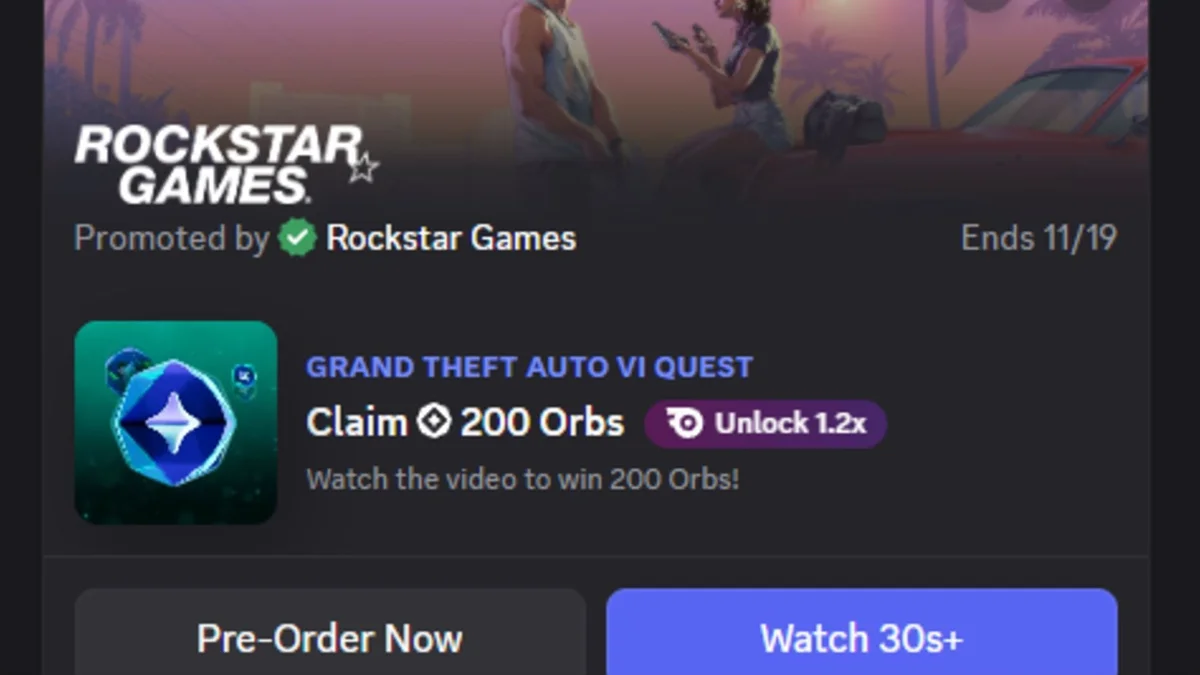
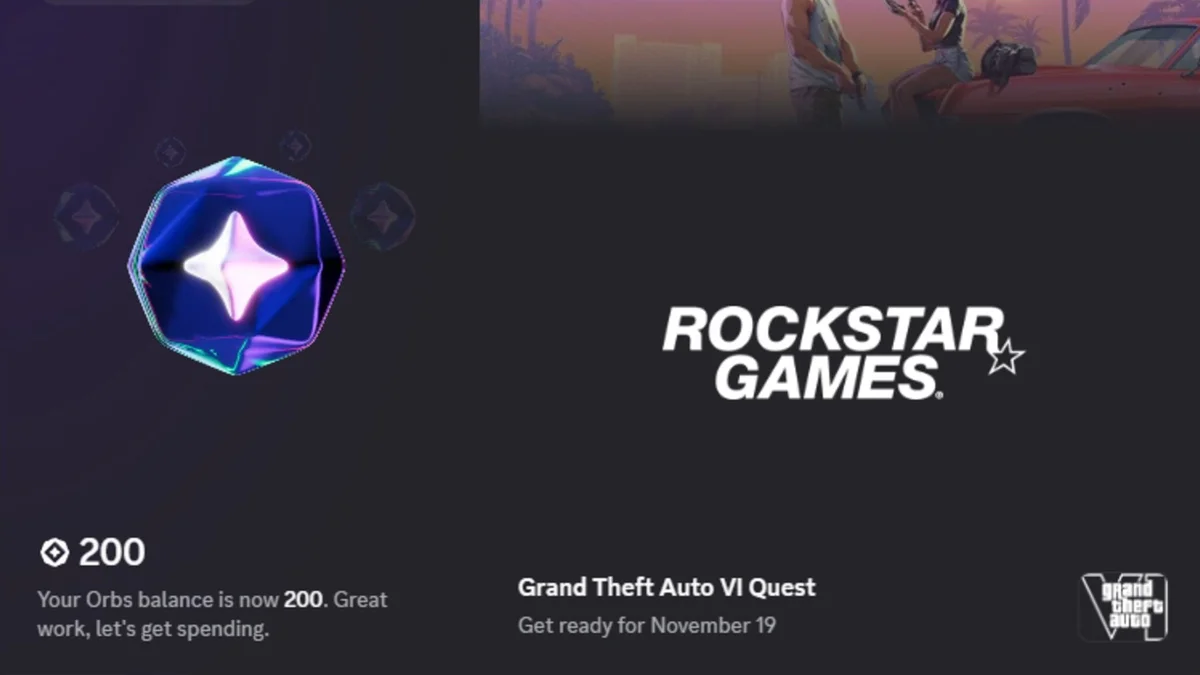
With twelve days left before the worldwide launch of Grand Theft Auto VI, Rockstar Games and Discord have officially rolled out the first live phase of their platform-wide collaboration. Starting today, every Discord user can complete the promotional Grand Theft Auto VI Quest to claim 200 free Discord Orbs (or 240 Orbs for Nitro members) in under two minutes, with zero gameplay or streaming required.
Grand Theft Auto VI Discord Quest Overview and Key Details
| Quest Parameter | Official Details |
|---|---|
| Quest Name | Grand Theft Auto VI Quest (Promoted by Rockstar Games) |
| Objective Type | Video Quest (watch the 1m 29s promotional trailer) |
| Standard Reward | 200 free Discord Orbs |
| Discord Nitro Bonus | 1.2x multiplier badge (240 Discord Orbs total) |
| Expiration Date | November 19, 2026 (GTA 6 official launch day) |
| Recommended Client | Discord Desktop App (PC / Mac) or Web Browser client |
How to Find and Complete the GTA 6 Discord Quest Step by Step
Unlike standard gaming quests that require you to stream an active game executable to a voice channel for fifteen minutes, Rockstar's promotional tie-in is a straightforward Video Quest. The campaign remains active until November 19, 2026, coinciding with the game's official launch day on PlayStation 5 and Xbox Series X|S.
Follow these exact steps to unlock your reward right now:
- Open Discord: Launch the desktop application on PC or Mac, or log in through your web browser (using the desktop client is strongly recommended for reliable video progress tracking).
- Navigate to Discover: Click the compass-shaped Discover icon at the very bottom of your server list on the left sidebar.
- Open the Quests Tab: Select Quests from the left navigation menu. Alternatively, open your User Settings > Gift Inventory / Quests.
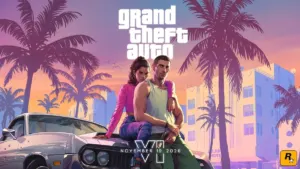
- Locate the GTA 6 Banner: Find the card titled Grand Theft Auto VI Quest, featuring artwork of Lucia and Jason leaning against their car under the Promoted by Rockstar Games badge.
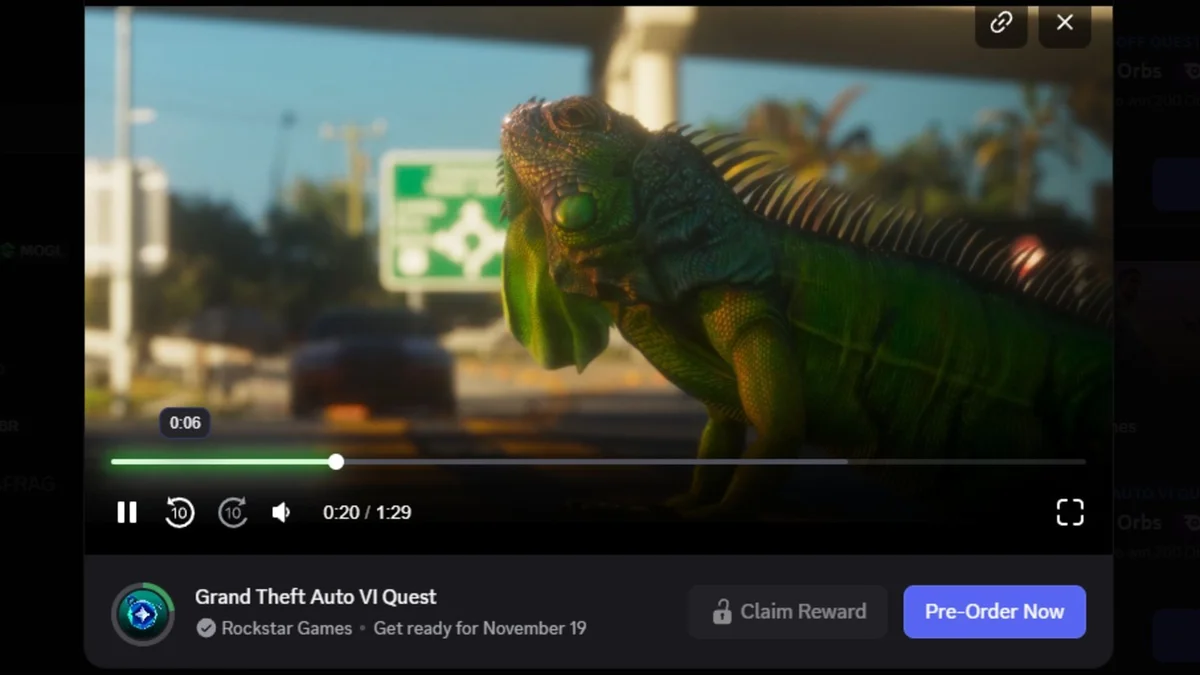
- Watch the Trailer: Click Start Video Quest (or Watch 30s+) to open the built-in media player and watch the 1-minute and 29-second trailer.
- Claim Your Orbs: Once the progress bar hits 100%, the locked button beneath the video player turns active. Click Claim Reward to immediately add the 200 Orbs to your account balance.
Why Your Progress Bar Might Freeze: The Active Window Rule
If you usually start promotional videos and immediately switch tabs, keep in mind that Discord's quest player actively monitors window focus to verify engagement.
Minimizing the Discord client, pressing Alt + Tab to switch to another program, clicking into a server chat channel, or pausing playback will immediately halt the progress bar. Keep the video player in the foreground for the full 89 seconds until the green completion ring around the Orb icon fills up completely.
You will also spot a Pre-Order Now button right next to the reward prompt. Reflecting Sony's marketing partnership with Rockstar Games, clicking that button directs you straight to the PlayStation 5 editions page on the official GTA 6 website. If you are already clearing storage space for the 230 GB download, check out our GTA 6 midnight launch and console unlock guide for a full breakdown of release timing.
Where to Spend Your 200 Discord Orbs Ahead of the November 17 Vice City Event
Once the completion screen confirms your payout, those 200 Orbs (or 240 Orbs with the 1.2x multiplier badge granted to active Discord Nitro subscribers) are ready to spend in the Discord Shop. You can redeem your Orbs balance toward four types of digital perks:
- Avatar decorations to frame your profile picture across servers and voice channels;
- Profile effects that animate whenever someone opens your user card;
- Custom nameplates for your display profile;
- Nitro credits to claim free days of Discord Nitro membership.

Saving your Orbs for a few more days might be the smartest move. As uncovered in October's Project Hexagon Discord datamine leak, a full Vice City visual takeover, featuring a neon pink-and-orange app theme, a custom GTA 6 app icon, and the signature Pricedown display name font, is scheduled to go live on November 17, 2026, just forty-eight hours before players step into Leonida.
Grand Theft Auto 6 (GTA 6)
Explore official trailers, technical specs and all latest coverage for Grand Theft Auto 6 (GTA 6).

SEO consultant for over 20 years and digital entrepreneur, Charles "Grimtag" is the founder of Pro-Gamer.gg, Retrocharting.com, and Gamescharting.com. A competitive gamer, streamer, and retro game collector, he has worked in the video game industry for over 15 years, notably as a consultant for leading game price comparison platforms. Passionate about real-time performance data and gaming technology, he analyzes competitive esports, gaming hardware benchmarks, and creator workflows on Pro-Gamer.gg with an authentic player perspective.