Dynamic Backgrounds Replaced by a Call of Duty: Modern Warfare 4 Ad: The Hidden Setting to Disable on Xbox Series X|S
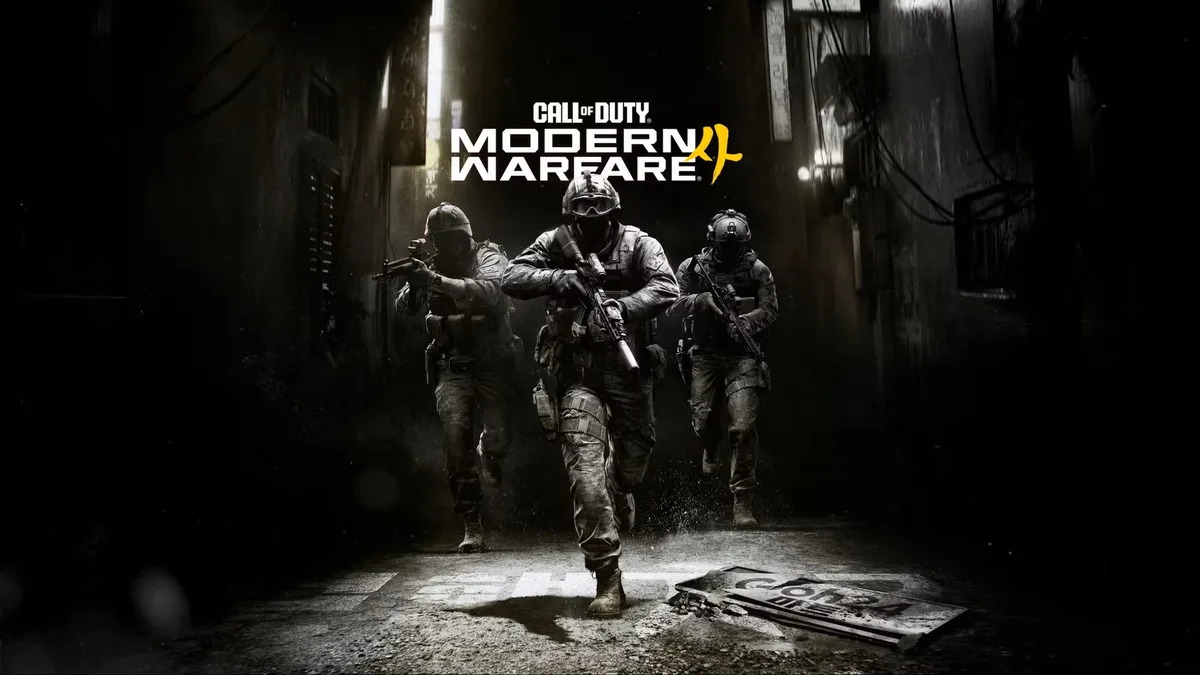
Turning on an Xbox Series X|S on Friday, October 23, 2026, brought an unwelcome surprise for thousands of console owners: their custom wallpapers and dynamic backgrounds had been automatically wiped out and replaced by a full-screen advertisement for Call of Duty: Modern Warfare 4. Pushed remotely by Microsoft to celebrate the launch of Activision's latest shooter, the yellow-and-black promotional takeover overrides personal dashboard settings without asking for user consent.
A Full-Screen Dashboard Takeover That Overrides Custom Themes
Until now, promotional campaigns on the Xbox dashboard were mostly confined to the row of sponsored tiles along the bottom of the home screen, or occasional boot-up pop-up screens that players could dismiss in a second by pressing B. For the launch of Call of Duty: Modern Warfare 4, Microsoft went a step further: alongside filling all four bottom dashboard tiles with links to the Campaign, Multiplayer, DMZ mode, and the Vault Edition upgrade, the company forcibly replaced users' active backgrounds with promotional key art.
Across the r/xbox subreddit and X, frustrated players quickly voiced their annoyance at seeing their personal customization settings hijacked overnight. The move has drawn particular criticism because it targets every console owner indiscriminately: whether you already bought the game at full price, pay monthly for Xbox Game Pass Ultimate, or spent up to $799 on a 2TB Xbox Series X console, your home screen is still treated as corporate billboard space. Worse yet, simply heading into your wallpaper gallery to pick a new dynamic background does not immediately clear the yellow promotional overlay as long as a specific system toggle remains active.
How to Turn Off Event-Themed Background Ads on Xbox Series X|S
This automatic wallpaper override relies on a system toggle called "Show event-themed backgrounds," which Microsoft enables by default inside the console's personalization menu. As shared by Xbox community members including Reddit user Donkeyz, disabling this single setting immediately restores your custom or dynamic background and blocks future promotional takeovers:
- Press the Xbox button on your controller to open the guide menu, then open Settings.
- Stay in the General tab and select Personalization.
- Open My background (you may be prompted to enter your account PIN if you use one).
- Uncheck the box labeled "Show event-themed backgrounds" right below the selected game art toggle.
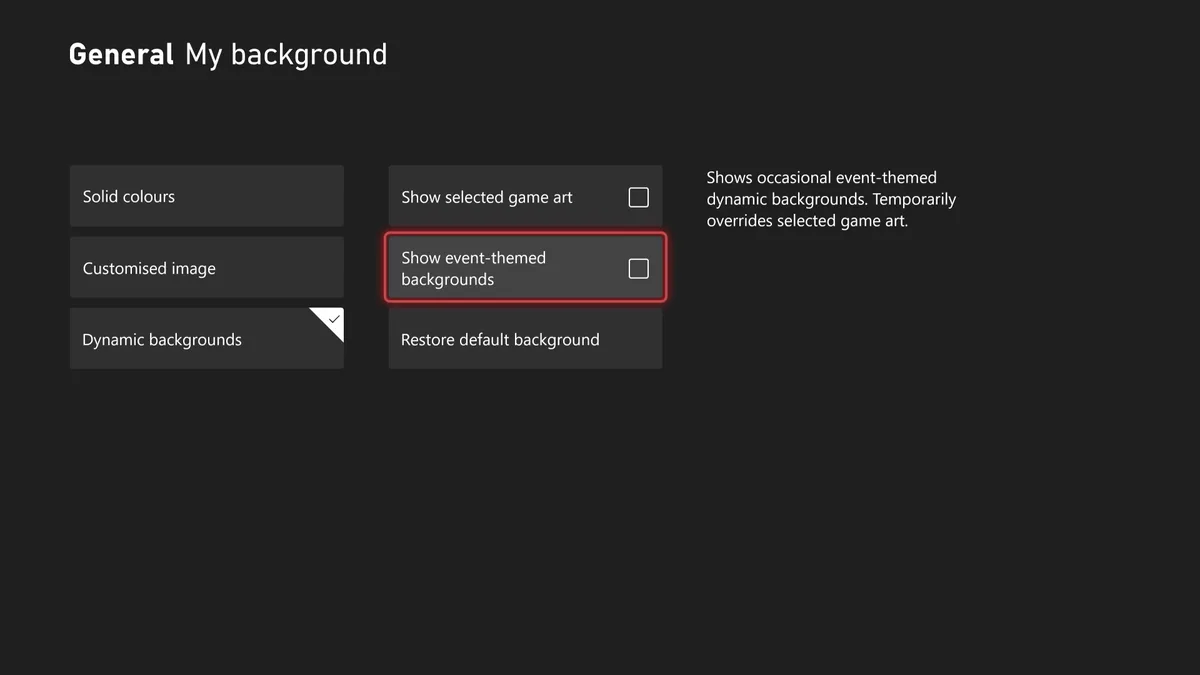
As the on-screen menu description notes, leaving that box checked allows the console to "show occasional event-themed dynamic backgrounds" that temporarily override your chosen artwork. Once unchecked, your preferred wallpaper returns right away, keeping your dashboard clean during the rest of the busy game release calendar.
My Take
It is one thing for Microsoft to lean heavily on Call of Duty: Modern Warfare 4 after a strong critical and commercial launch, but overriding a player's custom dynamic background crosses a clear line. When I pay hundreds of dollars for a console and set up my dashboard the way I like it, I should not have to dig three menus deep to opt out of a full-screen wallpaper ad that was switched on by default. Treating personal customization spaces as remotely controlled ad inventory is an unwelcome reminder of how little control players actually retain over the hardware sitting in their living rooms.

Based on the outskirts of New York City, Chaya 'Chayane' spent five years studying software engineering in Montreal before returning to her home state. A Full-Stack developer and Deep Learning AI architecture researcher, she explores neural networks and algorithmic optimization while engineering data pipelines for Retrocharting and Gamescharting alongside Grimtag. A gamer for over 20 years and an avid collector of Nintendo history and The Legend of Zelda, she explored World of Warcraft's Azeroth before bringing her deep technical background to video game analysis.