24 Hours Left Before World of Warcraft: Forever: The Ultimate Launch Survival Guide (MMO Mouse, Keyboard, PC, Coffee & Health Kit)
The final countdown has reached its last 24-hour window. Today is Tuesday, November 3, 2026, and World of Warcraft: Forever servers officially go live across North America on Wednesday, November 4 at 3:00 PM PST / 6:00 PM EST (11:00 PM UTC), followed at midnight CET in Europe. With zero paid early access splitting the player base, hundreds of thousands of adventurers will flood the starting zones simultaneously to tackle the level 1-to-60 climb, over 1,000 brand-new quests, nine original five-player dungeons, and the road toward 10-, 20-, and 40-player raids at Mount Hyjal.
In practical terms, you have just 24 hours left to place an express overnight order if you want your battle station upgraded before the login queues open. Diving into a 30- or 40-hour leveling marathon with a standard two-button office mouse, a peeling racing seat that crushes your lower spine, an open ceramic coffee mug next to your switches, and zero wrist warm-up is the fastest way to tap out at level 32 with a flaring tendonitis. Here is our complete hardware, desk logistics, and pro-gamer health survival guide to get you safely to level 60.
| Survival Kit Category | Top Express-Delivery Pick | Nov. 2026 Price Range | In-Game & Health Impact in WoW: Forever |
|---|---|---|---|
| 1. 12-Button MMO Mouse | Razer Naga V2 Pro / Corsair Scimitar Elite SE | $99.99 to $169.99 | Offloads 30+ Classic+ spells, totems, and macros to your thumb |
| 2. Magnetic Keyboard | Wooting 80HE / SteelSeries Apex Pro TKL | $188.99 to $199.99 | Rapid Trigger for instant AoE strafing and zero-delay boss Kicks |
| 3. XXL Deskmat (900x400) | SteelSeries QcK Heavy XXL / Corsair MM350 PRO | $39.99 to $49.99 | 4mm plush cushion protecting wrist nerves against sharp desk edges |
| 4. 40-Man Raid Monitor | MSI MAG 271QPX (QHD) / Alienware AW3225QF (4K) | $499.99 to $899.99 | Uncluttered screen real estate for 40 raid frames + native WeakAuras |
| 5. 3D V-Cache CPU & PC | AMD Ryzen 7 7800X3D / 9800X3D + RTX 5070 | ~$349.00 (7800X3D) to ~$439.00 (9800X3D) | 96MB L3 cache keeps 120+ FPS in Stormwind, Orgrimmar, and Hyjal |
| 6. Ergonomic Chair | Razer Iskur V2 X / Sihoo M57 Full-Mesh | $189.99 to $262.99 | Dynamic lumbar arch and breathable mesh for 12-hour sessions |
| 7. Espresso & Sealed Mug | De'Longhi Magnifica Start + Contigo Autoseal | $379.00 / $21.99 | 45-second flight-path espresso + 100% spill-proof keyboard safety |
| 8. Health Protocol | 15-Min Warm-Up + 20-20-20 Rule + 90-Min Walk | 100% Free | Prevents carpal tunnel, dry eyes, and lower-limb venous stasis |
1. The Ideal 12-Button MMO Mouse to Tame 30+ Class Keybinds
In a true "Classic+" environment where every specialization retains multiple spell ranks (downranking heals to conserve mana), mana potions, healthstones, engineering gadgets, and brand-new active rotational abilities added by Blizzard, a standard two-button FPS mouse runs out of comfortable binds before level 25. Whether you are dropping four elemental totems on a Shaman, shifting forms on a Druid, or firing mouseover curses on a Warlock, a 12-button mechanical thumb grid takes the entire rotational load off your left hand and eliminates awkward Shift + Ctrl + 6 finger stretches.
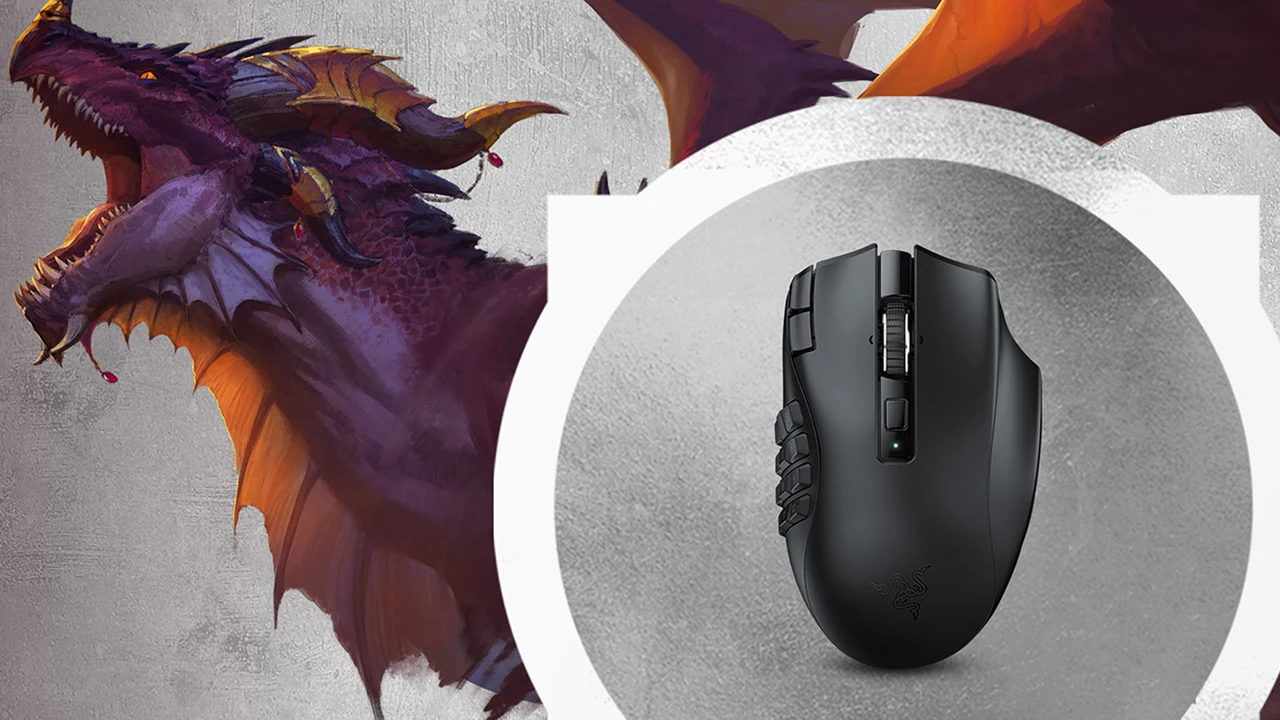
Three models lead the pack for launch week: the flagship Razer Naga V2 Pro (featuring three swappable magnetic side plates with 2, 6, and 12 buttons plus Gen-3 optical switches), the marathon-ready Razer Naga V2 HyperSpeed (19 programmable buttons, free-spinning HyperScroll wheel, and up to 250 hours of 2.4GHz wireless battery life), and the Corsair Scimitar Elite Wireless SE, whose patented Key Slider lets you reposition the 12-button cluster by 8 millimeters to fit your exact thumb reach. You can check the latest verified discounts in our roundup of early Black Friday MMO mouse, magnetic keyboard, and 120-hour headset deals for World of Warcraft: Forever.
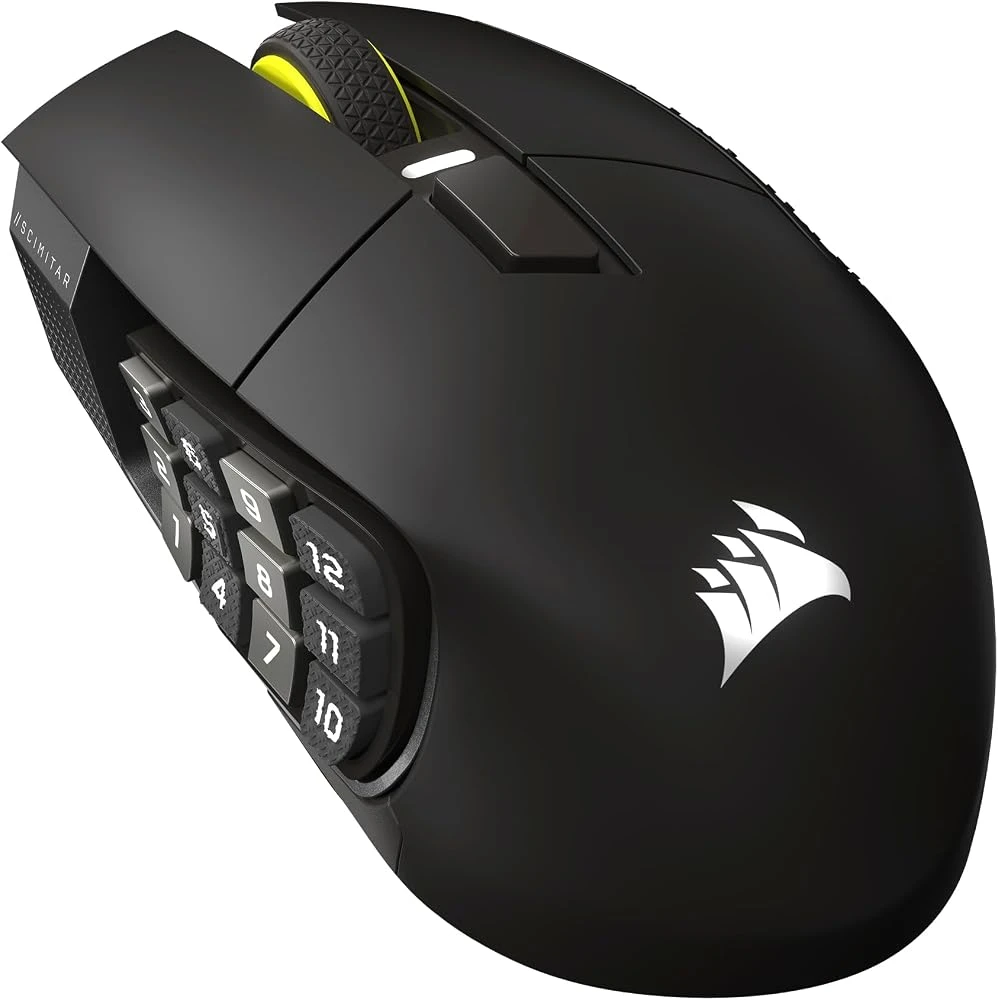
Corsair Scimitar Elite Wireless SE & Razer Naga V2 Pro MMO Mice
- 12-button mechanical thumb grid built to handle 30+ Classic+ class keybinds
- Optical switches with zero debounce delay and flagship 26K-30K optical sensors
- Up to 150-250 hours of low-latency 2.4GHz wireless battery life
2. The Magnetic Hall Effect Keyboard for Instant AoE Dodges and Boss Interrupts (Kick)
While Hall Effect magnetic keyboards made their name in tactical shooters, their impact inside World of Warcraft: Forever's nine new dungeons is just as transformative. On a traditional mechanical switch, a key must travel 2.0mm before registering and rise past a fixed reset point before you can press it again. With an analog magnetic or optical keyboard like the Wooting 80HE, the Razer Huntsman V3 Pro TKL, or the SteelSeries Apex Pro TKL, you can set your strafe keys (A and D) and your primary interrupt bind (Kick, Counterspell, Earth Shock, Pummel) to a hair-trigger 0.2mm actuation point paired with Rapid Trigger.
The moment your finger lifts by a tenth of a millimeter, the switch resets: you step out of lethal dungeon ground fire instantaneously and land split-second boss interrupts without bottoming out hard plastic keys ten thousand times a night. For a complete breakdown of actuation latency and firmware software between the two category leaders, read our head-to-head comparison of the Razer Huntsman V3 Pro vs. Wooting 80HE.
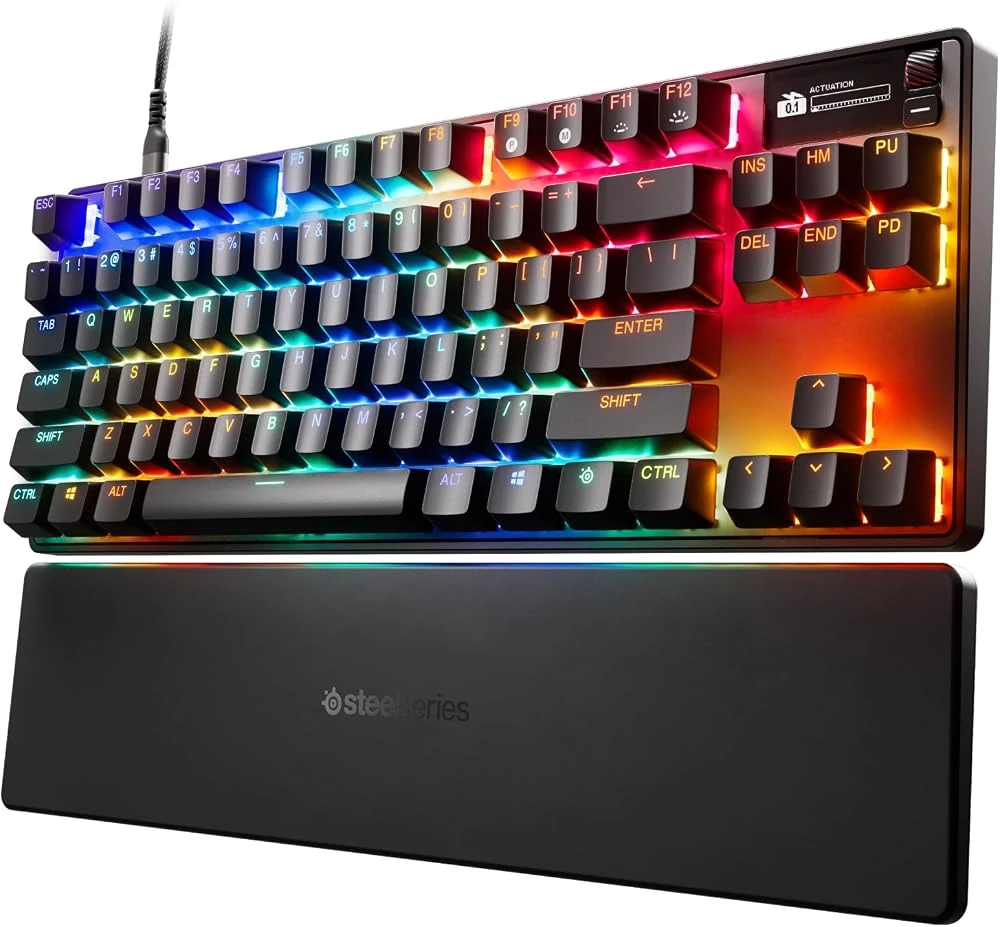
SteelSeries Apex Pro TKL & Razer Huntsman V3 Pro TKL (Hall Effect Keyboards)
- Adjustable 0.1mm to 4.0mm Hall Effect magnetic actuation per individual key
- True Rapid Trigger reset for instant dungeon AoE movement and boss interrupts
- Compact TKL footprint leaving wide sweeping room for your MMO mouse
3. The XXL Deskmat (900x400 mm) to Cushion Your Wrists and Stabilize Your Setup
An XXL deskmat is the most overlooked piece of launch gear, yet it is the barrier that saves your wrists on night two. Resting your forearms directly against a cold surface or the sharp 90-degree edge of a desk for twelve straight hours compresses the median and ulnar nerves, triggering numbness and tingling in your ring and pinky fingers long before you hit level 40. Rolling out a 900 x 400 mm pad like the SteelSeries QcK Heavy XXL (featuring 4mm-thick high-density rubber foam) or the spill-resistant Corsair MM350 PRO Extended XL creates a continuous plush buffer across your entire workstation.
By placing both your keyboard and MMO mouse on a unified 4mm micro-woven surface, you cushion the base of your palm, dampen late-night keyboard acoustics, and maintain consistent tracking friction during fast 180-degree camera turns. To dial in your ideal forearm posture and desk height alongside your pad, check our guide to arm vs. wrist biomechanics and pro desk ergonomics.
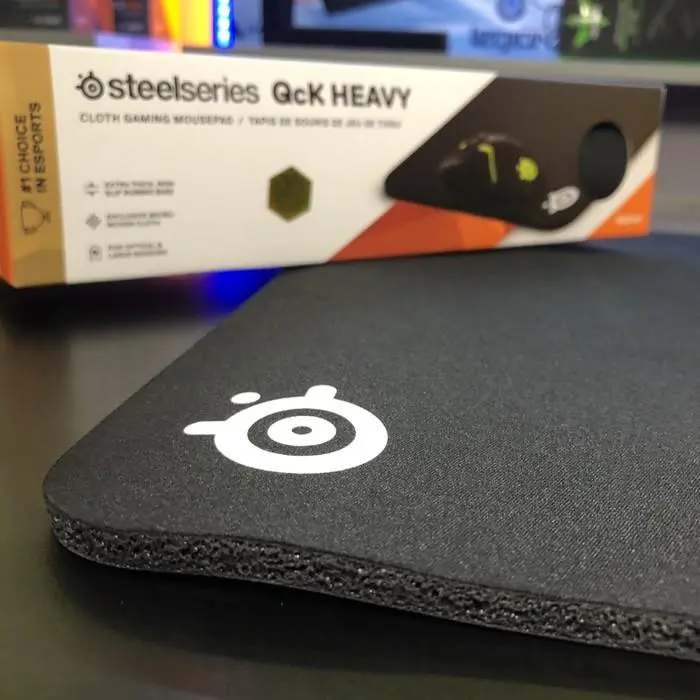
SteelSeries QcK Heavy XXL & Corsair MM350 PRO Extended XL (900x400 mm)
- 4mm-thick high-density rubber foam shielding wrist nerves from sharp desk edges
- 900 x 400 mm XXL surface uniting your keyboard and MMO mouse on a non-slip base
- Micro-woven cloth tracking surface with spill-resistant coating (Corsair MM350 PRO)
4. The Perfect Monitor: QHD or 4K QD-OLED for Uncluttered 40-Man Raid Frames and Zero Eye Strain
If you are still playing on a 24-inch 1080p display, World of Warcraft: Forever's raid interface will quickly turn your screen into a claustrophobic wall of boxes once 40-player progression opens on December 9. Between Blizzard's built-in Cooldown Manager, native WeakAuras-style combat alerts, forty raid health bars, Details! damage meters, and boss timers, stepping up to a 27-inch QHD (2560x1440) or 32-inch 4K UHD (3840x2160) monitor opens up your central field of view. You can explore current panel discounts in our early Black Friday 4K QD-OLED gaming monitor deals.
Beyond pixel density, switching to a 240Hz QD-OLED or WOLED panel (such as the 27-inch MSI MAG 271QPX QD-OLED E2 around $499 or the 32-inch 4K Alienware AW3225QF) dramatically reduces late-night eye fatigue. Unlike traditional IPS panels whose full-array backlight glow washes out dark zones and strains your pupils at 4:00 AM inside Blackrock Depths, Scholomance, or the new Karazhan Crypts, OLED pixels shut off individually for true infinite contrast. Make sure to pair your display with our World of Warcraft: Forever graphic settings, hidden CVars, and utility commands guide to keep ground spell clutter crystal clear.
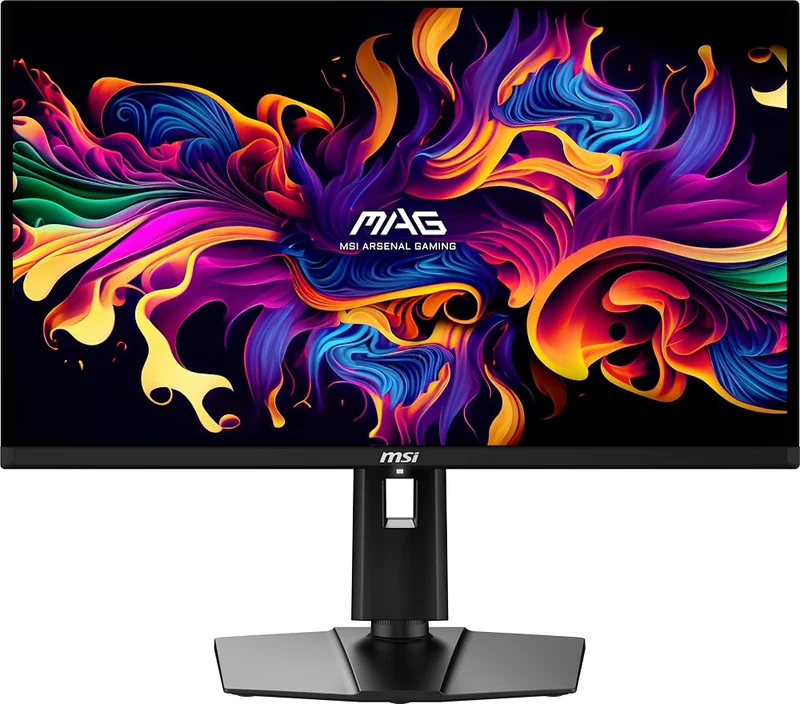
MSI MAG 271QPX (27-Inch QHD) & Alienware AW3225QF (32-Inch 4K QD-OLED)
- High-density QHD or 4K workspace for 40-player raid frames and built-in WeakAuras
- 240Hz QD-OLED panel (0.03ms) with zero IPS backlight bleed in dark dungeons
- Hardware low-blue-light filtering to reduce retinal strain during overnight grinds
5. The Ideal Gaming PC: Why AMD's 3D V-Cache (Ryzen 7 7800X3D / 9800X3D) Is King in Capitals and 40-Man Raids
Every veteran MMORPG raider eventually runs into the same engine bottleneck: even with an expensive graphics card, a standard processor can dip below 40 FPS the moment two hundred players pack the auction house bridge in Ironforge, gather outside Orgrimmar's bank, or converge inside the new City of Dalaran. World of Warcraft hammers the primary CPU thread with thousands of simultaneous aura checks, combat-log calculations, and character draw calls, creating a massive memory-latency bottleneck.
That is why AMD's Ryzen 7 7800X3D and Ryzen 7 9800X3D processors, armed with 96MB of stacked 3D V-Cache, are in a league of their own for Azeroth. By keeping raid combat tables and addon states directly inside ultra-fast L3 cache, an X3D chip nearly doubles your 1% Low minimum framerates during 40-player spell storms at Mount Hyjal and Onyxia's Lair, whose full schedule is covered in our breakdown of the World of Warcraft: Forever global server launch times, 9 new dungeons, and raid calendar. Paired with 32GB of DDR5-6000 CL30 RAM, a fast PCIe 4.0 NVMe SSD, and an NVIDIA GeForce RTX 5070 or AMD Radeon RX 9070 XT, your rig will hold 120+ FPS without micro-stuttering when every cooldown pops at once.
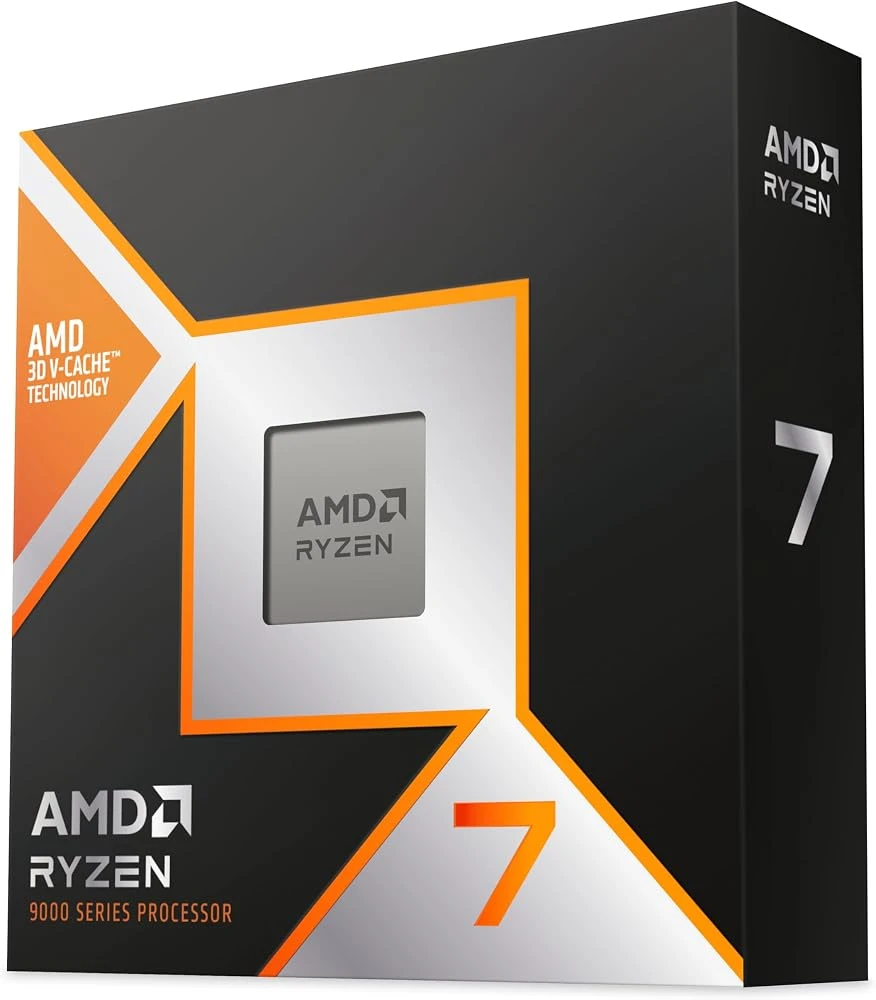
AMD Ryzen 7 9800X3D / 7800X3D & RTX 5070 Gaming PCs
- 96MB stacked 3D V-Cache doubling 1% Low framerates in packed capitals and 40-man raids
- Ultra-low memory latency eliminating combat-log and addon micro-stutters
- Ideal pairing with 32GB DDR5-6000 CL30 RAM and GeForce RTX 5070 / RX 9070 XT
6. The Ergonomic Chair to Survive 12 Hours of Leveling Without Sciatica or Lower Back Pain
No piece of hardware affects your physical stamina between November 4 and Sunday night more than your chair. Ditch cheap PU-leather "racing bucket" seats immediately: their raised side bolsters pinch your outer thighs, their strap-on lumbar pillows slip out of place within twenty minutes, and non-breathable synthetic leather traps heat. After ten hours of questing through the Barrens or Duskwood, pelvic slouching flattens the natural curve of your L4 and L5 vertebrae, triggering lower-back spasms and sciatic nerve pain.
To keep your spine supported all the way to level 60, choose either a breathable multi-layer fabric chair with a built-in lumbar arch sculpted directly into 50 kg/m³ high-density foam like the Razer Iskur V2 X or Corsair TC100 Relaxed Fabric, or a full elastomer mesh chair with dual-axis lumbar adjustment like the Sihoo M57 Full-Mesh. All three are available with express shipping and early seasonal markdowns detailed in our early Black Friday 2026 ergonomic gaming chair deals on the Razer Iskur V2 X and Sihoo M57.
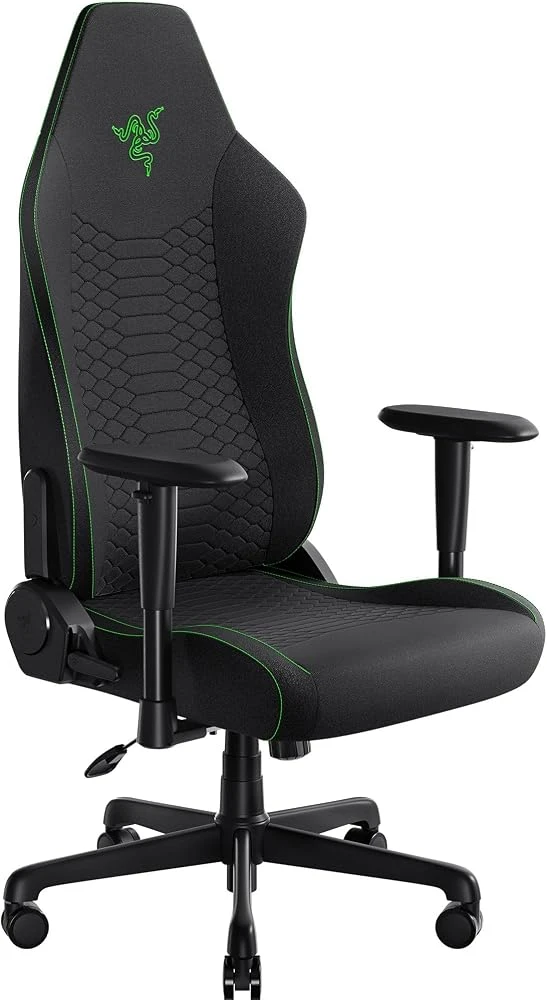
Razer Iskur V2 X & Sihoo M57 Ergonomic Gaming Chairs
- Sculpted lumbar arch engineered to preserve L4-L5 spinal curvature over 12+ hours
- Widened 50 kg/m³ high-density foam seat base with zero thigh pinching
- Breathable fabric upholstery or full-mesh airflow (Sihoo M57) for cool marathons
7. Bean-to-Cup Espresso Machine & Spill-Proof Travel Mug (Life Insurance for Your Keyboard)
In a world without flying mounts where travel relies on three-minute gryphon and wyvern flight paths, your break windows during a five-player dungeon rush are short. That is where a one-touch bean-to-cup espresso machine like the De'Longhi Magnifica Start (around $379) or Philips 2200 Series becomes a clutch logistical upgrade: a single button press grinds fresh beans and pulls a rich espresso or americano in 45 seconds flat, giving you plenty of time to refill before your character lands in Redridge Mountains.
Just as critical is what holds that coffee: never keep an open ceramic mug on your desk past midnight. At 3:30 AM, when fatigue dulls your fine motor coordination and an enemy Rogue ambushes you in Stranglethorn Vale, one reflexive elbow flick against an open cup will flood your keyboard PCB and end your launch weekend on the spot. Pair your coffee maker with a 100% leak-proof locking thermal mug like the Contigo Autoseal West Loop (16 oz / 470 ml): its Autoseal button only opens while actively pressed and seals completely airtight the instant you set it down, while keeping your brew hot for up to five hours.
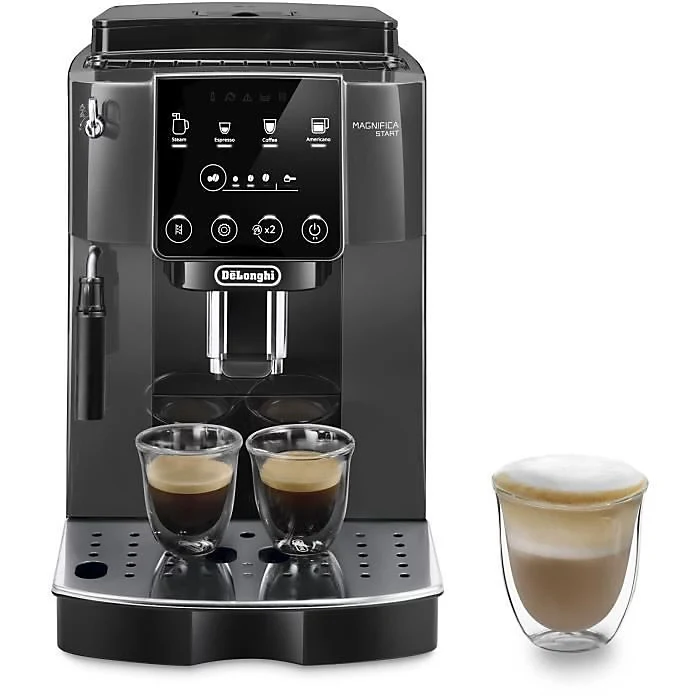
De'Longhi Magnifica Start (Bean-to-Cup Espresso) & Contigo Autoseal Mug
- Integrated conical burr grinder pulling fresh espresso in 45 seconds between flight paths
- 100% leak-proof Contigo Autoseal locking lid protecting your keyboard PCB at 3 AM
- Thermal vacuum insulation keeping coffee hot for up to 5 hours
8. Pro-Gamer Health & Prevention Protocol: Warm-Ups, Eye Care, and Active Breaks to Beat Tendonitis
Even the finest hardware cannot replace smart physical maintenance. Grinding for twelve hours straight puts relentless repetitive strain on your wrist flexors and extensors, dries out your tear film, and slows venous blood return in your lower legs. Before the servers unlock, take ten minutes to run through the joint-mobility drills in our 15-minute pro-gamer warm-up routine for wrists and reflexes to lubricate your tendon sheaths.
Throughout launch week, follow these four non-negotiable sports-medicine rules to keep your reaction times sharp and your joints pain-free:
- Wrist Tendon Glides & Grip Relaxation (Carpal Tunnel & Tendonitis Prevention): Before queuing and every two hours thereafter, extend your arm forward with your palm facing out and gently pull your fingers back for 15 seconds without forcing into pain, then repeat with your palm facing down to stretch the forearm extensors. Consciously relax your death-grip on the mouse: clenching your fingers triples tendon friction inside the carpal tunnel.
- The 20-20-20 Rule Against Digital Dry Eye: During intense dungeon pulls, human blink rates plummet from 15 blinks per minute to fewer than 5, causing corneal dryness, blurry combat text, and tension headaches. Every 20 minutes (such as while your healer drinks for mana), look at an object 20 feet (6 meters) away for 20 seconds while performing ten slow, full eyelid blinks to recoat your cornea.
- The 5-Minute Active Break Every 90 Minutes (Venous Return & Hip Flexors): Every time you hearth back to an inn or turn in quests in a capital city, stand up from your chair. Walk around the room, perform 15 standing calf raises to activate your lower-leg muscle pump (preventing blood pooling in the calves), and do a gentle forward lunge stretch to release the iliopsoas hip flexor, which tightens during prolonged sitting and pulls on your lower spine.
- The 1:1 Hydration Ratio & Steady Glycemic Fuel: Caffeine is a mild diuretic that, when consumed alone in high doses, triggers hand tremors, elevated heart rate, and a brutal 4:00 AM cognitive crash. Keep a large water bottle on your desk and drink one full glass of water for every cup of coffee, choosing slow-burning snacks like almonds, walnuts, and protein over sugar-heavy energy drinks.
For deeper guidance on nighttime monitor brightness calibration, color temperature, and preservative-free lubricating eye drops, read our pro-gamer vision protection guide against dry eyes and display strain.
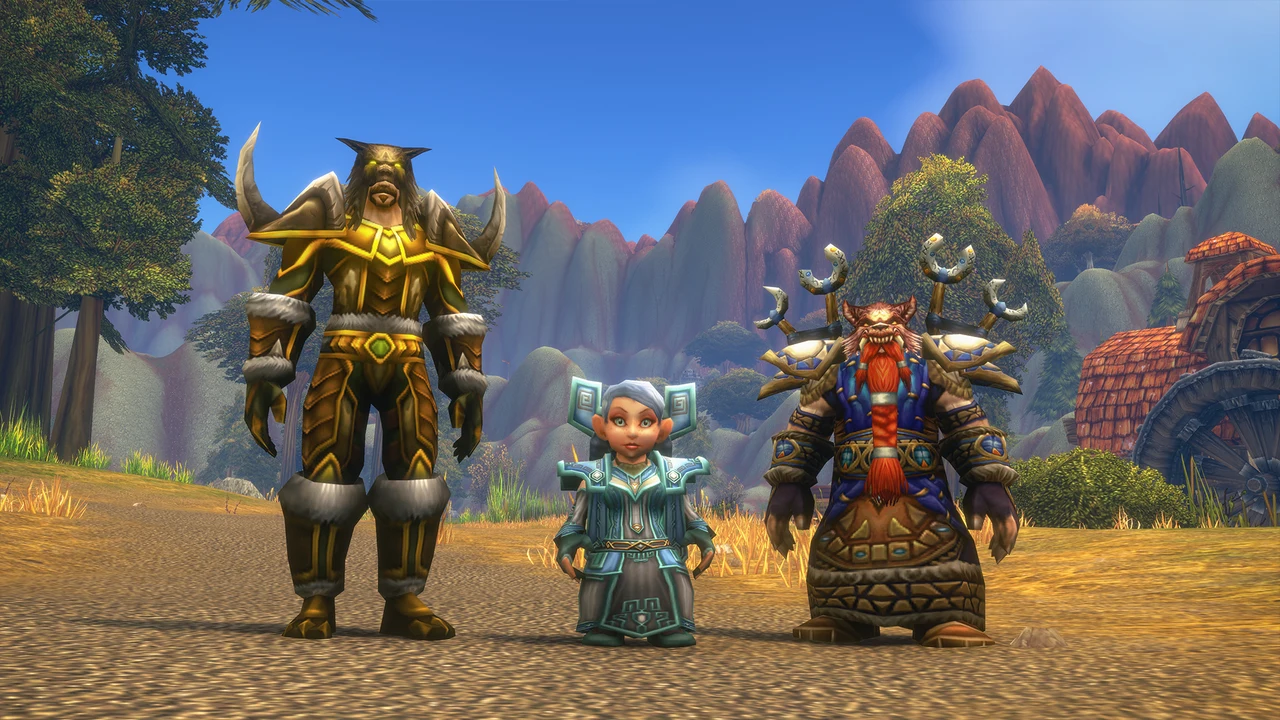
And if you are still debating which specialization offers the smoothest solo and dungeon progression before servers go live, check our World of Warcraft: Forever PvE, PvP, and 1-60 leveling class tier list.
My Take
Having lived through nearly every midnight World of Warcraft launch since 2004, I learned the hard way that the race to level 60 is never won in the first three hours of adrenaline, it is won on day three when your body sends the bill. If you only order two items with express delivery before tomorrow's launch, make it a 12-button MMO thumb-grid mouse and a locking spill-proof travel mug: the first will save your left wrist from thirty Classic+ keybinds, and the second will literally save your keyboard at 3:00 AM. Above all, listen to your tendons, stand up every 90 minutes, and match every espresso with a glass of water: Azeroth will still be waiting after a five-minute stretch, whereas a neglected wrist injury will bench you long before Mount Hyjal opens.

SEO consultant for over 20 years and digital entrepreneur, Charles "Grimtag" is the founder of Pro-Gamer.gg, Retrocharting.com, and Gamescharting.com. A competitive gamer, streamer, and retro game collector, he has worked in the video game industry for over 15 years, notably as a consultant for leading game price comparison platforms. Passionate about real-time performance data and gaming technology, he analyzes competitive esports, gaming hardware benchmarks, and creator workflows on Pro-Gamer.gg with an authentic player perspective.