Discord and World of Warcraft Team Up: Live In-Game Guild Chat Sync Is Finally Here
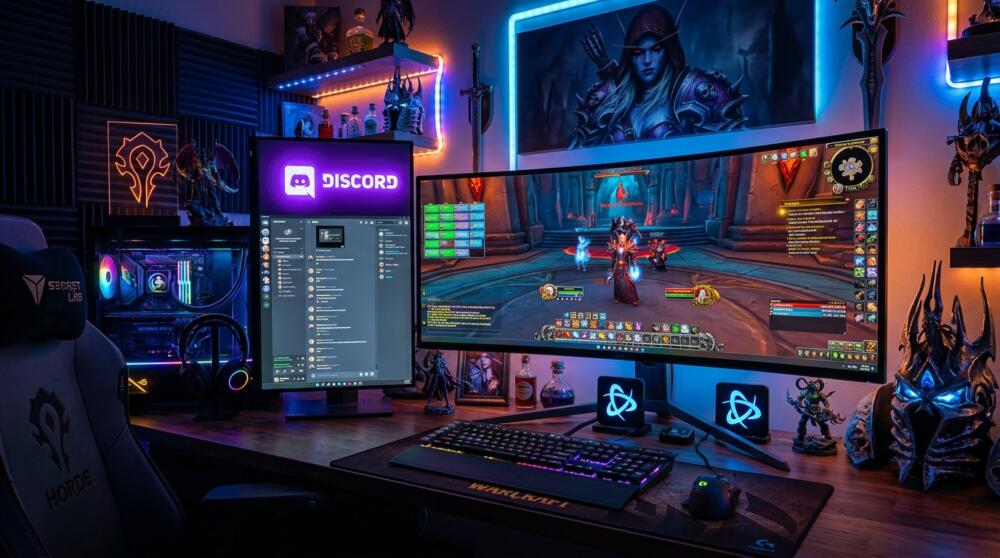
This major technical breakthrough is set to make life dramatically easier for millions of MMORPG players and guild leaders across World of Warcraft.
Discord and Blizzard Entertainment have officially announced a long-awaited native integration: the ability to sync in-game guild chat channels live with your Discord server.
Say goodbye to clunky workarounds and unstable third-party bots: here is how this brand-new feature works and how to set it up for your guild today.
Official Announcement on the Discord Blog
This feature rollout is backed by the official announcement published directly by Discord's engineering team.
You can read through all technical specifications and detailed features in the official blog post: Link World of Warcraft with Discord (Official Announcement).
Seamless Two-Way Sync Without Any Third-Party Bots
Until now, bridging in-game messages to a Discord channel required guild officers to juggle complex addons and maintain unofficial bot scripts that frequently broke whenever a major patch went live.
With this new official Battle.net bridge, your in-game guild chat and dedicated Discord channel communicate instantaneously and seamlessly.
Whenever a member types a message inside the in-game guild channel, it automatically pops up in your Discord server, and vice versa.
⚔️ At a Glance: What This Changes for WoW Guilds
- Official Integration: Direct connection through your Battle.net account and in-game guild settings.
- Real-Time Tracking: Follow raid banter and Mythic+ dungeon groups straight from your smartphone.
- Streamlined Moderation: Discord roles and permissions automatically map to in-game guild ranks.
Source: Blizzard Entertainment & Discord Blog
How to Enable the Discord Integration for Your WoW Guild
Setup takes just a few clicks by the Guild Master or officers with administrator privileges.
Head over to your in-game guild settings under the Roster & Integrations tab.
Select the option to Link a Discord Server and authorize the official Battle.net app to connect to your server.
From there, all that is left is picking which Discord text channel will serve as the live mirror for your guild chat.
Grimtag's Take
Honestly, this is the exact kind of straightforward quality-of-life update that completely transforms managing a community or organizing raid nights.
No more spamming across three different channels just to see who is around for a Mythic+ key or letting the team know you will be ten minutes late for raid call.
This is a fantastic step forward from Blizzard and Discord that shows game-to-app communication is finally leveling up.
Good luck on your raids, and see you all in Azeroth!
Grimtag

World of Warcraft
Explore official trailers, technical specs and all latest coverage for World of Warcraft.

SEO consultant for over 20 years and digital entrepreneur, Charles 'Grimtag' Ronchain is the founder of Pro-Gamer.gg, Retrocharting.com, and Gamescharting.com. A competitive gamer, streamer, and retro game collector, he has worked in the video game industry for over 15 years, notably as a consultant for leading game price comparison platforms. Passionate about real-time performance data and gaming technology, he analyzes competitive esports, gaming hardware benchmarks, and creator workflows on Pro-Gamer.gg with an authentic player perspective.