GTA 6 on Xbox One Guide: How to Play via Cloud Gaming on November 19, Monthly Hour Caps, and Why PC Is Blocked
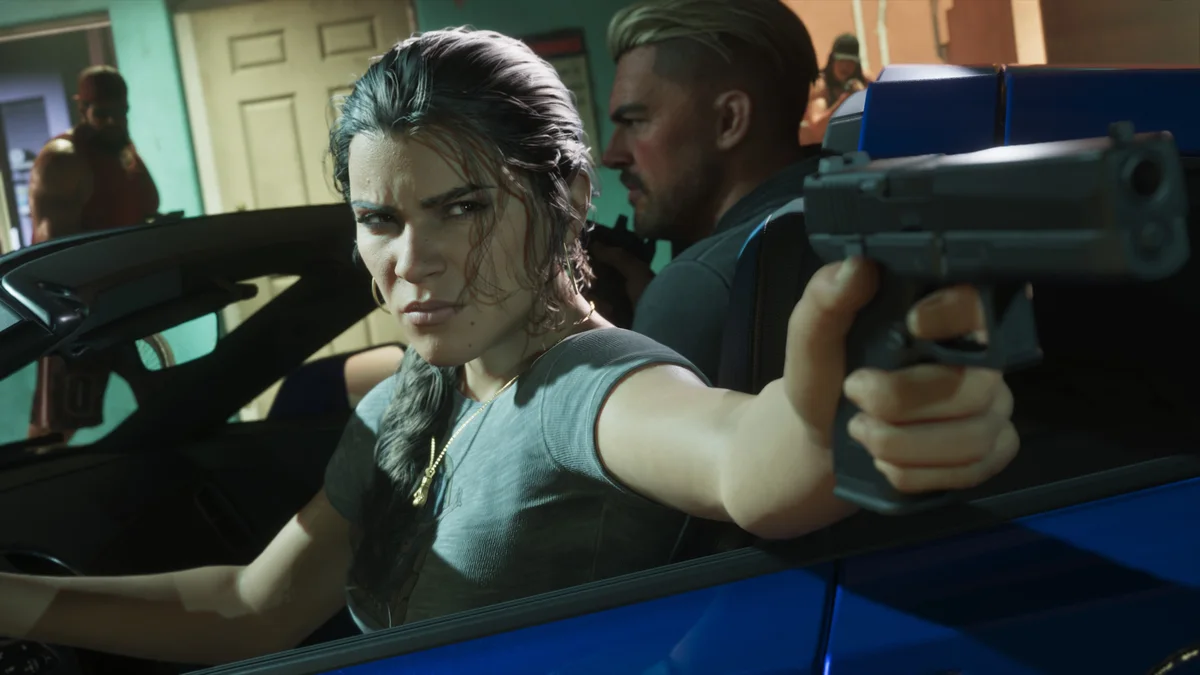
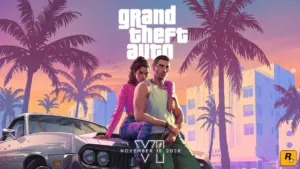
While Grand Theft Auto VI was built exclusively for current-generation console processors and NVMe SSDs, an official gateway still allows Xbox One owners (2013 original model, Xbox One S, or Xbox One X) to step into the state of Leonida right at launch on November 19, 2026. Following the 10-year strategic partnership signed between Xbox and Take-Two around Cloud Gaming, Rockstar Games' blockbuster will be streamable on day one on Microsoft's last-gen console. However, between the complete absence of physical Blu-ray discs at retail, the strict Cloud block on PC and mobile devices, and Xbox Game Pass's 5-to-15 monthly hour limits, here is everything you need to know before spending a dime.
1. Digital License or "Code-in-a-Box" (No Physical Blu-ray Disc at Launch) and Game Pass Subscription
First and foremost, Grand Theft Auto VI being supported on Xbox Cloud Gaming does not mean the game is included in the standard Game Pass catalog. To stream it on your Xbox One, you must meet two cumulative requirements:
- Own the digital license for Grand Theft Auto VI on your Microsoft account: You can buy it directly on the Microsoft Store ($69.99 / £69.99 Standard Edition) or pick up a retail box in stores. To prevent pre-launch street-date leaks, Rockstar Games confirmed that there is no physical Blu-ray disc at launch: every physical box sold at retail is a "Code-in-a-Box" release containing a digital download voucher and a double-sided poster. Once you redeem that code on your Microsoft account, the digital entitlement is tied to your library and unlocks Cloud Gaming access on Xbox One.
- Have an active Xbox Game Pass subscription (Essential, Premium, or Ultimate): All three current Xbox Game Pass tiers grant access to cloud streaming for owned games on Xbox One, though each tier comes with a strict monthly playtime cap detailed below.
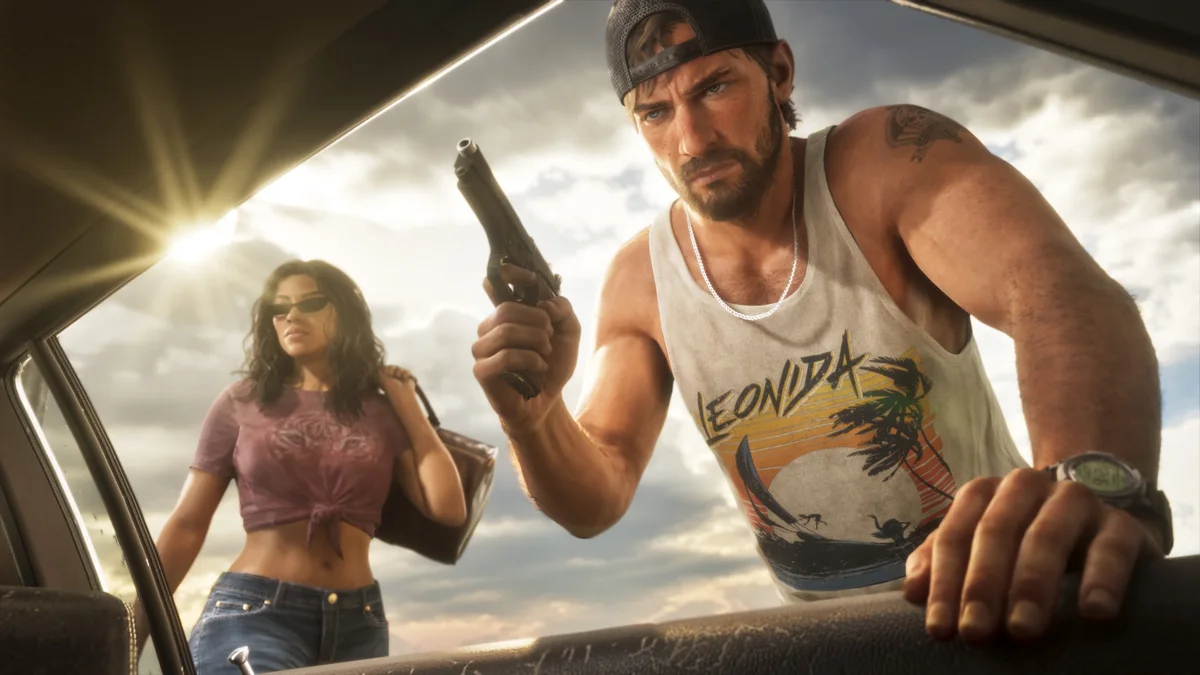
2. Step-by-Step Guide: How to Launch GTA 6 on Xbox One on November 19
Because the game runs remotely on Microsoft's data center blades, you do not need to download the 145.5 GB installation package onto your Xbox One hard drive. Here is how to start playing as soon as servers go live on Thursday, November 19 at 1:00 AM ET / 6:00 AM GMT:
- Turn on your Xbox One, Xbox One S, or Xbox One X and sign in with the Microsoft account that holds both your GTA 6 digital license and your active Xbox Game Pass subscription.
- Open "My games & apps" from the dashboard, then navigate to "Full library" > "Owned games" (or search for Grand Theft Auto VI directly on the console's Microsoft Store).
- Select the GTA 6 tile: ignore the local "Install" button (which remains locked on last-gen hardware) and click the "Play with cloud" button marked by the cloud icon to launch your remote session.
Check Availability for Xbox Wireless Controller on Amazon→
3. Why PC, Mobile, and Smart TV Players Are Blocked from GTA 6 Cloud Streaming
Here is the major catch confirmed by Microsoft and Rockstar Games: unlike almost every other title in the Xbox Cloud Gaming library, cloud streaming for GTA 6 is strictly restricted to Xbox consoles (Xbox One and Xbox Series X|S).
In practical terms, you cannot stream GTA 6 via Xbox Cloud Gaming on a Windows PC (neither through the Windows Xbox app nor via a web browser at xbox.com/play), nor on smartphones, tablets, or Samsung and LG Smart TVs. Rockstar Games contractually locked down cloud access to console hardware so that Cloud Gaming cannot be used as a backdoor PC port on launch day. The only way to display the game on a PC monitor is through local Xbox Remote Play, which requires physically owning an Xbox Series X|S console with the 145.5 GB game installed on its internal SSD.
4. 5-to-15 Monthly Hour Caps and Xbox Series S 30 FPS Profile: Limitations to Expect
Before relying solely on an Xbox One to carry you through Lucia and Jason's entire campaign, keep three critical technical and financial limitations in mind:
- The Xbox Cloud Gaming monthly playtime caps: Microsoft now enforces strict monthly hour limits on Cloud Gaming depending on your subscription tier. You only get 5 hours per month on Game Pass Essential, 10 hours per month on Game Pass Premium, and 15 hours per month on Game Pass Ultimate. Once your monthly allowance runs out in the middle of a Vice City heist, you must purchase additional cloud playtime packs from the Xbox Store to keep playing.
- Xbox Series S graphics profile at 30 FPS: As confirmed in Rockstar's official 30 FPS technical breakdown for GTA 6, the cloud version streamed to Xbox One runs using Xbox Series S graphics settings at 30 frames per second over a compressed 1080p video feed.
- Bandwidth requirements and launch-night queues: A stable fiber connection (at least 20 Mbps) wired via an RJ45 Ethernet cable to your Xbox One is strongly recommended to prevent compression macro-blocking and aiming input lag. Additionally, massive global traffic on November 19 will likely trigger server queue wait times during peak evening hours.
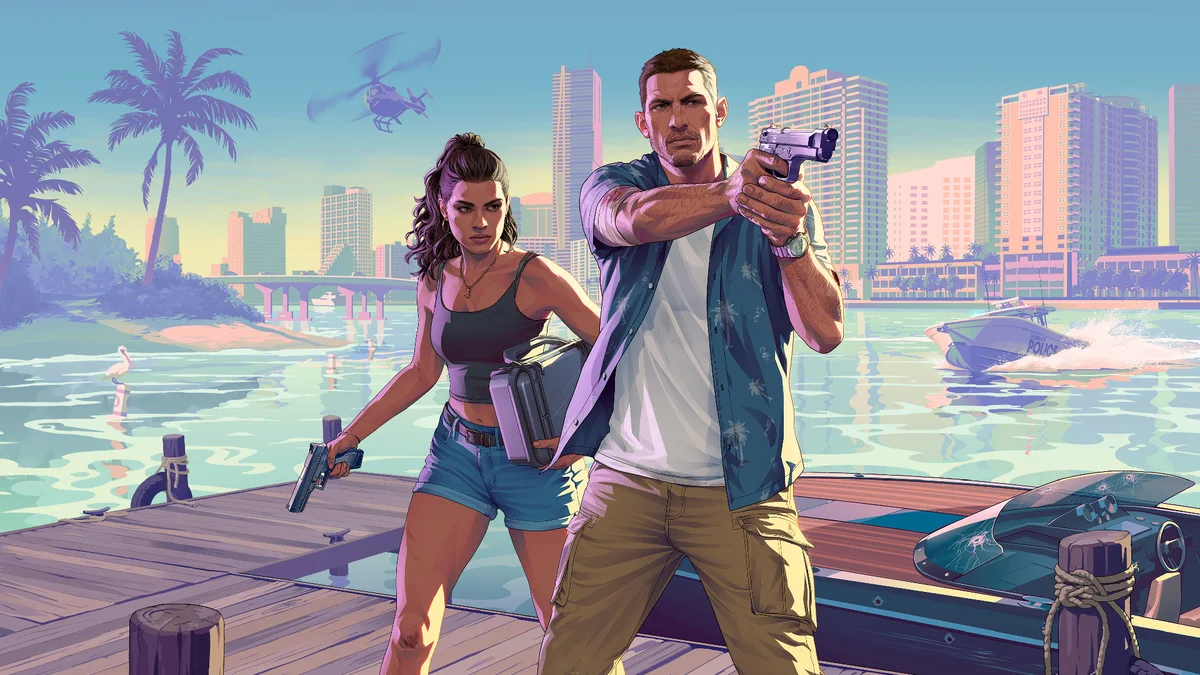
Comparison Table: Playing GTA 6 on Xbox One (Cloud) vs. Xbox Series X|S
| Technical Feature | Xbox One (Xbox Cloud Gaming) | Windows PC / Mobile (Cloud Gaming) | Xbox Series S / Series X (Local) |
|---|---|---|---|
| Launch Day Access (Nov. 19) | Yes (via console Cloud Gaming) | Blocked (Local Remote Play only if you own an Xbox Series console) | Yes (native local SSD installation) |
| Purchase Requirement | Digital game or "Code-in-a-Box" retail edition + Game Pass subscription | Not supported via standalone Cloud | Digital game or "Code-in-a-Box" retail edition (no physical Blu-ray disc) |
| Monthly Playtime Cap | 5h/mo (Essential), 10h/mo (Premium), or 15h/mo (Ultimate) + paid top-up packs | Not applicable | Unlimited (no subscription required for single-player) |
| Visuals & Local Storage | Xbox Series S graphics profile at 30 FPS (0 GB local storage) | Not applicable | Native 30 FPS (145.5 GB on internal SSD) |
The Strategist's Take
Looking strictly at the numbers, playing GTA 6 on an Xbox One through Cloud Gaming is a short-term stopgap rather than a practical way to finish a massive open-world RPG. With monthly cloud allowances capped at just 5 hours on Game Pass Essential and a maximum of 15 hours on Ultimate, you will barely get past the opening chapters of Lucia and Jason's story before hitting a paywall that forces you to buy extra cloud hour bundles.
Factor in Rockstar's decision to block PC and mobile devices from streaming the game altogether, and the math becomes crystal clear: if you plan on spending fifty to a hundred hours in Leonida this winter, stacking the $69.99 game price, monthly Game Pass renewals, and top-up playtime packs just to play a compressed Series S feed will quickly cost nearly as much as picking up a pre-owned Xbox Series S to run the game locally with zero hour limits or server queues.
Grand Theft Auto VI Official Trailer
Ahead of the November 19, 2026 launch, watch the official Grand Theft Auto VI Trailer 2 from Rockstar Games below:

Grand Theft Auto 6 (GTA 6)
Explore official trailers, technical specs and all latest coverage for Grand Theft Auto 6 (GTA 6).

Born and based in Montreal's Mile End district, Maëlle "Kaelen" became close friends with Chaya during their university software engineering years, bonding over late-night coding labs, campus LANs, and World of Warcraft raids alongside Grimtag and Heimdall. A game systems balancing consultant and lifelong theorycrafter, she cut her teeth in the early 2010s writing boss walkthroughs, frame-data breakdowns, and competitive meta guides for specialized French-language MMORPG and esports portals, including Mondes Persistants, as well as North American strategy collections. On Pro-Gamer, she leads in-depth walkthroughs, build optimization, and tactical esports coverage.