How to Stream GTA 6 on Xbox Series X|S to Twitch: Top 1440p VRR and 4K 120Hz HDMI Capture Hardware
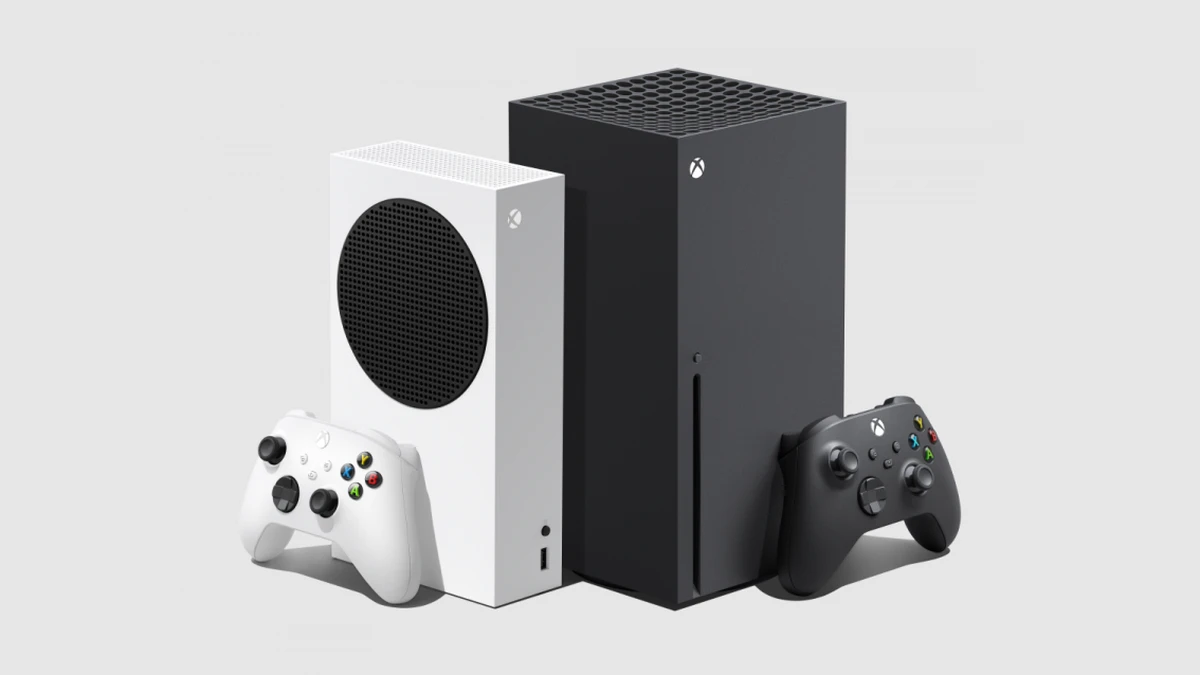
When preparing to stream GTA 6 from an Xbox Series X or Xbox Series S to Twitch, TikTok Live, and YouTube, Microsoft’s console ecosystem gives you a major built-in hardware advantage: you can route both game audio and squad Xbox Party Chat simultaneously through the HDMI cable straight into OBS Studio without spending a cent on controller splitter cables. However, choosing the right HDMI video capture card requires matching your display’s native target: 1440p (QHD) on Xbox Series S and desktop gaming monitors, or full 4K 120Hz HDMI 2.1 on Xbox Series X.
If you hook up an Xbox Series S or Series X running at 1440p to an older capture card that only recognizes 1080p and 4K EDIDs, the console will force a downgrade to a softer 1080p image on your monitor. As technical breakdowns of GTA 6’s RAGE 9 graphics modes on Xbox Series X highlight the importance of VRR and HDMI bandwidth, here are the essential Xbox dashboard settings for OBS, our Twitch/TikTok Live multistream guide, and the three best capture cards for every budget.
Xbox Series X|S Video Capture Cards Compared for GTA 6
Whether you play on an Xbox Series S connected to a 1440p monitor or an Xbox Series X paired with a 120Hz 4K OLED TV, here is how our top three tested capture cards compare across every budget tier:
| Model | Budget Tier | Display Passthrough | Max OBS / TikTok Capture | Form Factor & Interface | Price & Amazon Link |
|---|---|---|---|---|---|
| UGREEN 4K60 Passthrough Box | Budget Pick | 4K60 / 1440p / 1080p | 1080p at 60fps or 2K at 30fps | External USB-C / USB-A + 3.5mm Audio | $36.99 Check on Amazon → |
| AVerMedia ULTRA S GC553Pro | Best Mid-Range Value | 4K60 HDR / 1440p120 VRR | 4K60 or 1440p60 (RGB24 True Color) | External USB-C 3.2 Gen 1 | $159.99 Check on Amazon → |
| Elgato 4K Pro HDMI 2.1 | Premium Desktop Pick | 4K120 / 4K240 / 8K60 HDR10 VRR | 4K60 HDR10 + Multi-App Mode | Internal PCIe 2.0 x4 Card | $279.99 Check on Amazon → |
3 Mandatory Xbox Series X|S Settings Before Opening OBS Studio (HDMI Party Chat, Dolby Vision Trap & Color Space)
Before wiring your Xbox Series X or Series S into your capture card, take two minutes inside the Xbox dashboard to configure these three settings for a clean Twitch and TikTok Live broadcast:
- Route Xbox Party Chat Over HDMI for $0 (Zero Extra Cables): open Settings > General > Volume & audio output > Additional options and set Party chat output to Headset & speakers. Thanks to this built-in Xbox feature, you can use a wireless Xbox headset or plug headphones into your controller while sending your squad’s voices cleanly through the HDMI cable into OBS Studio.
- Disable Dolby Vision for Gaming to Prevent Pink Colors in OBS: on Xbox Series X, if your TV supports Dolby Vision, the console enables Dolby Vision for Gaming by default. Because streaming apps like OBS Studio and TikTok Live Studio cannot decode proprietary Dolby Vision metadata, the captured image turns bright pink or blown-out. Go to Settings > General > TV & display options > Video modes, uncheck Allow Dolby Vision for gaming, and leave standard Allow HDR10 checked.
- Keep Color Space on Standard (RGB Limited): inside Video fidelity & overscan, keep Color space set to Standard (Recommended) so it matches OBS Studio’s Rec. 709 Partial range, preventing crushed shadow detail during nighttime drives through Vice City.
And if you love custom hardware inspired by Leonida’s wetlands, be sure to check out the custom alligator-skin Xbox Series X Bite console sculpted by John Nolan Studio before exploring our three capture card picks in detail below.
1. Best Budget Pick: UGREEN 4K60 Passthrough & 2K30 / 1080p60 Capture Box ($36.99)
For Xbox Series S or Xbox Series X players who want to stream GTA 6 on Twitch and TikTok Live for under $40, this UGREEN 4K60 Passthrough capture box holds a massive advantage over basic HDMI thumb sticks: it includes dedicated HDMI In and HDMI Out (Loopout) ports. That means you play on your 4K TV or 1440p monitor with zero input lag while its hybrid USB-C / USB-A 3.1 cable sends the video feed to your laptop or desktop PC.
On the recording side, it captures smooth 1080p at 60fps (ideal for fast-paced gunfights and driving on Twitch and TikTok) or up to 2K (1440p) at 30fps. Its aluminum chassis also houses 3.5mm microphone and headphone jacks for easy desktop audio monitoring.
- True 4K60 and 1440p HDMI loop-out: never bottlenecks your main gaming display like single-port USB dongles.
- Built-in 2-in-1 USB-C & USB-A 3.1 cable: plugs into any gaming laptop, Windows desktop, or MacBook.
- Durable metal enclosure at $36.99: the most complete budget passthrough box under $40.
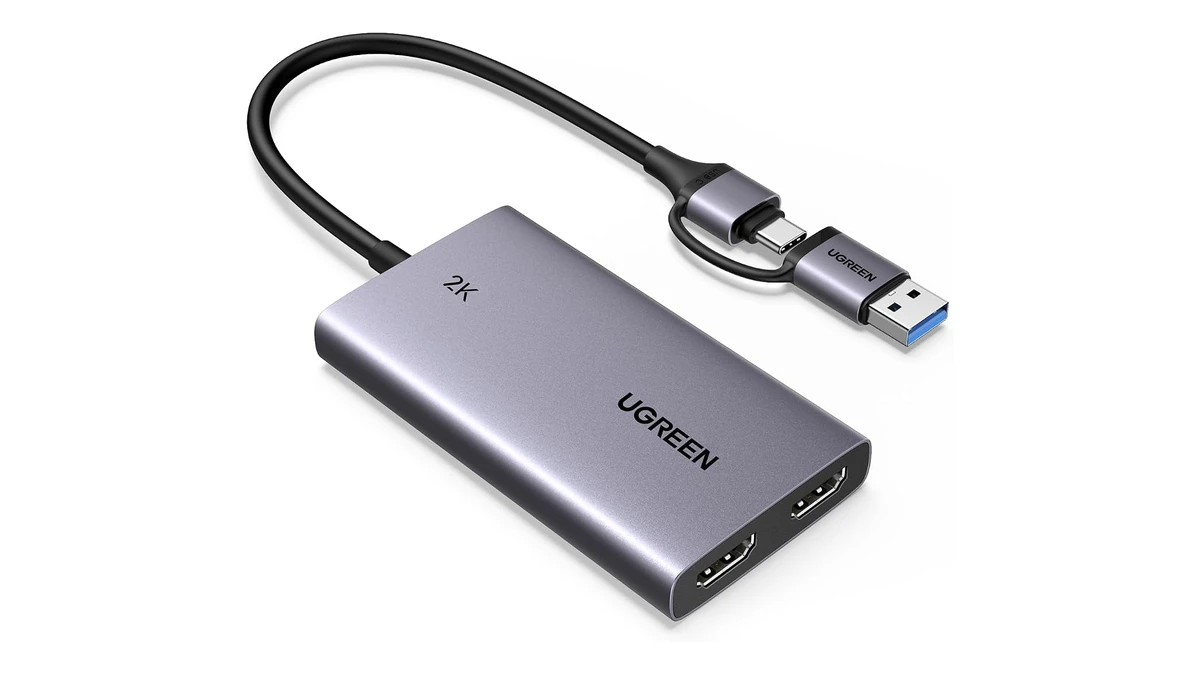
UGREEN HDMI Video Capture Box with 4K60 Passthrough and 2K30 / 1080p60 Recording
- Zero-lag 4K60 and 1440p HDMI loop-out
- Smooth 1080p60 or 2K30 recording in OBS Studio
- Built-in 3.5mm headset/mic ports + USB-C/A cable
2. Best Value Mid-Range Pick (1440p & 4K Sweet Spot): AVerMedia Live Gamer ULTRA S GC553Pro ($159.99)
Many Xbox players-especially on Xbox Series S, as well as Series X desk setups-play on a 1440p (2560x1440) 120Hz gaming monitor with VRR. That is exactly where the AVerMedia Live Gamer ULTRA S (GC553Pro) outclasses every other mid-range external capture box: it natively supports 1440p120 VRR passthrough alongside 4K60 HDR10 VRR passthrough, while recording up to 4K60 or 1440p60 in OBS Studio.
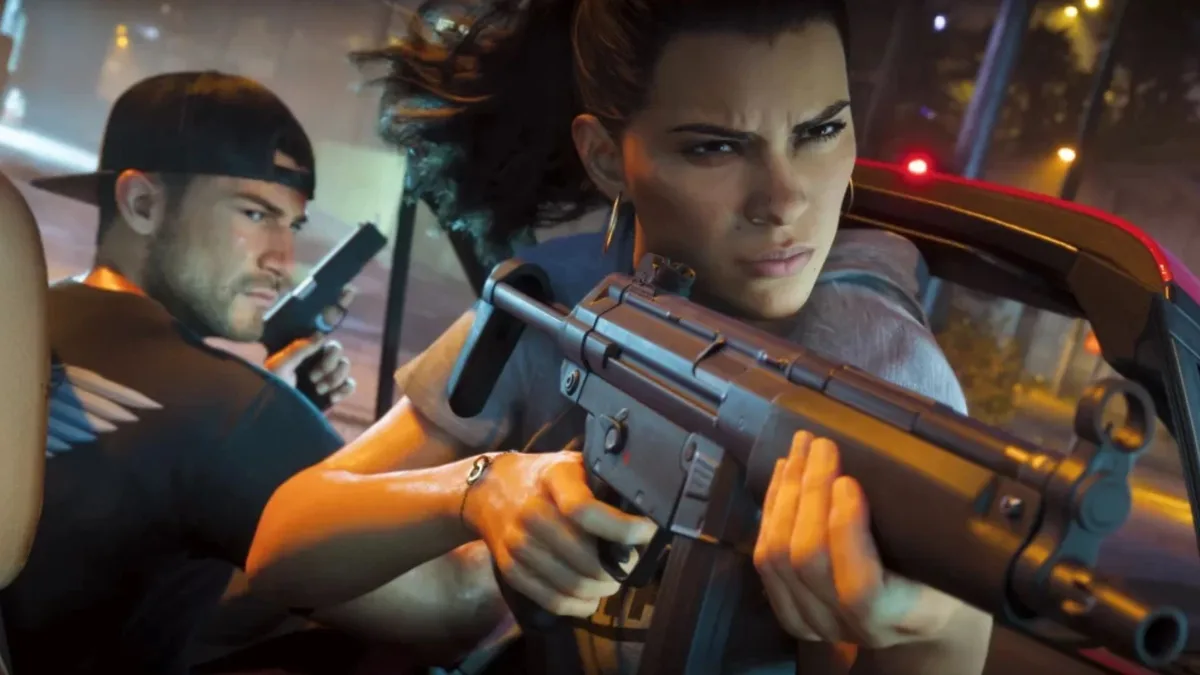
Even better at $159.99, the GC553Pro supports uncompressed RGB24 true color capture at up to 1080p60. Neon signs across Vice City and sunset sky gradients avoid chroma subsampling artifacts, delivering razor-sharp clarity on both widescreen Twitch streams and vertical TikTok Live crops.
- Tailor-made for Series S (1440p120 VRR) & Series X (4K60 HDR VRR): preserves your monitor’s exact native resolution and variable refresh rate.
- RGB24 true color mode: keeps fine HUD text and Vice City neon colors crisp without color bleeding.
- Ultrawide 21:9 monitor support: handles 3440x1440 and 2560x1080 resolutions for curved desktop displays.
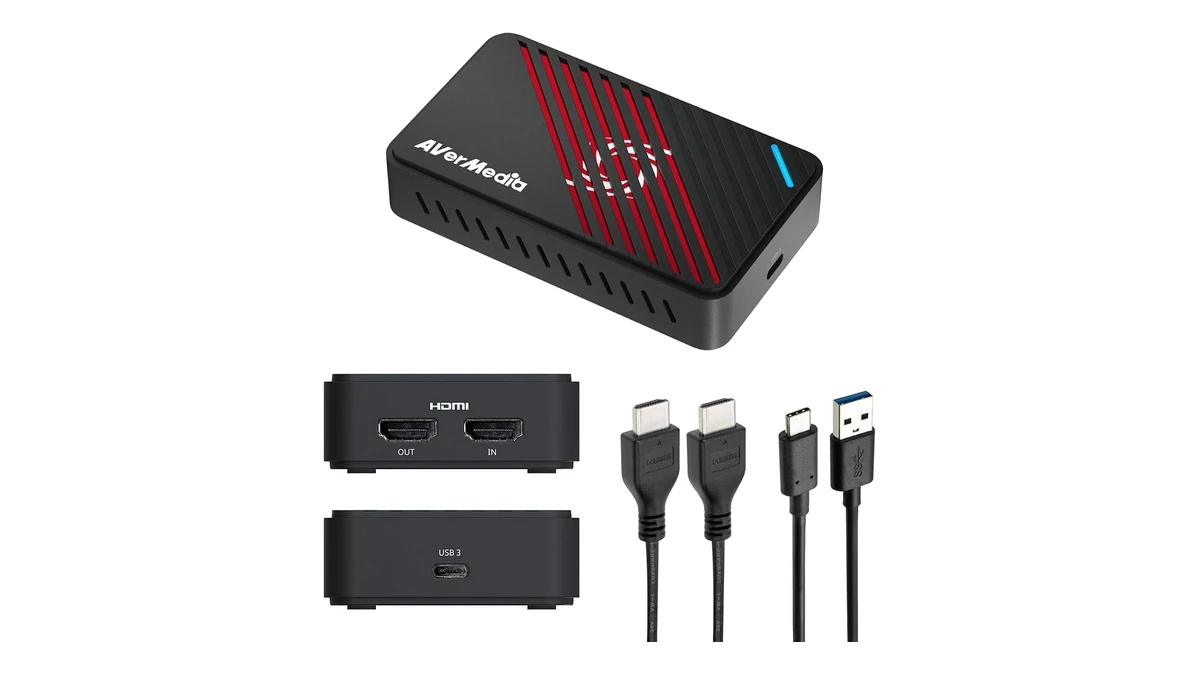
AVerMedia Live Gamer ULTRA S (GC553Pro) - 4K60 / 1440p120 HDR VRR Capture Card
- Native 1440p120 VRR and 4K60 HDR VRR passthrough
- True color RGB24 recording at 4K60 and 1440p60
- 5.1 surround audio and ultrawide resolution support
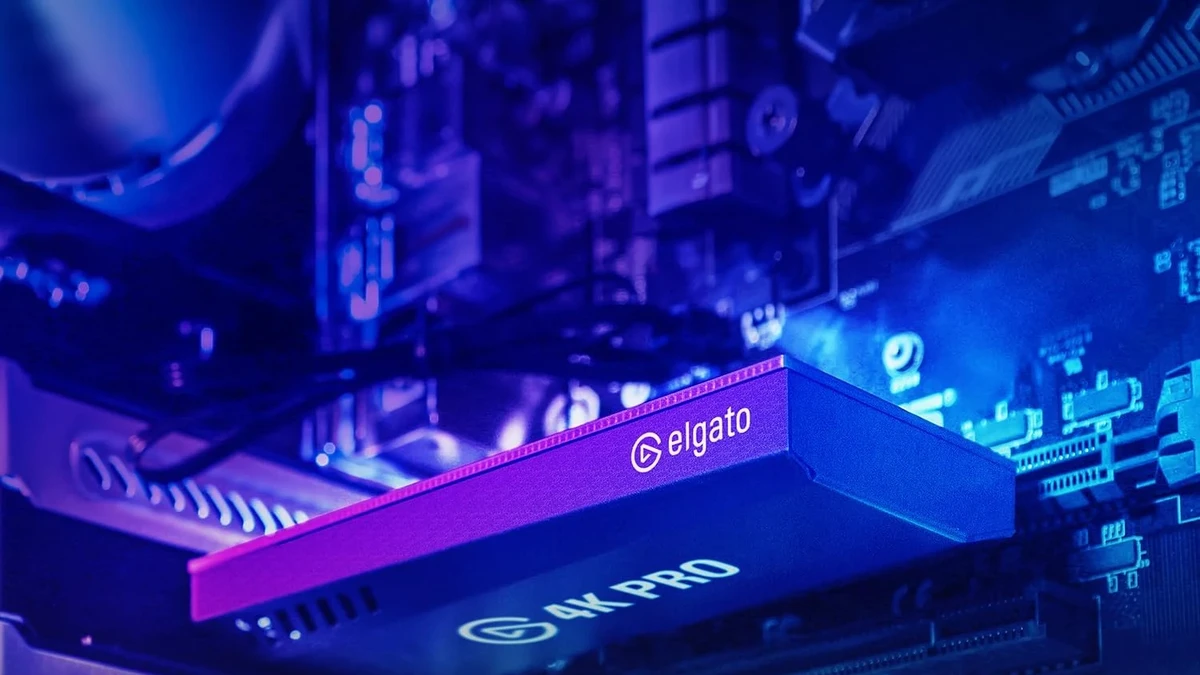
3. Best Premium HDMI 2.1 Desktop Pick: Elgato 4K Pro Internal PCIe Card ($279.99)
For creators pairing an Xbox Series X with a desktop streaming PC who want full HDMI 2.1 bandwidth and zero USB cables on their desk, the internal Elgato 4K Pro PCIe capture card is in a league of its own. Mounted directly into a motherboard PCIe x4 slot, it delivers bandwidth USB 3.0 boxes cannot match: 4K at 120Hz, 4K at 240Hz, and up to 8K60 passthrough with HDR10 and VRR.
Its killer feature for GTA 6 is Multi-App support. On a standard external USB capture card, only one program can access the video feed at a time. With the Elgato 4K Pro PCIe, you can open the Xbox video feed simultaneously inside OBS Studio (for your 1080p60 Twitch stream with overlays), inside TikTok Live Studio (for your 9:16 vertical broadcast), AND inside 4K Capture Utility to record a clean, overlay-free 4K60 HDR10 master file of GTA 6 for YouTube!
- Full HDMI 2.1 for Xbox Series X: passes through 4K 120Hz HDR10 + VRR to your OLED TV or HDMI 2.1 monitor.
- Exclusive Multi-App workflow: feed your Xbox signal simultaneously to OBS (Twitch), TikTok Live Studio, and a clean 4K HDR recorder.
- Near-zero PCIe latency: tucks neatly inside your PC tower with zero desk clutter.
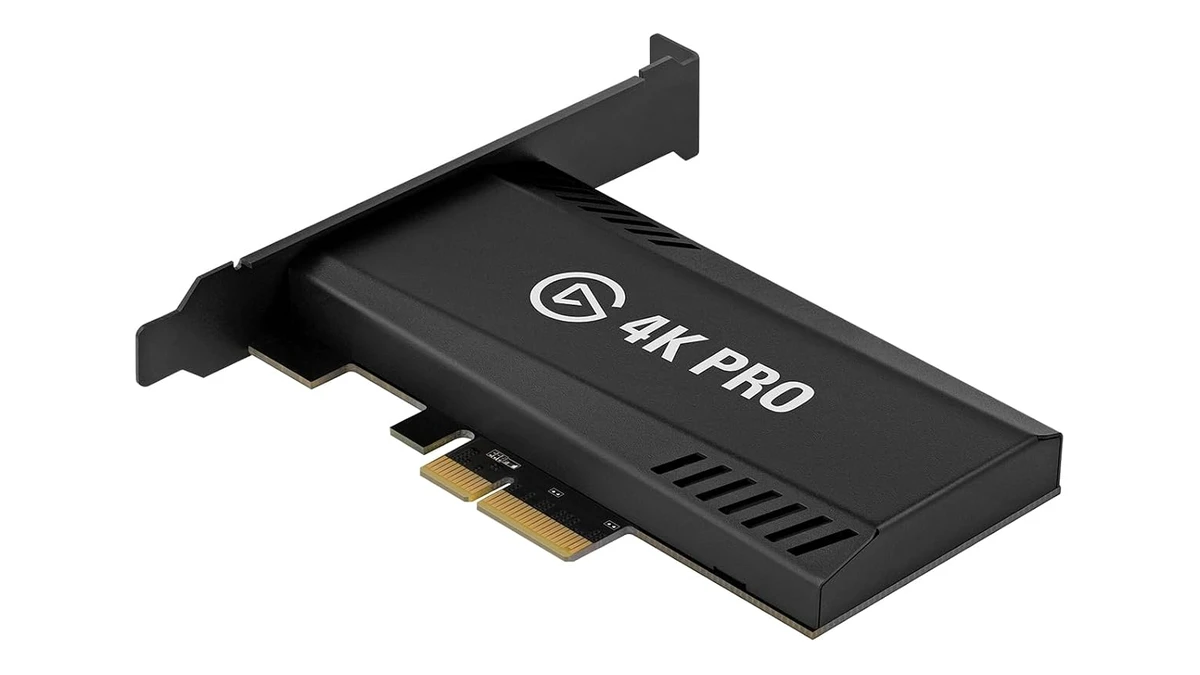
Elgato 4K Pro - Internal PCIe HDMI 2.1 Capture Card (4K240 / 8K60 HDR10 VRR)
- Internal PCIe HDMI 2.1 card (4K120 / 4K240 / 8K60)
- 4K60 HDR10 capture with full VRR passthrough
- Multi-App mode for simultaneous OBS, TikTok, and raw 4K recording
How to Configure OBS Studio to Multistream Xbox Series X|S to Twitch and TikTok Live
Once your capture card connects your Xbox Series X|S to your PC, use this two-step setup in OBS Studio to broadcast Vice City to both Twitch (16:9) and TikTok Live (9:16) simultaneously:
- Add the Xbox Capture Source in OBS: create a Video Capture Device source, select your hardware (UGREEN, AVerMedia ULTRA S, or Elgato 4K Pro), lock resolution to 1920x1080 at 60 FPS (or 1440p/4K), and set Audio Monitoring to Monitor and Output inside Advanced Audio Properties so you hear both game audio and HDMI Party Chat in your PC headphones.
- Build Your 9:16 Vertical Canvas for TikTok Live: using the free Aitum Vertical plugin in OBS (or opening the card directly inside TikTok Live Studio in parallel if you use the Multi-App Elgato 4K Pro), create a `1080x1920` vertical scene. Place the 16:9 GTA 6 feed in the upper half and your facecam below so mobile viewers on TikTok get a crystal-clear layout while your main widescreen stream runs at 60fps on Twitch.
My Perspective
On Xbox Series X and Series S, choosing the right capture card comes down to two questions: what resolution is your display, and are you streaming from a laptop or a desktop tower? At $36.99, the UGREEN 4K60 Passthrough box is unbeatable for launching your first Twitch and TikTok streams on a budget while keeping zero-lag TV play. If you play on a 1440p monitor (on either Series S or Series X) or stream from a gaming laptop, the AVerMedia Live Gamer ULTRA S (GC553Pro) at $159.99 is the clear value king thanks to native 1440p120 VRR passthrough and RGB24 color accuracy. Finally, if you run a desktop PC tower and an Xbox Series X at 4K 120Hz, the internal Elgato 4K Pro PCIe is worth every dollar for its Multi-App mode that feeds OBS, TikTok Live Studio, and a clean 4K recorder all at once.

Based on the outskirts of New York City, Chaya 'Chayane' spent five years studying software engineering in Montreal before returning to her home state. A Full-Stack developer and Deep Learning AI architecture researcher, she explores neural networks and algorithmic optimization while engineering data pipelines for Retrocharting and Gamescharting alongside Grimtag. A gamer for over 20 years and an avid collector of Nintendo history and The Legend of Zelda, she explored World of Warcraft's Azeroth before bringing her deep technical background to video game analysis.