How Do Weapons Work in GTA 6? Buying, Trunk Storage, Lockers, and Customization Guide
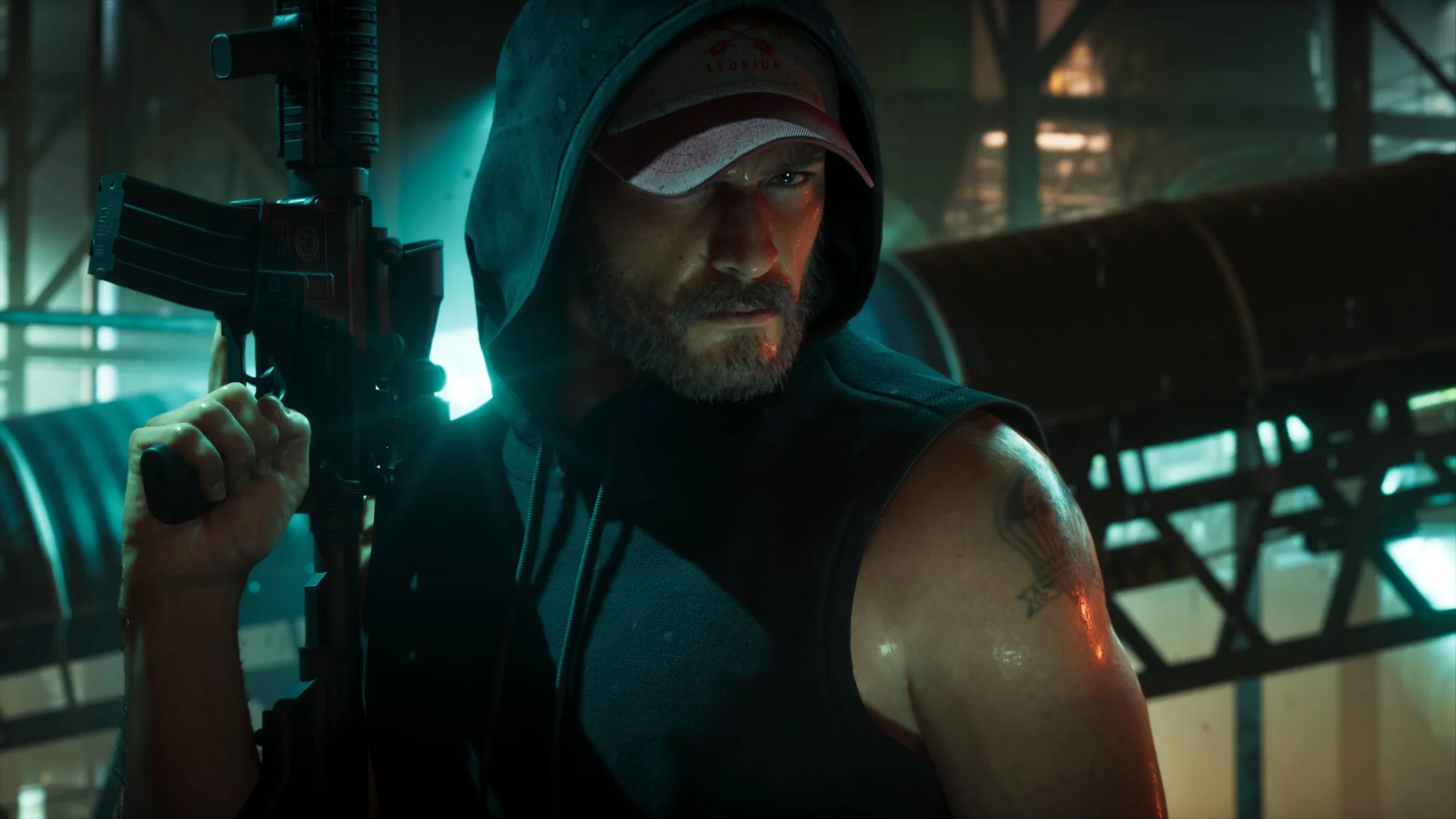
In Grand Theft Auto VI, Rockstar Games permanently retires the bottomless pocket dimension of GTA V, where characters could pull an RPG, a minigun, and eight assault rifles out of thin air. Drawing heavy inspiration from the grounded, tactical inventory system of Red Dead Redemption 2, combat across the state of Leonida requires Jason Duval and Lucia Caminos to carefully manage physical carry limits, weapon wheel ownership icons, personal vehicle trunk storage, and Ammu-Nation customization.
The "2 + 2" Carry Limit and Open-Carry Reactions in Leonida
Walking around Vice City, Port Gellhorn, or the Grassrivers wetlands no longer means carrying an entire military armory on your back. When operating on foot, your active loadout is governed by a strict physical "2 + 2" carrying rule:
- Two Concealed Handguns: You can carry up to two sidearms (such as pistols, revolvers, or compact machine pistols) tucked into your holsters, alongside melee weapons and throwables like grenades or Molotov cocktails.
- Two Visible Long Guns: Your character can physically sling or hold a maximum of two long guns at once, including assault rifles, shotguns, sniper rifles, or heavy ordnance.
- Dynamic Civilian and Police Reactions: Strolling through crowded civilian neighborhoods with an assault rifle or shotgun openly slung across your chest will immediately draw panicked reactions from bystanders and alert local law enforcement, whose dispatch calls you can monitor in real time thanks to Cal Hampton's police radio scanner app in GTA 6. Keeping your heavy firearms stashed in your car trunk and holstering your sidearms is essential whenever you want to blend in.
All 3 GTA 6 Weapon Types and Wheel Icons Explained
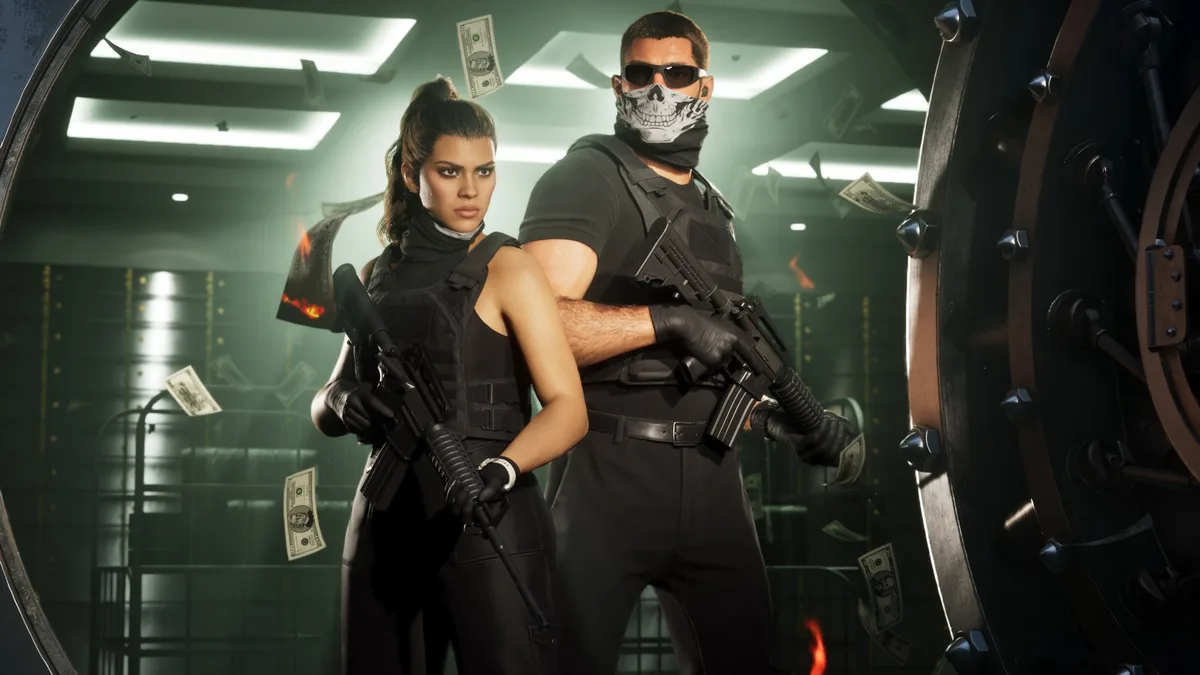
Every firearm displayed in your Grand Theft Auto VI weapon wheel is marked by a colored handgun icon. This visual classification tells you at a glance whether a gun is permanently yours, whether both protagonists can use it, and how it can be modified or recovered:
| Weapon Category | Weapon Wheel Icon | Shared Between Jason & Lucia | Customization | How to Recover If Dropped |
|---|---|---|---|---|
| Owned Weapons | Light Blue Handgun | Yes (loadout equip & attachments remain character-specific) | Full modding at Ammu-Nation | Personal vehicle trunk (light blue car icon) or Weapon Locker |
| Unowned Weapons | White Handgun | No (temporary scavenged gear) | Cannot be modified | Lost when discarded (can be stashed temporarily in an owned car trunk) |
| Unique Weapons | Yellow / Gold Handgun | Yes (unlocked for both via Weapon Lockers) | Fixed bespoke build (non-modifiable) | Permanently stored in any Weapon Locker |
1. Owned Weapons (Light Blue Handgun Icon)
Owned weapons are firearms you have legally purchased from an Ammu-Nation store. As soon as you buy a gun at the counter, both Jason and Lucia unlock access to it. However, when you equip that weapon and which modifications you attach to it remain completely unique to each character, allowing Jason to run a suppressed marksman setup while Lucia outfits the same firearm for close-quarters breaches.
If you drop or lose an owned weapon in the heat of a shootout, it is never gone for good. You can reclaim it anytime from the trunk of your owned car (marked on your radar by a light blue car icon) or from a Weapon Locker, which can be accessed inside any Ammu-Nation store in Leonida or at your safehouses.
2. Unowned Weapons (White Handgun Icon)
Indicated by a white handgun icon, unowned weapons are temporary firearms picked up from fallen enemies or discovered hidden in corners around the map. While you can use them on the fly during firefights and even place them in the trunk of your owned car as a short-term stash, they cannot be permanently claimed or customized at an Ammu-Nation workbench. Once their ammunition runs dry, you will typically discard them.
3. Unique Weapons (Yellow / Gold Handgun Icon)
Exploring Leonida's backwaters and urban hideouts rewards attentive players with bespoke, one-of-a-kind firearms marked by a yellow/gold handgun icon. This tier also includes special edition variants granted via pre-order bonuses or the Ultimate Edition (such as Jason's engraved Girardi ES9 pistol or the Hawk & Little Morgan revolvers). Although unique weapons cannot be modified with aftermarket parts, picking one up unlocks it permanently for both Jason and Lucia, and you can use any Weapon Locker to toggle between standard and alternate variants of your weapons.
How to Buy Weapons at Ammu-Nation: Loyalty Perks and Trunk Delivery
To turn firearms into permanent Owned Weapons and expand your tactical options, you will spend plenty of time visiting Ammu-Nation locations across Leonida. Rockstar has revamped how gun shops operate with three key mechanics:
- The Ammu-Nation Loyalty Scheme: Ammu-Nation rewards repeat customers. The more money you spend and the more firearms you purchase at their counters, the more weapons, upgrades, and attachments the store unlocks for you to buy.
- Small Shops vs. Ammu-Nation Superstores: Not every store carries the same inventory. The physical size and location of the Ammu-Nation you visit dictate its stock, meaning massive urban superstores feature a far larger repository of heavy weapons and deeper customization catalogs than smaller rural outlets.
- Automatic Trunk Delivery for Bulk Gear: Alongside firearms, Ammu-Nation sells ammunition, body armor, and packs of explosives. Whenever you purchase these supplies, they are automatically transported straight to the trunk of your owned car, turning your vehicle into a rolling resupply station.
Weapon Customization and Dynamic On-the-Go Attachments
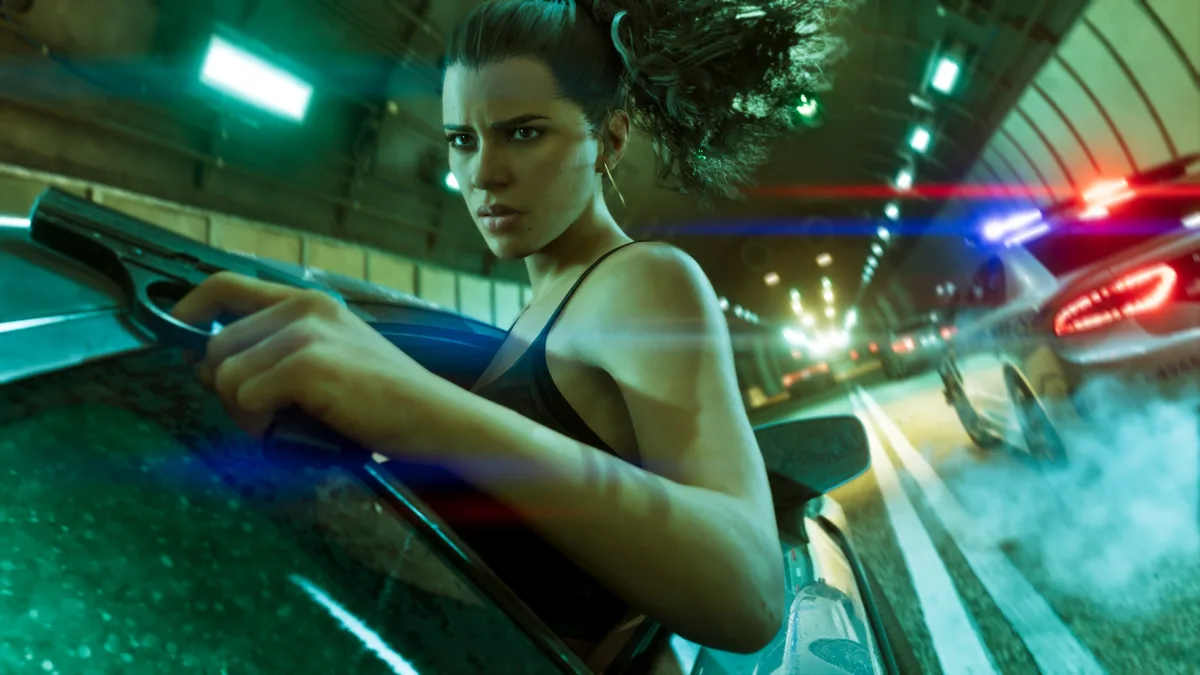
Modifying an Owned Weapon requires visiting an Ammu-Nation counter. Paired with building up Jason and Lucia's Focus and Strength stats to reduce weapon recoil, workbench customization lets you tailor five core attachment slots:
- Grips: Foregrips and ergonomic handles that improve stability during sustained fire.
- Magazines: Extended, quick-draw, or high-capacity magazines for prolonged firefights.
- Optics: Red dot sights, holographic optics, and long-range scopes.
- Muzzle Attachments: Suppressors, compensators, and muzzle brakes.
- Tactical Attachments: Barrel-mounted flashlights and tactical modules.
Crucially, Grand Theft Auto VI introduces dynamic attachments that can be adjusted on the go. While permanent structural modifications (like optics, magazines, or grips) must be installed or removed at an Ammu-Nation store, tactical accessories such as suppressors and flashlights can be attached or detached in real time while you are out exploring the open world. If a stealthy night infiltration suddenly goes loud, you can unscrew your suppressor on the spot without visiting a gunsmith.

My Take
Ditching the arcade pocket-armory of GTA V in favor of the "2 + 2" carry limit and a trunk-based loadout system is one of the smartest design leaps Rockstar has made for Grand Theft Auto VI. Every heist and street shootout in Leonida now starts at the back of your car: popping the trunk to pick the right two long guns, checking your body armor reserves, and knowing that dropped Unowned weapons won't stick around forever gives combat genuine stakes. Better yet, letting us twist a suppressor or toggle a tactical flashlight on and off dynamically in the field keeps the realism of Red Dead Redemption 2 without ever slowing down the action.

Grand Theft Auto 6 (GTA 6)
Explore official trailers, technical specs and all latest coverage for Grand Theft Auto 6 (GTA 6).

SEO consultant for over 20 years and digital entrepreneur, Charles "Grimtag" is the founder of Pro-Gamer.gg, Retrocharting.com, and Gamescharting.com. A competitive gamer, streamer, and retro game collector, he has worked in the video game industry for over 15 years, notably as a consultant for leading game price comparison platforms. Passionate about real-time performance data and gaming technology, he analyzes competitive esports, gaming hardware benchmarks, and creator workflows on Pro-Gamer.gg with an authentic player perspective.