80/20, 90/10, or 95/5: Inside the Hidden GPU App Prioritization Controls in NVIDIA App 11.0.9.585 (and Why Your PC Might Not Have Them Yet)
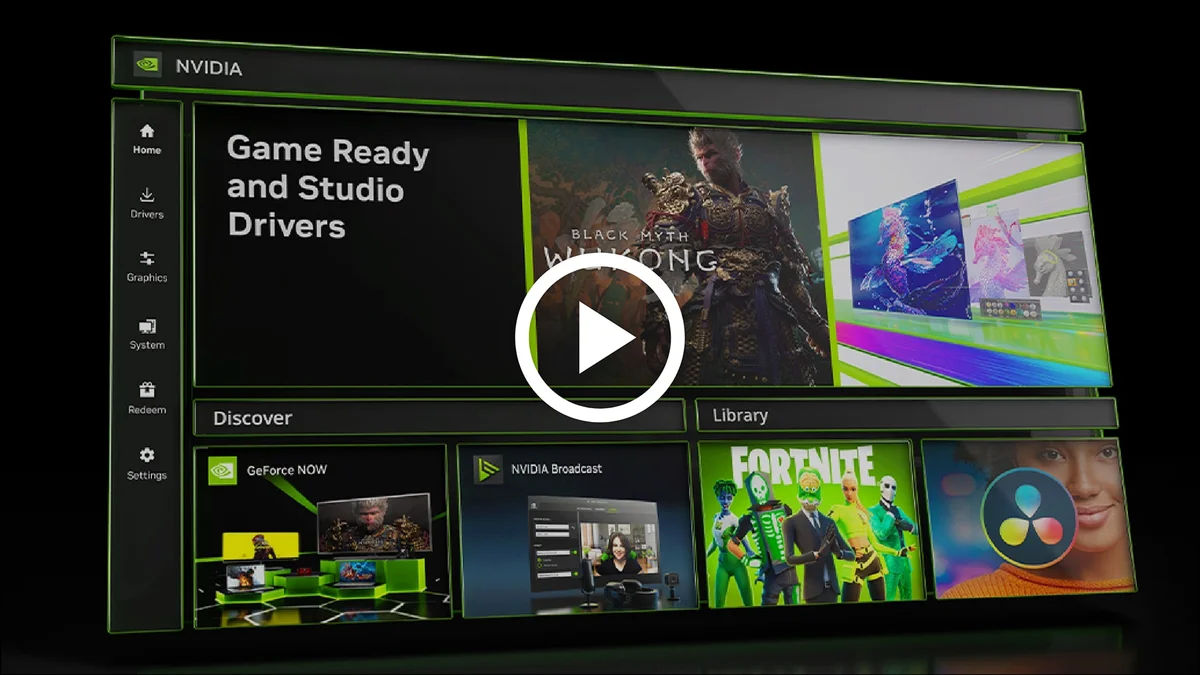
Rolled out without a single mention in the public changelog, NVIDIA App version 11.0.9.585 hides a notable new resource manager under its advanced settings: GPU App Prioritization. Designed to govern how your graphics card splits compute queues between an active foreground game and heavy background processes using 80/20, 90/10, or up to 95/5 ratios, the feature is currently appearing on only a select fraction of GeForce RTX systems.
An 80/20, 90/10, and 95/5 Compute Splitter Tucked Inside System → Advanced
If you grab the latest 11.0.9.585 installer from the official NVIDIA App download page, the documented release notes only highlight expanded DLSS Override profiles, game optimization presets, and routine stability patches. Yet users digging into the System → Advanced tab on Reddit, first highlighted by community member Warkratos, uncovered a brand-new section labeled GPU App Prioritization.
Rather than acting as a crude frame limiter, this control interfaces with the GPU hardware scheduler to arbitrate resource contention when multiple applications compete for shaders, Tensor Cores, and VRAM bandwidth at the same time. The menu exposes three distinct allocation tiers:
- Default Setting (80/20 Split): Assigns an 80% scheduling priority share to the active foreground application (such as your primary fullscreen or borderless game) while reserving 20% for background workloads.
- Prioritize Foreground (90/10 Split): Tightens background execution down to 10%, funneling 90% of priority scheduling straight to the active 3D application.
- Custom Mode (Up to 95/5 Split): Lets power users push the ratio as far as 95% foreground priority and just 5% background allocation.
To populate and function properly, the control requires Hardware-Accelerated GPU Scheduling (HAGS) to be switched on inside Windows 11 Graphics Settings, hooking directly into the hardware queue management of the Microsoft WDDM driver model.
4K Gaming, OBS Encoding, and Local AI: Why Background Contention Hurts 1% Lows
Adding user-facing queue prioritization addresses a growing bottleneck on modern enthusiast PCs in 2026. While contemporary game engines already push matrix cores hard with neural rendering features like the DLSS 5 rollout on GeForce RTX 50 GPUs, multitasking habits have grown far heavier alongside the expansion of Windows AI background workloads.
Whether you are running dual-track AV1 recording in OBS Studio, keeping hardware-accelerated browser tabs open on a secondary monitor, filtering audio through NVIDIA Broadcast, or querying a local AI model in the background, those secondary processes periodically interrupt GPU execution queues. Even if average frame rates barely budge, background compute spikes frequently degrade 1% Low frame rates and cause erratic frametime pacing. Clamping background priority down to 10% or 5% ensures secondary tasks yield immediately whenever the primary game engine submits a frame.
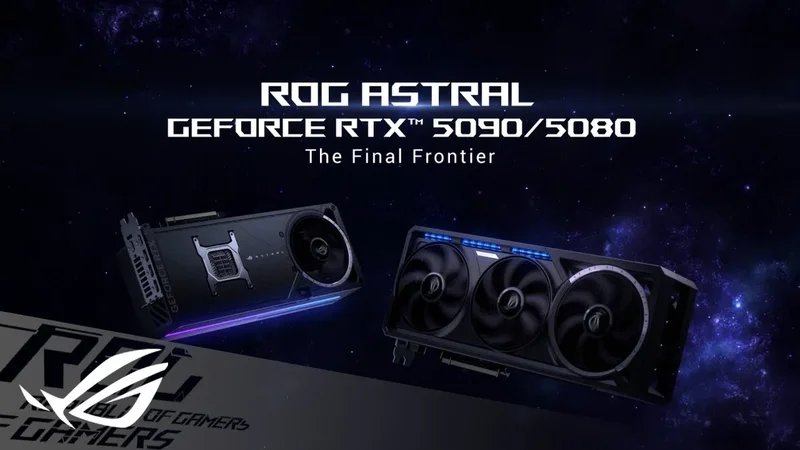
NVIDIA GeForce RTX 5070 Ti (16GB GDDR7)
- NVIDIA Blackwell Architecture (GB203)
- 16GB GDDR7 (256-bit)
- DLSS 5 & Multi Frame Generation
- PCIe 5.0 & DisplayPort 2.1b
Why the Setting Is Missing on Many GeForce RTX 5070 Ti and RTX 4090 Systems
The biggest question surrounding version 11.0.9.585 is why most users still cannot see the toggle even after updating both the app and their Game Ready drivers. Initial community reports suggested the feature required NVIDIA's R620 driver branch, specifically WHQL Game Ready Driver 621.01 or hotfix driver 621.12.
However, side-by-side hardware checks show that having the newest software stack is not enough to guarantee access:
- Confirmed on GeForce RTX 5090: Multiple owners of flagship Blackwell GB202 cards report the GPU App Prioritization controls appearing immediately under System → Advanced after updating.
- Absent on RTX 5070 Ti and RTX 4090: Conversely, test systems running a GeForce RTX 5070 Ti on hotfix driver 621.12 and Windows 11, as well as GeForce RTX 4090 rigs running WHQL driver 621.01 with NVIDIA App 11.0.9.585, show no trace of the menu.
Two factors likely explain this selective availability. First, NVIDIA routinely uses server-side feature flags and staged A/B rollouts inside the NVIDIA App to validate telemetry before announcing a tool in public release notes. Second, fine-grained hardware queue partitioning may initially target specific high-core-count Blackwell silicon or unified-memory compute profiles before filtering down to the broader GeForce lineup.
My Take on This Hidden Control
Anyone running a dual-monitor setup knows how frustrating background GPU contention can be: your overlay reads 140 FPS on average, yet the moment OBS saves a replay buffer, a 1440p60 stream buffers on a second display, or a local utility pings the Tensor Cores, your frametime graph spikes and mouse input feels uneven. Until now, Windows 11 HAGS handled queue arbitration behind a black box, often forcing competitive players to manually strip hardware acceleration out of Discord and web browsers just to protect their 1% Lows. Giving us a direct 90/10 or 95/5 hardware priority slider inside the driver suite is a genuinely practical addition for multitaskers. Now NVIDIA just needs to flip the switch across the rest of the RTX 50 and RTX 40 series rather than keeping it locked behind a silent staged rollout. We have not yet had a physical unit on our desk—if the manufacturer's team would like to send over a review sample so we can put it through our full real-world testing protocol, our lab doors are wide open.

PC hardware enthusiast and competitive gamer, Arthur 'Heimdall' splits his time between France and the UK working in enterprise B2B software solutions. A business school graduate passionate about component benchmarking, he has been building, modding, and tuning PCs since childhood, optimizing every thermal degree and millisecond of display latency. An avid gamer across Assassin's Creed and sandbox titles, he forged his alliance with Grimtag and Chaya during late-night World of Warcraft raids before joining Pro-Gamer.