24 Standardized eShop Tags: How Nintendo Joining the Accessible Games Initiative Reshapes Switch and Switch 2 Listings
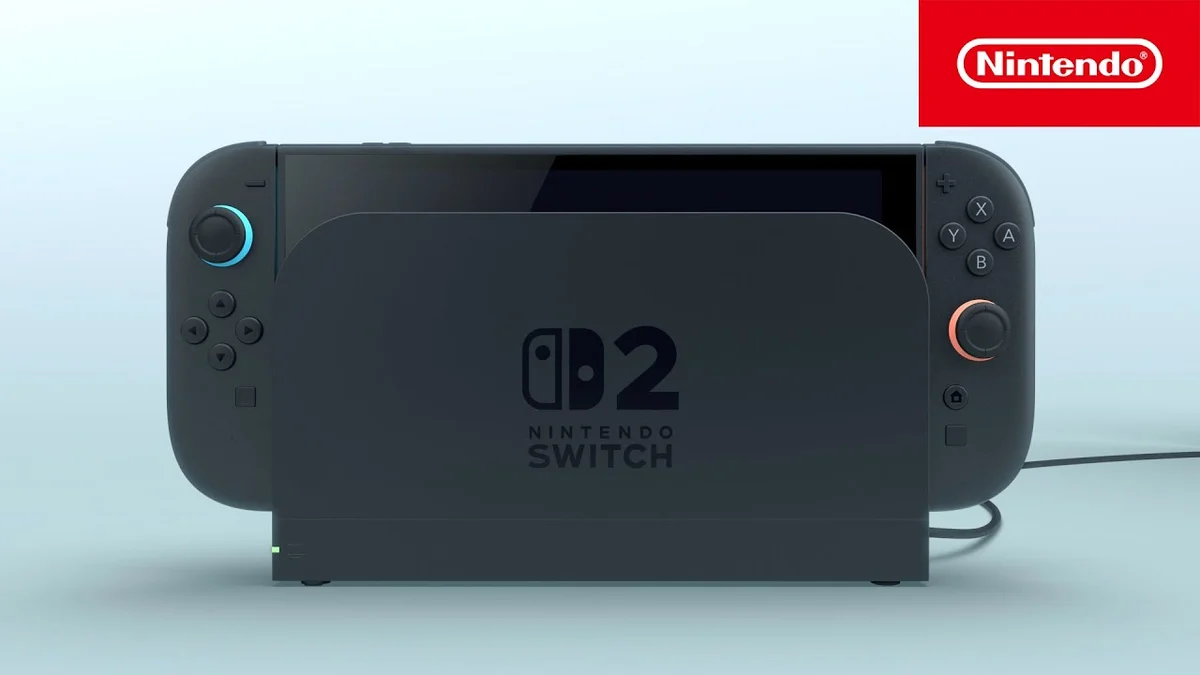
Buying a digital game without knowing whether its text will be legible in handheld mode or whether its combat relies on mandatory motion controls has long been a frustrating guessing game. By officially joining the Accessible Games Initiative, Nintendo of America is adopting an industry-wide framework that brings 24 standardized accessibility tags directly to digital storefronts across the Nintendo Switch and Nintendo Switch 2 ecosystem.
An ESA-Backed Coalition Standardizing Nintendo eShop Storefronts
Spearheaded by the Entertainment Software Association (ESA), the Accessible Games Initiative unites major publishers and platform holders including Microsoft (Xbox), Electronic Arts, Google, Ubisoft, Riot Games, Square Enix, and Amazon Games. Nintendo's entry into the coalition bridges a critical gap across console marketplaces: rather than relying on fragmented store descriptions, major storefronts now share the exact same 24-tag taxonomy and strict technical definitions.
Until now, product pages on the US Nintendo eShop and Nintendo.com primarily listed supported play modes (TV, Tabletop, and Handheld), file sizes, and supported languages, leaving players to hunt through forums or social media after launch to find out if a game offered basic input or visual accommodations.
Check Availability of Nintendo Switch 2 on Amazon→
Subtitles, Input Remapping, and Save Anytime: Inside the 24 New eShop Tags
The standardized labels rolling out across Nintendo eShop and Nintendo.com game pages are grouped into five core categories, each governed by clear criteria so developers cannot apply a tag unless the feature is fully implemented:
- Visual and Reading Clarity: Clear Text (legible sans-serif typography at adequate size), Large & Clear Subtitles, Narrated Menus (screen-reader support for UI menus), Color Alternatives, and Camera Comfort (options to reduce screen shake, motion blur, and field-of-view distortion).
- Controls and Input Flexibility: Button Remapping, Stick Inversion, Stick Sensitivity, Playable Without Button Holds (toggle options replacing sustained holds), Playable Without Rapid Button Presses (bypassing button-mashing QTEs), Playable Without Motion Controls, Playable Without Touch Controls, and Single Stick Gameplay.
- Audio and Captioning: Full Captions (visual indicators for key sound effects and directional audio cues), Multiple Volume Controls (independent sliders for dialogue, music, and sound effects), Stereo Sound, and Surround Sound.
- Gameplay Pacing and Progression: Adjustable Difficulty, Save Anytime (manual saving without waiting for checkpoints), Pause Anytime (including during cutscenes), and No Timed Inputs.
Why Native Button Remapping Matters on Switch and Switch 2
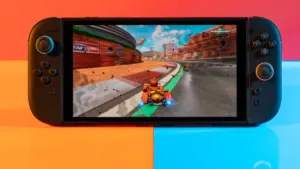
On Nintendo's hybrid hardware, the difference between system-level button swapping and native in-game remapping has always been a major usability hurdle. While the console's operating system lets players swap button assignments globally, on-screen button prompts inside games do not update to match those system-level changes, creating confusion during fast-paced combat or quick-time prompts.
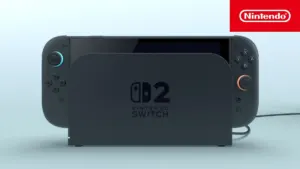
By surfacing the Button Remapping tag directly on the eShop product page, buyers can immediately tell whether a developer built proper in-game control customization with matching UI prompts. That software transparency pairs naturally with Nintendo's hardware updates on the $449.99 Nintendo Switch 2, including the programmable GL and GR back grip buttons featured on the revised $89.99 Nintendo Switch 2 Pro Controller with a removable battery.
Check Availability of Switch 2 Pro Controller on Amazon→
My Perspective
I have lost count of how many RPGs on Switch forced me to squint at microscopic handheld text or wrestle with rigid control schemes because the studio treated basic remapping as an afterthought. For years, Nintendo's storefront kept those omissions hidden until after you had already spent $60 or $70 and booted up the game. Putting these 24 standardized tags right on the Nintendo eShop checkout page changes the incentives overnight: when a major release shows up without tags for Large & Clear Subtitles, Save Anytime, or Button Remapping, that absence is immediately obvious to every buyer. Public storefront transparency is the fastest way to push studios into building proper accessibility options from day one instead of promising them in a post-launch patch.

Based on the outskirts of New York City, Chaya 'Chayane' spent five years studying software engineering in Montreal before returning to her home state. A Full-Stack developer and Deep Learning AI architecture researcher, she explores neural networks and algorithmic optimization while engineering data pipelines for Retrocharting and Gamescharting alongside Grimtag. A gamer for over 20 years and an avid collector of Nintendo history and The Legend of Zelda, she explored World of Warcraft's Azeroth before bringing her deep technical background to video game analysis.