Minecraft on Nintendo Switch 2 vs. PS5: Why Vibrant Visuals Caps Around 40 FPS While Fancy Mode Unlocks Up to 120 FPS
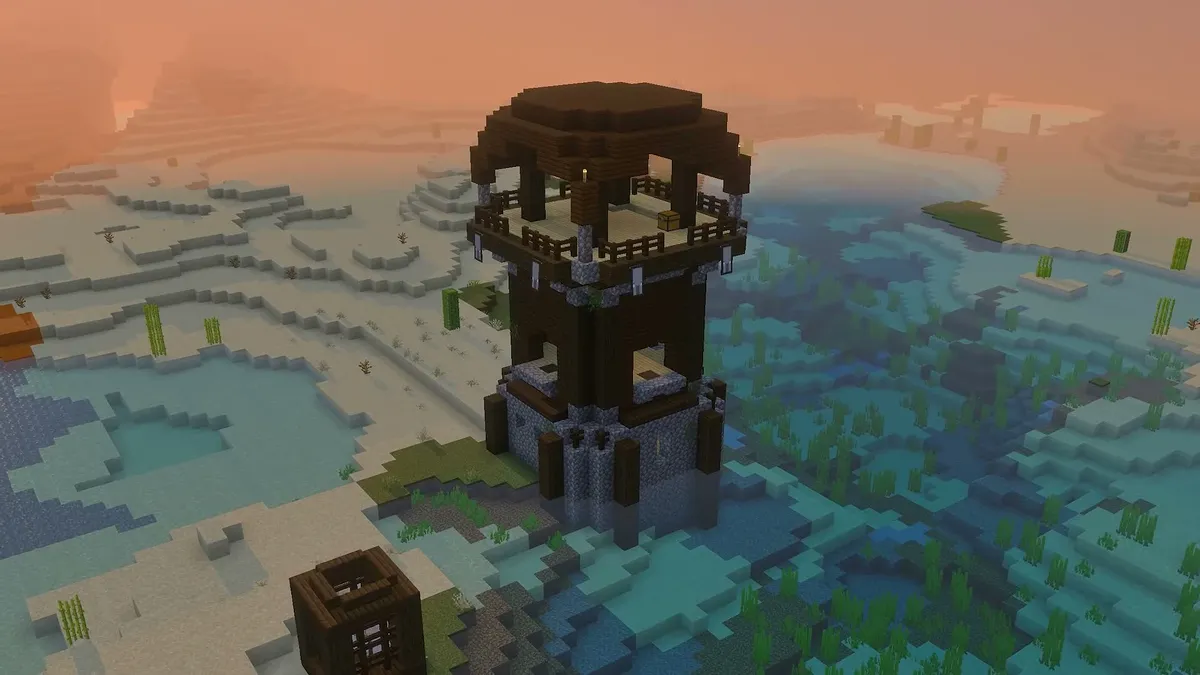
Three days after the launch of the native Minecraft: Nintendo Switch 2 Edition alongside patch 26.60, technical frame-rate and resolution tests pitting Nintendo's hybrid console against the PlayStation 5 reveal a stark set of trade-offs. While leaving behind the backward-compatible 2018 Switch app dramatically transforms handheld play through the built-in Vibrant Visuals deferred lighting pipeline, the raw GPU gap against Sony's home console forces Switch 2 players to choose between three distinct rendering profiles. Here is the full performance breakdown along with Heimdall's custom video settings recommendations for the best quality-to-performance ratio.
Vibrant Visuals vs. Fancy: 40 FPS in Quality Mode, 60 FPS in Performance, and Up to 120 FPS Without Shaders
On paper, the official Nintendo eShop listing for Minecraft on Switch 2 targets dynamic 4K docked on TV and native 1080p in handheld mode. In practice, real-world fluidity depends entirely on how you configure Mojang Studios and SkyBox Labs' deferred lighting engine, which adds real-time directional shadows, volumetric fog, and dynamic water reflections:
- Quality Mode (Vibrant Visuals , Favor Visuals on Switch 2): Pushes shadow draw distance across tree canopies, sharpens water reflections, and thickens volumetric fog. In exchange, the hybrid chipset hovers between 30 and 40 FPS (averaging 40.0 FPS on open paths with 25 to 33.3 ms frame times) and introduces noticeable camera input latency.
- Performance Mode (Vibrant Visuals , Favor Performance on Switch 2): To restore a steady 60 FPS (capable of climbing between 60 and 80 FPS with the frame-rate cap unlocked), the engine drops internal rendering resolution to roughly 66% scale via temporal upscaling (TAAU) and pulls the fog wall closer. That aggressive scaling causes visible shimmering across distant foliage and flowing water blocks.
- Classic Mode (Fancy Graphics on Switch 2): Turning off Vibrant Visuals to use traditional Fancy rendering delivers a rock-solid 60 FPS (16.6 ms flat frame-time graph) and rockets to 90-120 FPS once uncapped on a 120 Hz display or the handheld VRR screen.
- PlayStation 5 Version: Backed by a full desktop-class thermal envelope, the PS5 renders a crisp native 4K image at a locked 60 FPS under Vibrant Visuals, completely avoiding the temporal reconstruction blur and foliage shimmering seen on Switch 2's Performance preset.
| Technical Metric | Switch 2 , Vibrant Visuals (Quality) | Switch 2 , Vibrant Visuals (Performance) | Switch 2 , Classic Mode (Fancy) | PlayStation 5 (Vibrant Visuals) |
|---|---|---|---|---|
| Target Resolution (Docked / Handheld) | Dynamic 4K (~80-100%) / 1080p | ~66% Internal Scale (TAAU) | Dynamic 4K / Native 1080p | Native 4K (2160p) |
| Real-World Frame Rate | 30 to 40 FPS (25 to 33.3 ms) | 60 FPS (60-80 FPS uncapped) | Locked 60 FPS (90-120 FPS uncapped) | Locked 60 FPS (16.6 ms) |
| Render Distance (Chunks) | 12 to 16 Chunks | 12 to 16 Chunks | 20 to 28 Chunks | 24 to 36 Chunks |
| Shadows, Reflections & Fog | High (long shadows, crisp water) | Reduced (foliage TAAU shimmer) | Classic Bedrock lighting | Maximum (zero TAAU shimmer) |
Chunk Render Distance, NVMe Streaming, and Exclusive Super Mario Mash-Up Content
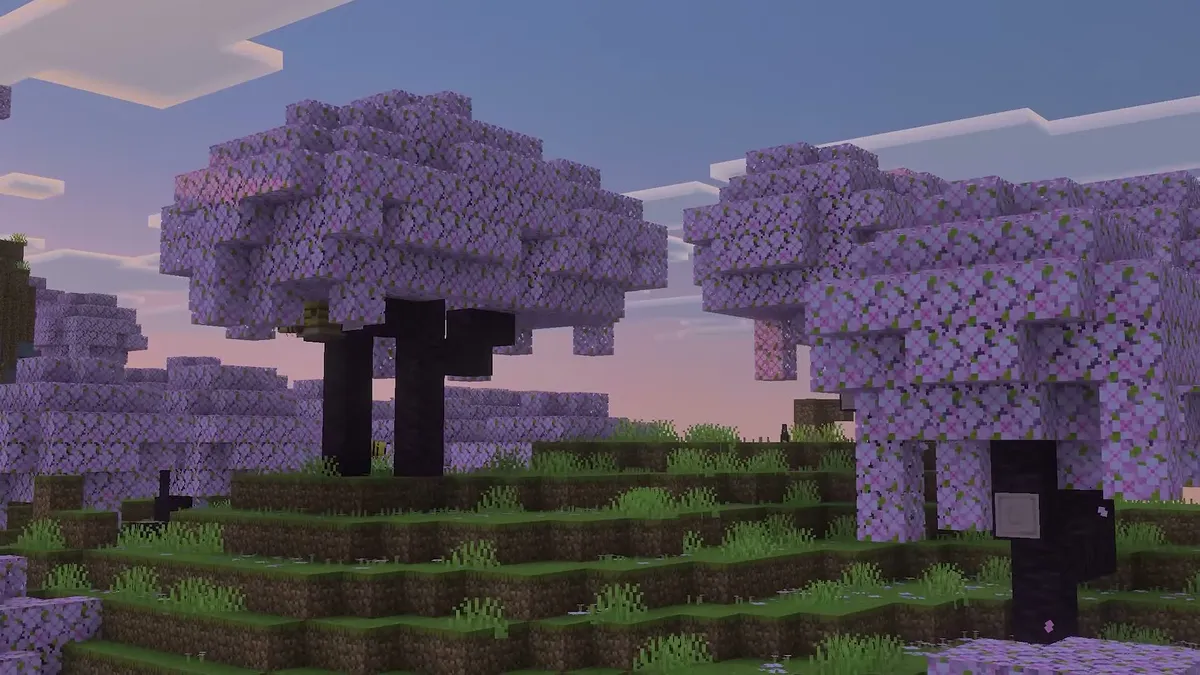
The second major battleground is horizon draw distance (Render Distance) and terrain streaming speed following the 600 bug fixes in Bedrock Update 26.60. With Vibrant Visuals enabled, the Nintendo Switch 2 caps its recommended range between 12 and 16 chunks to protect memory bandwidth. Switching back to classic Fancy graphics unlocks the slider up to 20 to 28 chunks without bogging down the CPU,a massive leap over the claustrophobic 12-chunk ceiling on the original 2018 Switch.
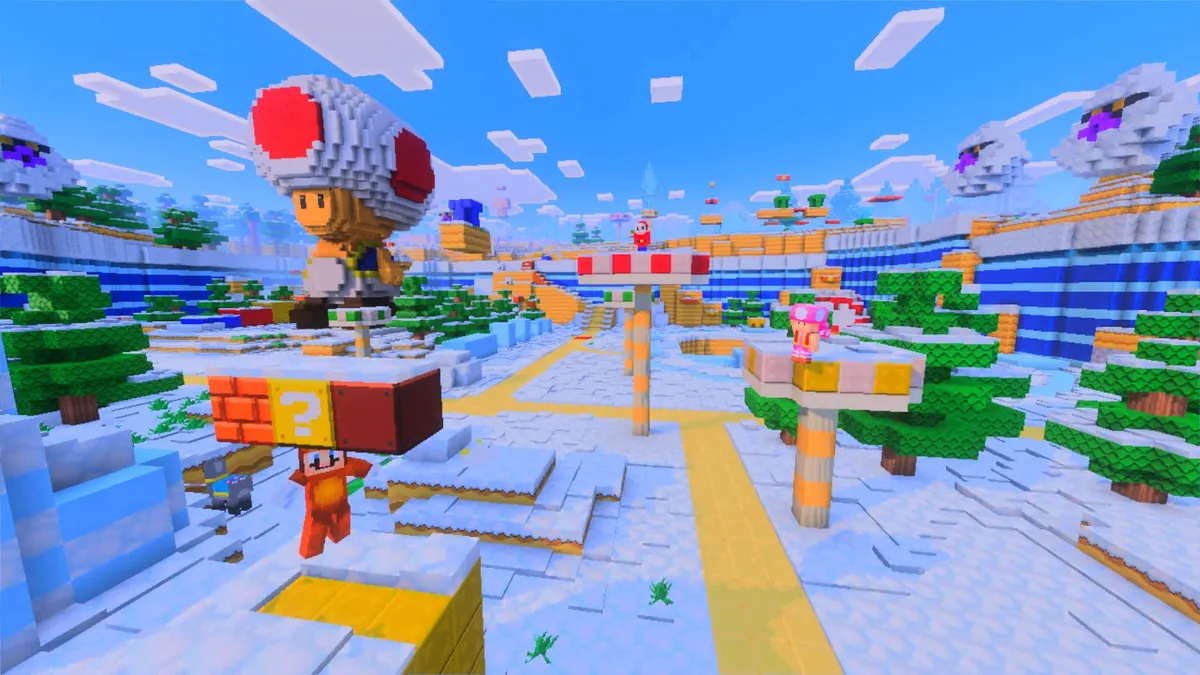
By comparison, the PS5 comfortably sustains 24 to 36 chunks with cleaner distant shadow cascades and near-instantaneous NVMe SSD chunk generation when flying at high speed with Elytra or jumping through Nether portals. Still, Nintendo's hybrid retains two major advantages: native 1080p VRR portability and the bundled Super Mario Mash-Up Pack, fully updated to support the new lighting pipeline (along with a free digital upgrade for existing Switch 1 owners).
Heimdall's Recommendation: How to Tune Minecraft on Switch 2 for the Best Quality-to-Performance Balance
According to our hardware specialist Arthur "Heimdall", Switch 2 players should avoid sticking to Mojang's two factory presets: Favor Visuals drags frame times down to 25-33.3 ms (30-40 FPS), while Favor Performance sacrifices too much clarity by dropping internal resolution to 66%. By opening Settings > Video > Vibrant Visuals Options (Custom), you can dial back the two specific effects that bottleneck the Switch 2's mobile GPU (Ultra directional shadows and dense volumetric fog) to maintain a crisp 60 FPS with shaders enabled:
| Video Setting (Switch 2 Menu) | Heimdall Profile 1: "Sweet Spot" Vibrant Visuals (Crisp 60 FPS with Shaders) | Heimdall Profile 2: 120 Hz Survival & Redstone (Max Horizon & Responsiveness) | Real-World Impact on Frame Time & Clarity |
|---|---|---|---|
| Graphics Mode | Vibrant Visuals (Custom) | Fancy Graphics | Custom mode lets you keep the new shader pipeline without suffering the heavy 66% scaling blur of the default Performance preset. |
| Resolution Scale (TAAU) | 75% (TAAU step above 66%) | 100% (Native) | Raising internal resolution from the 66% step up to 75% (or 100% handheld) eliminates nearly all TAAU foliage shimmering and block-edge softness. |
| Directional & Point Light Shadow Quality | Medium (Sun) / Low (Torches) | Off (Classic Shadows) | The single biggest GPU saver: dropping directional shadows from High to Medium recovers +12 to +15 FPS in dense forests. |
| Volumetric Fog | Low | Off | Preserves sunrise and sunset god rays while cutting the heavy ray-marching GPU cost in half. |
| Water Reflections | Medium | Classic | Keeps realistic sky and structure reflections across oceans and rivers without tanking frame times along coastlines. |
| Bloom & Clouds | On | On | Costs less than 0.5 ms per frame,keep it enabled so torches, lava, and Nether portals retain their warm glow. |
| Render Distance | 14 Chunks | 24 Chunks (instead of 28) | Setting 14 chunks under Vibrant Visuals (or 24 chunks in Fancy) prevents CPU traversal stutters when boating or gliding with Elytra. |
| Framerate Limit | Locked 60 FPS | 120 FPS / Unlimited (120 Hz VRR) | Locking to 60 FPS stabilizes frame pacing at 16.6 ms with shaders on, while Uncapped mode unlocks 90-120 FPS on the handheld VRR screen in Fancy mode. |
My Perspective on the Spec Sheet
Shipping Vibrant Visuals enabled by default on a preset that dips into the 30-40 FPS range (up to 33.3 ms frame times) in a first-person block-building game is a classic case of prioritizing promotional screenshots over controller feel. On a living-room 4K TV, the PS5 naturally holds a commanding lead thanks to the memory bandwidth required to push native 2160p and 36 chunks simultaneously. On Nintendo Switch 2, however, two minutes inside the custom Video Settings menu completely rescues the experience: step Shadow Quality down to Medium, set Volumetric Fog to Low, bump Resolution Scale up to 75-85%, and lock Render Distance at 14 chunks for a clean 60 FPS with shaders intact. And for long handheld survival sessions, Redstone builds, or Elytra exploration, switch straight to our second profile in Fancy mode at 24 chunks,playing Minecraft at 90 to 120 FPS on a 1080p VRR handheld screen easily beats any directional shadow effect.

Based on the outskirts of New York City, Chaya 'Chayane' spent five years studying software engineering in Montreal before returning to her home state. A Full-Stack developer and Deep Learning AI architecture researcher, she explores neural networks and algorithmic optimization while engineering data pipelines for Retrocharting and Gamescharting alongside Grimtag. A gamer for over 20 years and an avid collector of Nintendo history and The Legend of Zelda, she explored World of Warcraft's Azeroth before bringing her deep technical background to video game analysis.