Critical OBS Studio Vulnerability: A Single Twitch Chat Message Can Hijack Your Streaming PC
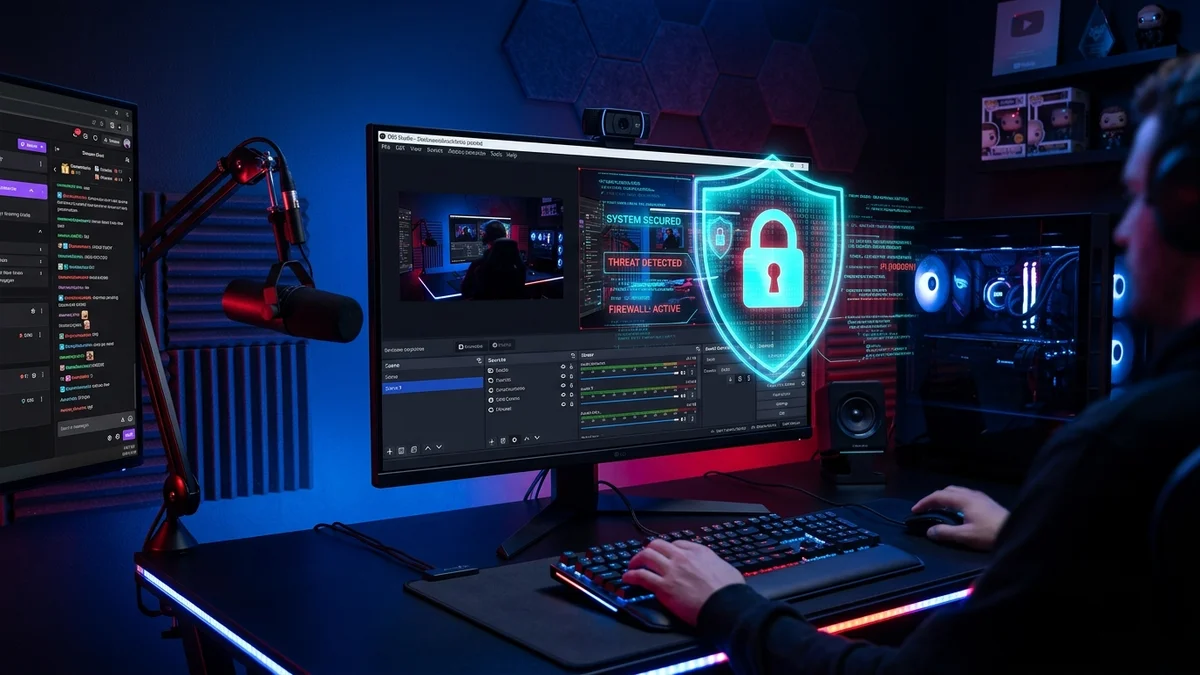
This is arguably every live creator's worst nightmare.
On September 22, 2026, the cybersecurity research team at Swiss firm SCRT (led by security researcher Dylan Iffrig-Bourfa) published a striking technical disclosure titled "How One Twitch Chat Message Became Code Execution on a Streamer's PC", demonstrating how a simple chat string could grant full remote control over a broadcaster's computer.
How a Text String Can Gain Full System Control
The exploit takes advantage of a lethal chain across three streaming setup components.
First, custom chat overlays (Streamlabs, Streamelements, or proprietary browser sources) that inject raw viewer messages into HTML without proper sanitization, creating an immediate cross-site scripting (XSS) condition.
Second, the OBS Studio Browser Source engine: the software embeds the Chromium Embedded Framework (CEF), but historically ran with the native security sandbox turned off by default.
Third, an outdated embedded Chromium build (version 127.0.6533.120) that remained vulnerable to CVE-2024-7971, a high-severity type-confusion flaw in the V8 JavaScript engine.
By broadcasting a crafted payload into Twitch or Kick chat, an attacker triggers the V8 flaw, escapes the browser environment, and executes arbitrary native code directly on the streamer's Windows system.
How OBS Developers Are Fixing the Exploit
Following SCRT's responsible disclosure, the OBS Studio engineering team initiated emergency mitigations across the codebase.
The immediate remediation upgrades the embedded CEF component to the 128+ branch, integrating Google's official security patches and permanently neutralizing CVE-2024-7971 exploitation.
For the forthcoming OBS Studio 33 release, developers are enforcing the Chromium sandbox by default and overhauling plugin architecture, strictly isolating third-party scripts from core streaming processes to prevent system contamination.
This incident underlines the critical need for hardened streaming setups, especially on rigs running high-end capture cards and multi-source inputs.
Essential Precautions Before Your Next Broadcast
Broadcasters should immediately take two protective steps before going live.
First, update OBS Studio immediately to the latest available release through the built-in updater to ensure the patched web framework is active.
Second, review your browser sources: avoid overlays that render raw HTML, and configure chat bots to sanitize special characters from on-screen displays.
With multi-platform broadcasting expanding across Twitch, Kick, and YouTube, securing your live production environment is no longer optional.
Grimtag's Take: Protect Your Setup and Keep a Demanding Job Manageable
As a former streamer currently on hiatus while balancing work demands and family life, I know firsthand how much relentless energy broadcasting requires every single day. I definitely plan to get back behind the mic when time permits, because the passion never truly fades.
However, if there is one golden rule to remember, it is the vital need to audit and update your software stack continuously. Getting compromised by malware, losing your custom scene layouts, or having to wipe your PC clean after months of hard work is a massive, painful waste of time.
Stay sharp and double-check your widgets. Content creation is already challenging enough on its own; do not make it harder by leaving your production rig vulnerable. Best of luck to everyone grinding live, and may the follow gods smile upon your streams! 😉

SEO consultant for over 20 years and digital entrepreneur, Charles 'Grimtag' Ronchain is the founder of Pro-Gamer.gg, Retrocharting.com, and Gamescharting.com. A competitive gamer, streamer, and retro game collector, he has worked in the video game industry for over 15 years, notably as a consultant for leading game price comparison platforms. Passionate about real-time performance data and gaming technology, he analyzes competitive esports, gaming hardware benchmarks, and creator workflows on Pro-Gamer.gg with an authentic player perspective.